Why the X-Diag Pro 3 APK Does Not Work: Licence, Setup and Compatible Dongles
Why the X-Diag Pro 3 APK Does Not Work: Licence, Setup and Compatible Dongles
On this page
- What X-Diag Pro 3 is, and whether it is Launch software
- Why the APK does not work by itself
- What a cracked APK does to the dongle
- Which dongles it works with
- Which Android versions it runs on
- How a proper setup goes
- Error messages and what they mean
- What happens when the licence period ends
- X-Diag or a diagnostic tablet?
- Frequently asked questions
What X-Diag Pro 3 is, and whether it is Launch software
X-Diag Pro 3 is not a device but an Android diagnostic application. It is installed on a phone or tablet and talks to a small Bluetooth interface (VCI or dongle) plugged into the vehicle's OBD socket. Its interface closely resembles Launch's X431 software: brand menus, full-system scan, live data, service resets and coding screens follow the same logic.
The point to know: X-Diag Pro 3 does not appear in Launch Tech's own product range. It is a software and licence platform run by independent sellers, and it runs on Launch-made Bluetooth connectors (DBScar, Golo, Easydiag) and Thinkdiag-type dongles. Diagzone, Prodiag and X-PRO5 are competing platforms of the same kind. So "original X-Diag" means X-Diag's own licence server, not Launch. Launch's own tablets and software are a separate product.
Why the APK does not work by itself
In X-Diag the APK is only a shell. When you open the app it asks for a username and password; these belong to an account on the seller's server registered to your dongle's 12-digit serial number. Once logged in, brand software is downloaded from the app's Update section. Which brands you can download and how long you receive updates is set by that account.
That is why a "full APK" from the internet does one of two things. It asks for a login and stops there, or it opens only the generic EOBD menu: it reads engine fault codes but cannot reach ABS, airbag, transmission or service functions. Some shared files come with someone else's account; when that account is closed or the serial number does not match, the app stops working.
What a cracked APK does to the dongle
The real risk is to the dongle, not the phone. X-Diag, Diagzone and similar platforms each run the dongle on their own boot file, and moving to another platform means reflashing it. User forums report consistent outcomes:
- The original software is lost. A Launch dongle flashed for Diagzone may never work with its original X431 software again.
- The dongle can be bricked. If a J-Link flash is interrupted the bootloader is corrupted and the dongle no longer starts.
- Serial numbers get mixed up. The serial the dongle reports differs from the one registered in the software, and no account recognises it.
- Malware reaches the phone. Bitdefender found tens of thousands of "cracked" Android apps carrying adware that hides its icon and shows full-screen ads. An APK of unknown origin is exactly that risk.
Launch's position is clear too: tools used with pirated software lose eligibility for updates, support and service.
Which dongles it works with
| Family | Example models | Note |
|---|---|---|
| Launch Golo | Golo, GoloCarCare 1–3 | The most common group |
| Launch Easydiag | Easydiag 1.0, 2.0, 3.0 | Older phone-based series |
| Launch DBScar | DBScar I–VII | Bluetooth connectors of X431 tablets |
| Thinkcar / Thinkdiag | Thinkdiag, Thinkdiag Mini, Thinkcar BD6 | Needs re-preparation if flashed for another platform before |
| Others | Mucar BT200, Diagun, iDiag | Confirm your model before ordering |
Which Android versions it runs on
The app opens on Android 6.0 and later; most sellers recommend Android 7 to 13 as the trouble-free range. On Android 14 and 15 results vary by phone: some new phones running in 64-bit mode do not run older 32-bit builds. If a new phone gives trouble, a second, older Android phone or tablet is the quickest fix. There is no iPhone or iPad version.
How a proper setup goes
- Send the serial number. The 12-digit number on the dongle or its box is the number the licence is registered to.
- Install the APK from the seller's link. Your username and password arrive by email. Do not use files from other sources.
- Log in and update. Download all brand software from the Update section, preferably over Wi-Fi.
- Pair the dongle. Ignition on, engine off. Plug the dongle into the OBD socket and pair it in the phone's Bluetooth settings.
- Start with local diagnosis. Run the first test with Local Diagnose and EOBD; if the connection is good, move on to the brand menu.
Error messages and what they mean
| Message | Meaning | What to do |
|---|---|---|
| "Your device is not registered on XDIAG" | The serial number is not set up on the server | Confirm with the seller which serial the licence was opened for |
| "VCI account not detected" | The dongle is bound to another account or platform | Tell the seller which software the dongle was used with; it may need re-preparation |
| "Network failure, verify your internet connection and device time" | The server cannot be reached or the phone's clock is wrong | Set date and time to automatic and check the update period is still valid |
| Serial "not recognised" | The serial the dongle reports differs from the registered one | Read the dongle's real serial in the app and send it to the seller |
| Connection error, VCI not found | No Bluetooth pairing or ignition off | Pair in the phone settings first, switch the ignition on, check the dongle's light |
What happens when the licence period ends
The software keeps working. The licence period only governs new updates: after it ends you keep diagnosing with the brand software you already downloaded, but new vehicle models and functions are not added. The licence we sell has no mandatory annual renewal; you renew when you need to. If the app is reset or you change phones, the login details are issued again by the seller, so keep them safe.
Honest note
X-Diag Pro 3 is not Launch's official software; it is an independent platform running on Launch-based dongles. As a phone-based diagnostic solution it is economical for drivers working on their own car and for mobile technicians. It has no wired diagnostics, no oscilloscope and lacks some advanced programming functions; for a workshop seeing several cars a day, a real diagnostic tablet is the better investment. Unknown APKs and "free full version" downloads can leave your dongle permanently unusable.
X-Diag or a diagnostic tablet?
| Criterion | X-Diag Pro 3 + dongle | Diagnostic tablet (e.g. Launch CRP 919X BT) |
|---|---|---|
| Hardware | Phone + Bluetooth dongle | Tablet and VCI in one package |
| Software owner | Independent X-Diag platform | The tool's manufacturer |
| Wired diagnostics, oscilloscope | No | Depending on model |
| Updates and support | The seller's server | The manufacturer's server and warranty |
| Best for | Own car, mobile and occasional work | Workshops with cars every day |
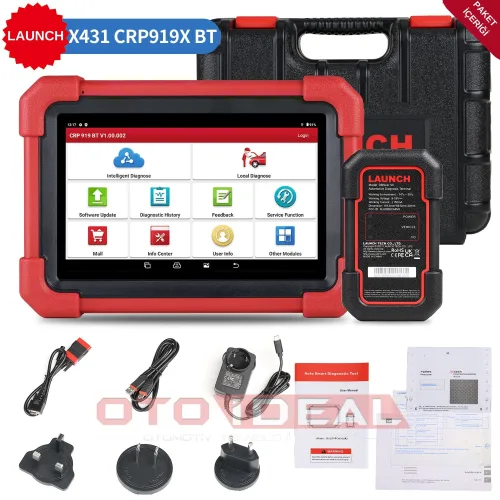
For a phone-based alternative see OBDeleven 3; for a tablet, the Launch CRP 919X BT and the ThinkTool Lite 2.
Frequently asked questions
Will a downloaded X-Diag Pro 3 full APK work?
No. The APK is only a shell; brand software is unlocked for an account tied to the dongle's serial number. Without the account the file either does not open or reads only generic EOBD codes.
Is X-Diag Pro 3 an original Launch product?
No. It is an independent software platform running on Launch-based dongles. "Original X-Diag" refers to X-Diag's own licence server, not to Launch.
Which device is it used with?
Bluetooth OBD dongles such as Launch Golo, Easydiag, DBScar and Thinkdiag. The licence is registered to the dongle's 12-digit serial number.
Does it run on Android 14 or 15?
It depends on the phone. The trouble-free range is Android 7 to 13; if a new phone gives trouble, an older Android tablet is the practical fix. There is no iOS version.
Does the software stop when the licence period ends?
No. It keeps working with the brand software already downloaded; only new models and functions are not added.
The licence, compatible dongles and current price are on the X-Diag Pro 3 Software Update page. Send us your dongle model and serial number through the contact form and we will confirm compatibility before you order.
Products mentioned in this article
View all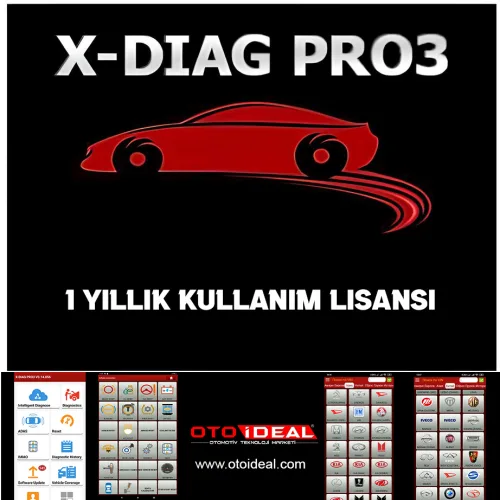

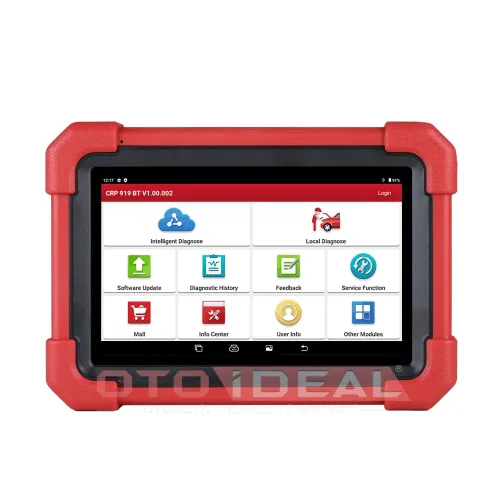
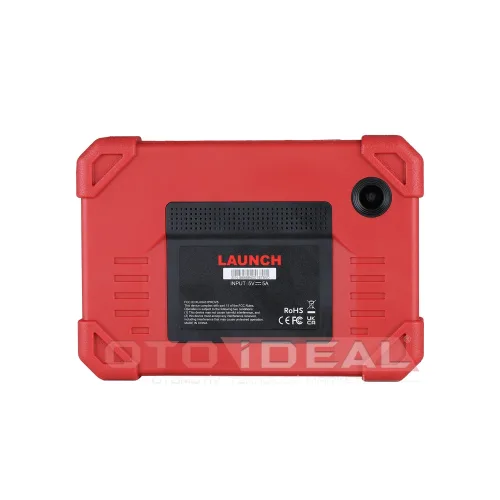
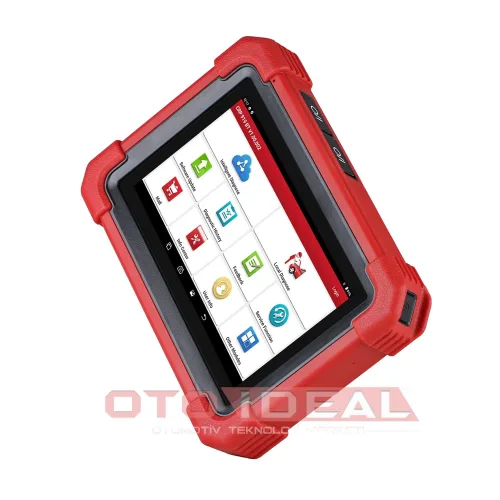


Thinktool Lite 2 Diagnostic Device
Free shipping In stock, ships the same day
Related Articles
View all
BMW ICOM A2/A3 Firmware Update Process | How to Fix Device in Recovery Mode?
ICOM A2/A3 not working, red lights flashing? BMW diagnostic device troubleshooting, firmware recovery and connection problems detailed repai...
Read More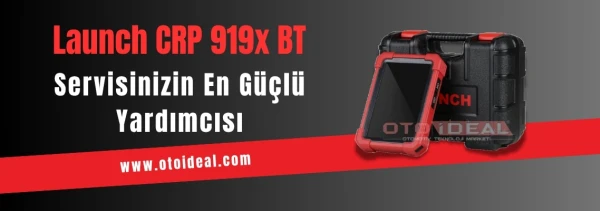
Launch CRP 919X BT OBD2 Scanner | 2025 Best Bluetooth Diagnostic Tool
Launch CRP 919X BT professional automotive diagnostic tool. Bluetooth OBD2, DoIP/CAN-FD support, 99% vehicle compatibility. ✓ 2-year warrant...
Read More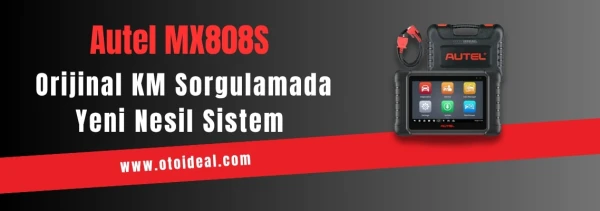
Autel MX808S | Best Mileage Verification Tool 2025
Autel MX808S for safe used car purchase. Mileage verification, ECU analysis, 80+ brand support. ✓ Android 11 ✓ 7-inch screen ✓ Free shipping...
Read More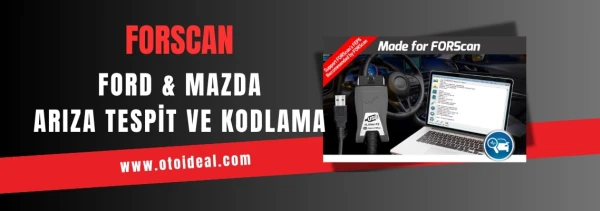
FORScan Ford and Mazda Vehicle Diagnostics and Coding | Download FORScan Software
Professional Ford, Mazda, Lincoln and Mercury vehicle diagnostics with FORScan software. ELM327, VCM2 compatible. Free download, installatio...
Read More