

1 / 8
Thinkcar THINKTOOL Expert 391 Diagnostic Tool
 THINKCAR
- Model
- EXPERT391
- Product Code
- EXPERT391
- Availability
- Sipariş üzerine
Ask us for the price
- Shipping 300 TL
- Genuine product with warranty
- Remote installation and technical support
Thinkcar THINKTOOL Expert 391 Diagnostic Tool
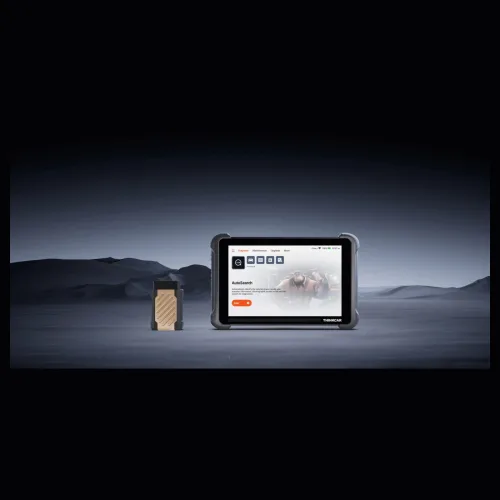
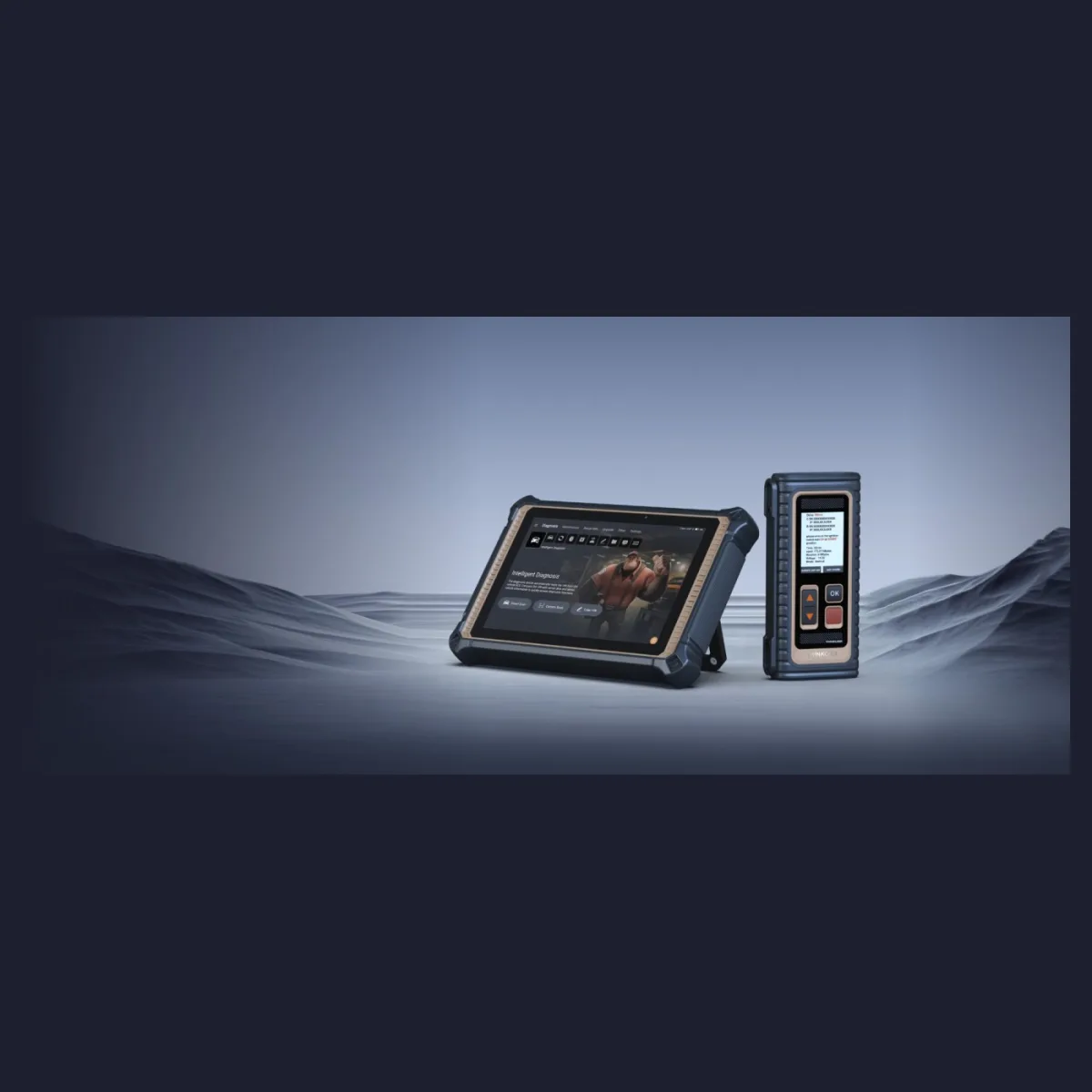
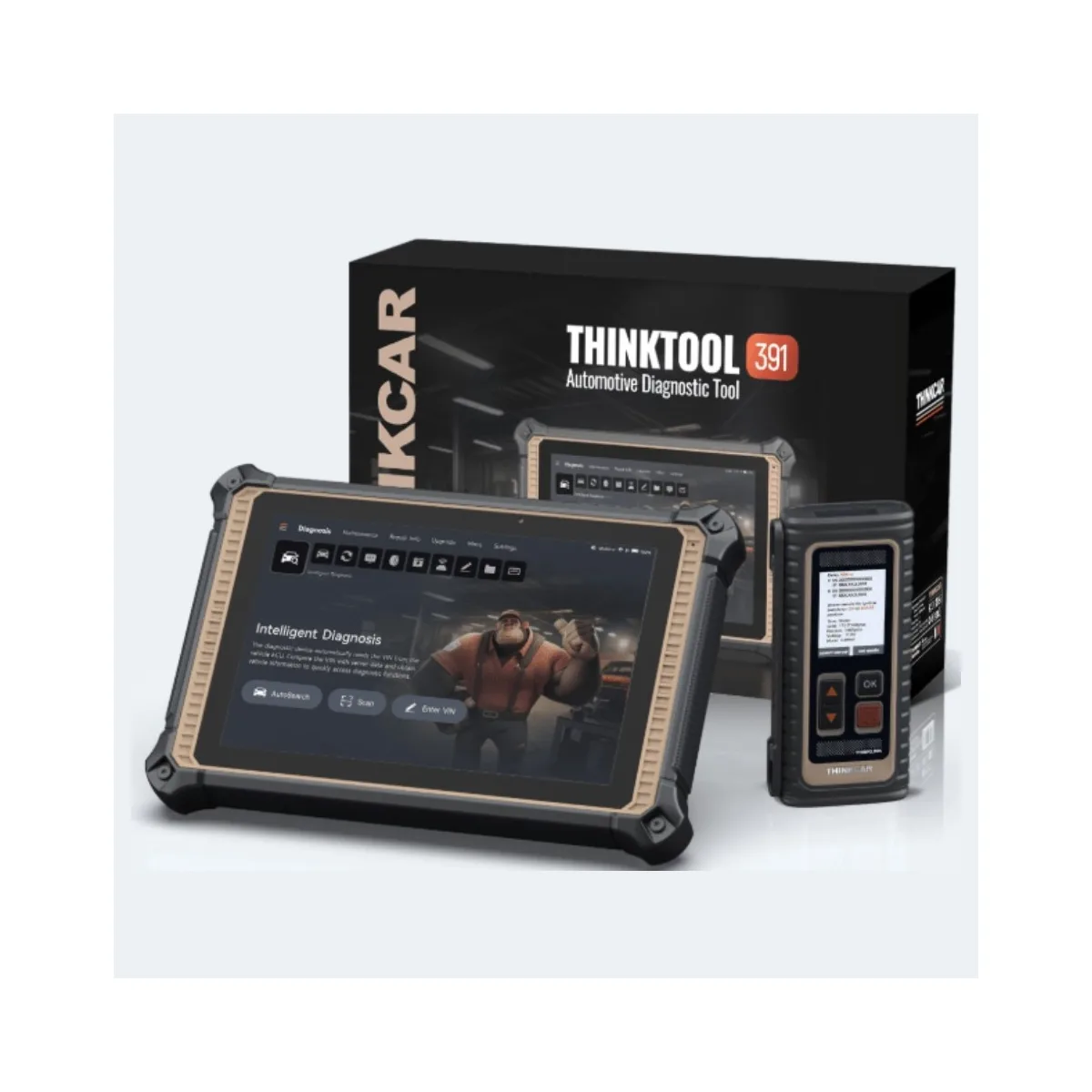
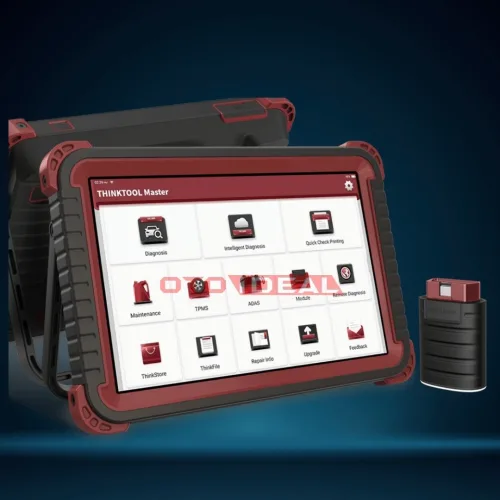
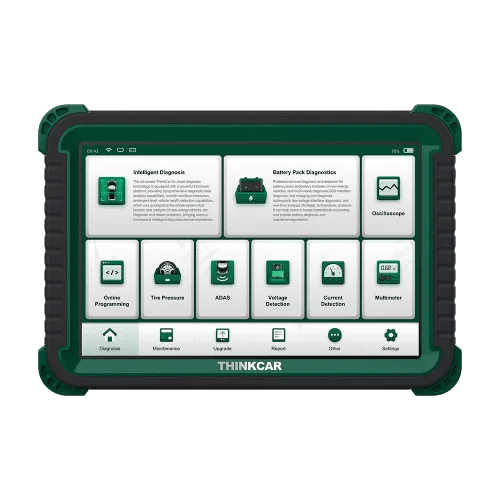
THINKTOOL Expert 391 sits in the upper-middle tier of Thinkcar's professional range, and what separates it from the entry models is clear: it goes past diagnostics into online ECU coding and programming. With a 10.1-inch IPS screen, a quad-core processor, 4 GB of memory and 128 GB of storage, it is less a diagnostic tool than a workstation on the service bench.
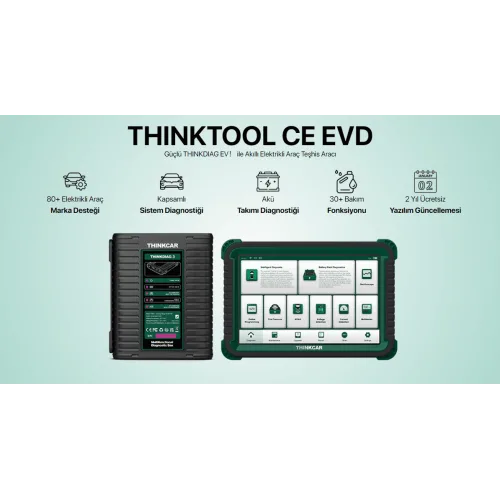
In short: 10.1" IPS 1280 × 800 screen, MT8766 quad-core processor, 4 GB RAM + 128 GB storage, 13 MP camera with flash, 12,600 mAh battery. 41 service functions, bi-directional testing, online ECU coding and programming, CAN FD and DoIP. Works with the wireless THINKLINK Lite VCI.
What Sets the 391 Apart: Programming
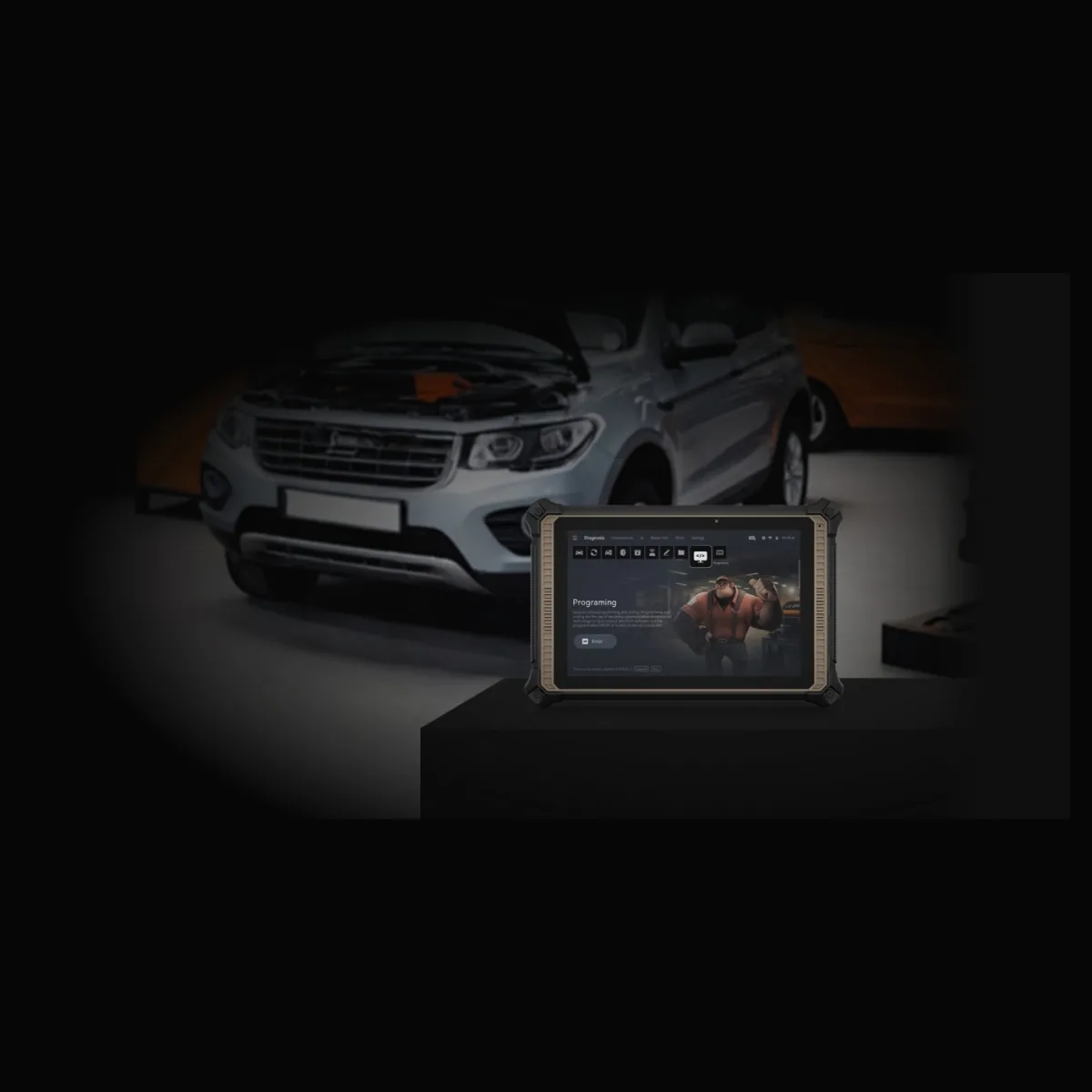
Diagnostic tools climb in a familiar order: code reading → full-system diagnostics → bi-directional tests → ECU coding → ECU programming. That last step means the tool can write new software into a unit, and most tools cannot.
Why it matters: when a control unit is replaced, the new one arrives blank or carrying software from another vehicle. Coding introduces the unit to the car; programming loads the correct software into it. Without the second step, on some makes and models a unit replacement cannot be completed and the car has to go to a dealer.
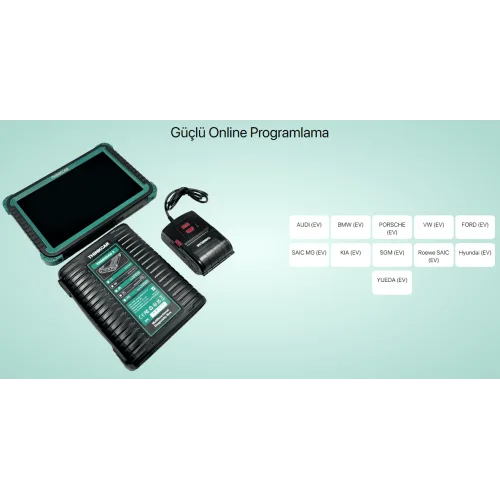
Online programming
Writing software into a unit — how you finish a replacement job in your own workshop.
ECU coding
Introducing a replaced unit to the vehicle and writing its configuration values.
41 service functions
Oil service, DPF regeneration, EPB, battery registration, injector coding, steering angle and more.
Bi-directional tests
Command an actuator and watch it respond; diagnose without removing parts.
CAN FD and DoIP
The communication backbone of newer vehicles.
13 MP camera
Rear camera with flash for VIN capture and damage records — one less tool to carry.
Expansion modules
Battery tester clip, video scope, TPMS tool, ADAS calibration and key programmer.
TCOS
Thinkcar's own operating system, with an interface built around the diagnostic workflow.
Vehicle Coverage
| Coverage | How much | Note |
|---|---|---|
| Passenger vehicles | More than 120 makes | Standard coverage |
| Electric vehicles | More than 70 | With the EV package |
| Heavy duty | More than 150 | With the HML heavy-duty package |
The tool starts as a passenger-car diagnostic device and widens with EV and heavy-duty packages — which means fleet workshops and mixed-fleet businesses can work from one device.
Expansion Modules
- Battery tester clip
- Video scope
- TPMS tool
- ADAS calibration
- Key programmer
Each module is bought separately, so you can start with diagnostics alone and add capability as the need appears.
Topology Map and ADAS Calibration
Two capabilities the lower model does not have cut diagnostic time directly.
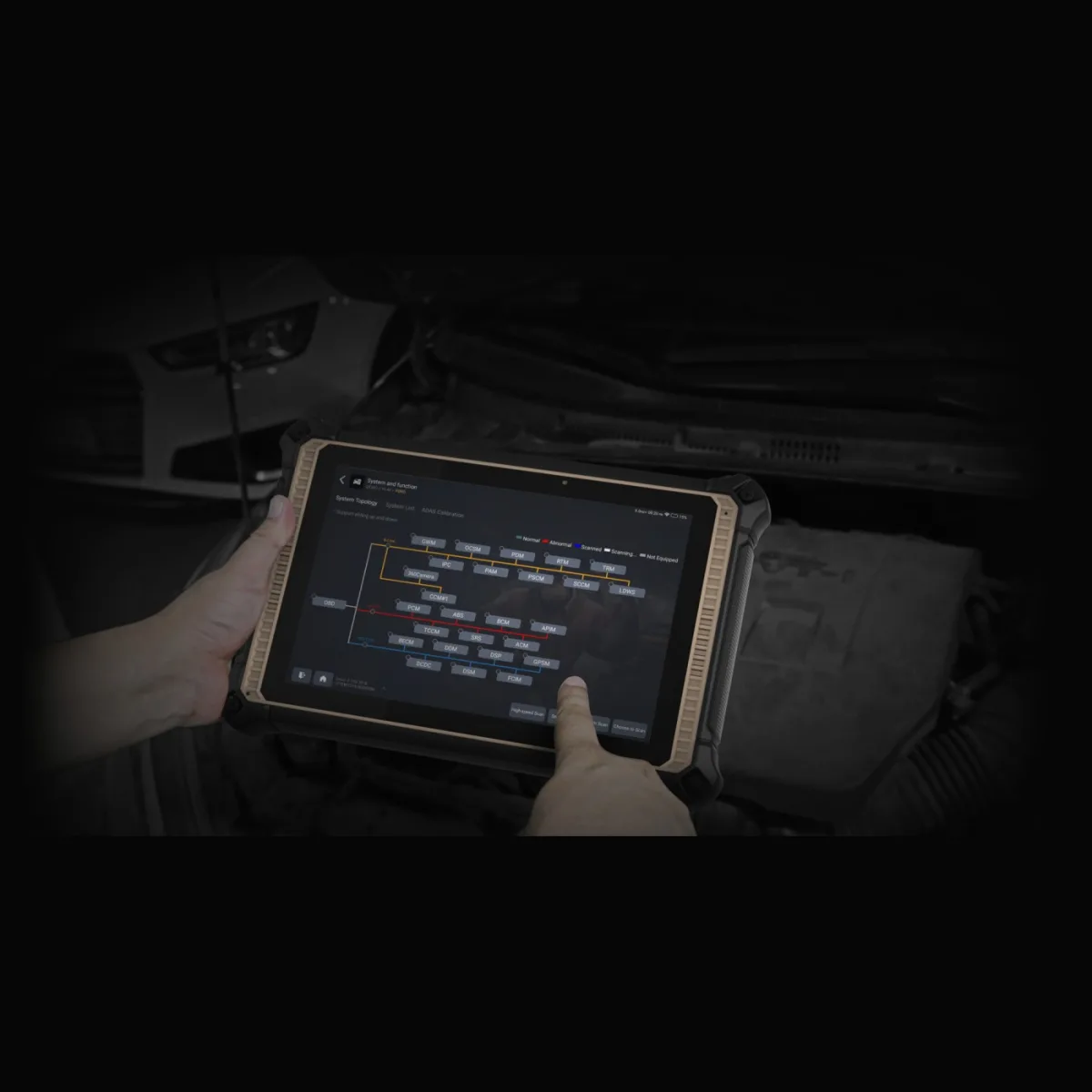
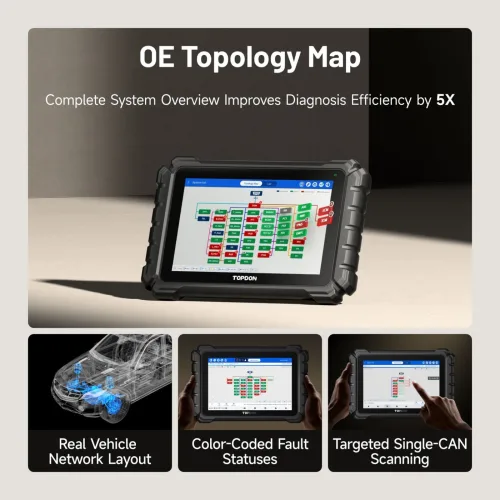
System topology
A modern vehicle has 40 to 70 control units talking over several buses (CAN, MS-CAN, K-Line). A conventional scan tells you which unit has a code; the topology map draws how the units connect and colour-codes each one: normal, abnormal, scanning, not equipped.
The practical value: if five units all report "no communication", the map shows the node they share. One cable or one gateway module can be the cause of all five faults. Knowing where to look before removing a part is what saves the most time.
ADAS calibration
After a windscreen replacement, a suspension alignment or bumper repair, the lane-keep camera and radar have to be recalibrated. The Expert 391 supports dynamic ADAS calibration — the method where the vehicle is driven under defined conditions. A separate ADAS Calibration tab on the topology screen leads straight into it.
Dynamic versus static calibration. Dynamic calibration is done on the road; static calibration needs target boards and a measuring rig. The make and model decide which one applies. Tell us which brands you work on and we will check which method those vehicles require before you order.
Remote Video Support
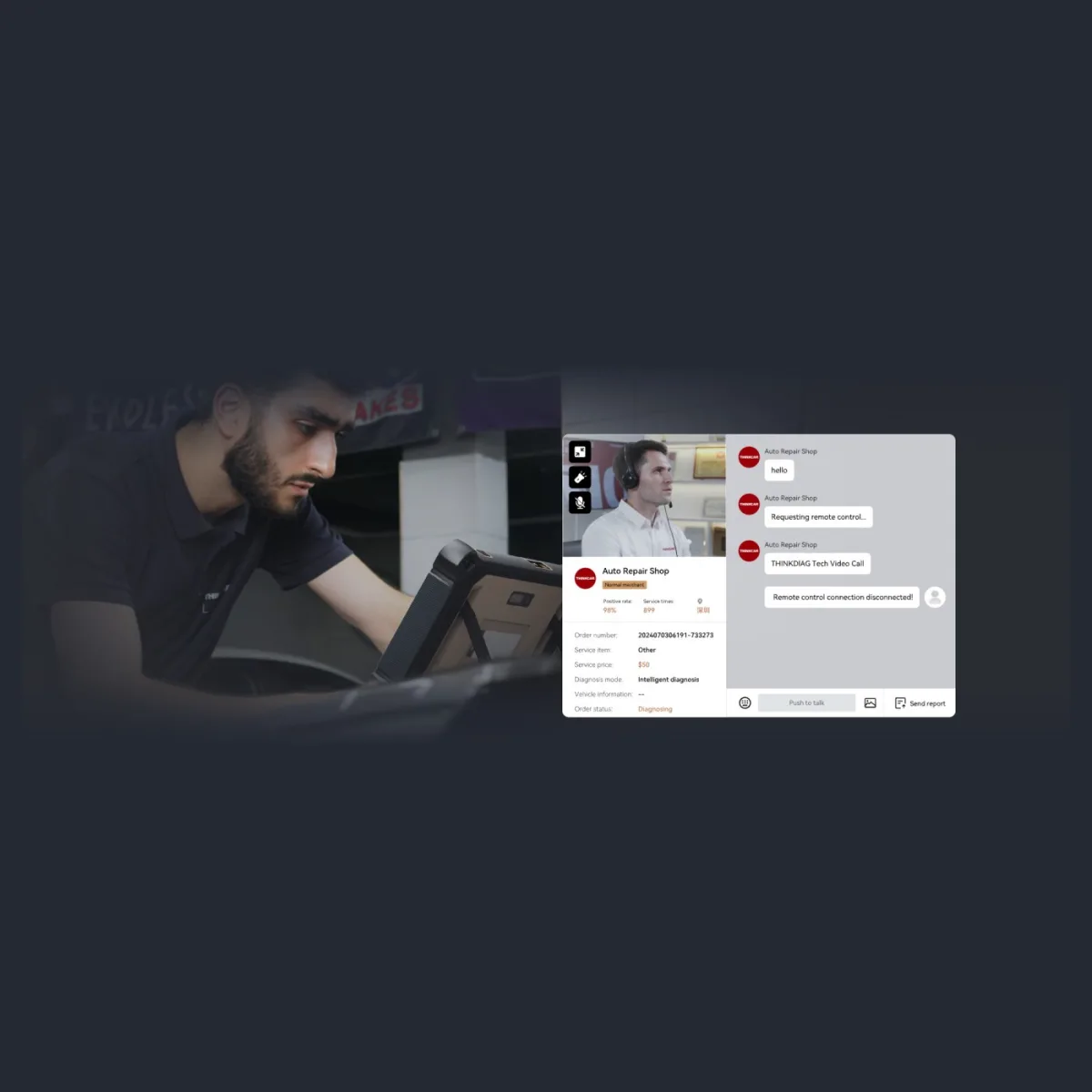
Another upper-tier feature on the 391 is remote video support: you connect to a specialist from the tool, share the screen, talk, and grant remote control when needed. Rather than describing a stuck job over the phone, letting the other side see the screen is often what finishes the job — especially on rare vehicles.
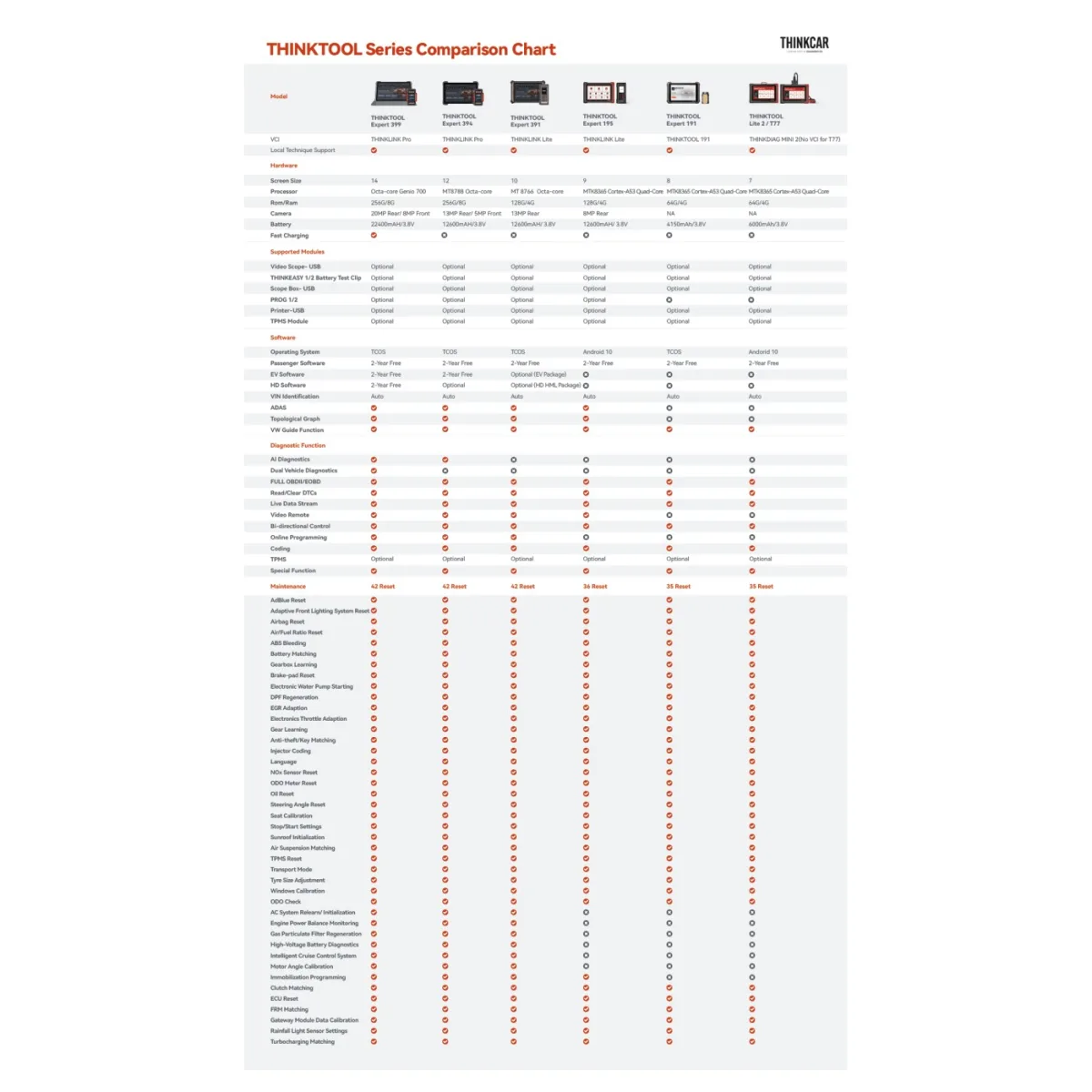
Where the Expert 391 Sits in the THINKTOOL Range
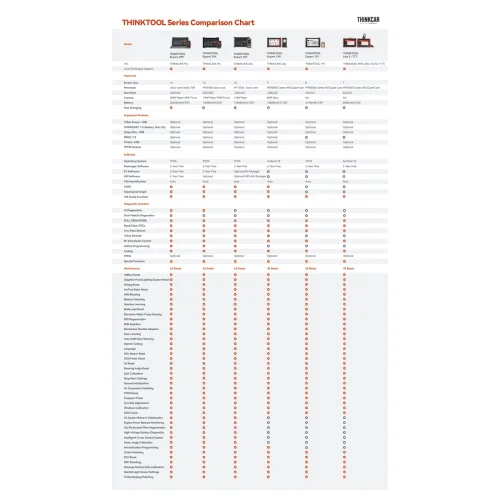
| Expert 191 | Expert 391 | Expert 394 | Expert 399 | |
|---|---|---|---|---|
| Screen | 8 inch | 10 inch | 12 inch | 14 inch |
| RAM / storage | 4 GB / 64 GB | 4 GB / 128 GB | 8 GB / 256 GB | 8 GB / 256 GB |
| Battery | 4,150 mAh | 12,600 mAh | 12,600 mAh | 22,400 mAh |
| Camera | — | 13 MP | 13 MP + 5 MP | 20 MP + 8 MP |
| VCI | ThinkDiag Mini 2 | THINKLINK Lite | THINKLINK Pro | THINKLINK Pro |
| Online programming | — | Yes | Yes | Yes |
| ADAS calibration | — | Yes | Yes | Yes |
| Topology map | — | Yes | Yes | Yes |
| AI diagnostics | — | — | Yes | Yes |
| Dual vehicle diagnostics | — | — | — | Yes |
| EV software | — | Optional package | Optional | 2 years free |
| Heavy-duty software | — | Optional package | Optional | 2 years free |
| Maintenance functions | 35 | 42 | 42 | 42 |
The 391 is the model that belongs to the upper tier in function while sitting in the middle in size: programming, ADAS and topology are all there, while AI diagnostics and dual-vehicle diagnostics are left to the 394 and 399.
Specifications
| Specification | Value |
|---|---|
| Model | THINKTOOL Expert 391 |
| Manufacturer | Thinkcar |
| Screen | 10.1-inch IPS, 1280 × 800 |
| Processor | MT8766, quad-core |
| Memory | 4 GB RAM |
| Storage | 128 GB |
| Camera | 13 MP rear camera with flash |
| Battery | 12,600 mAh / 3.8 V |
| Operating system | TCOS |
| VCI | THINKLINK Lite — wireless (listed as THINKLINK VCI on the manufacturer packing list) |
| Protocols | CAN 2.0, CAN FD, DoIP, J2534 and common OBD2 protocols |
| Service functions | 41 |
| Bi-directional tests | Yes |
| ECU coding | Yes |
| ECU programming | Yes — online |
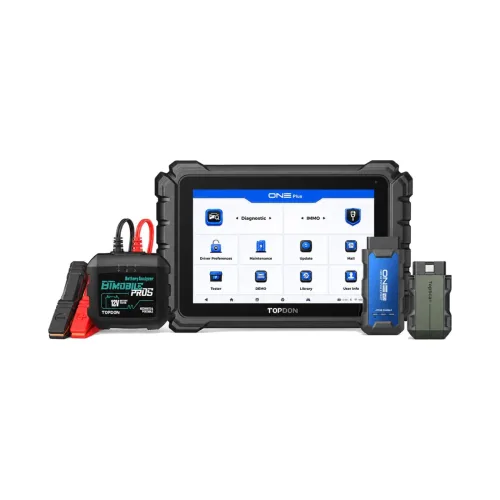
| Expansion | Battery tester, video scope, TPMS, ADAS, key programmer modules |
What Is in the Box
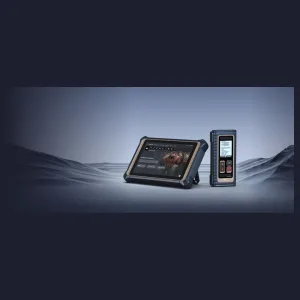
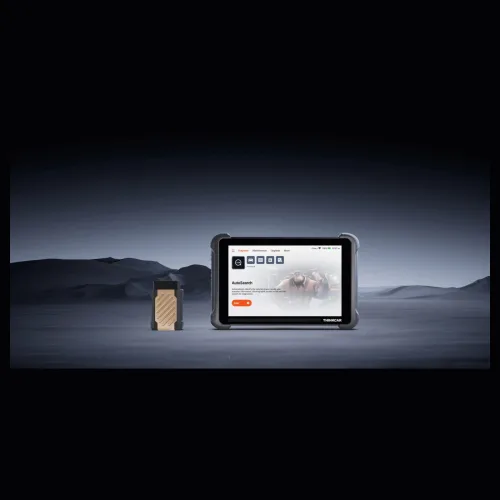
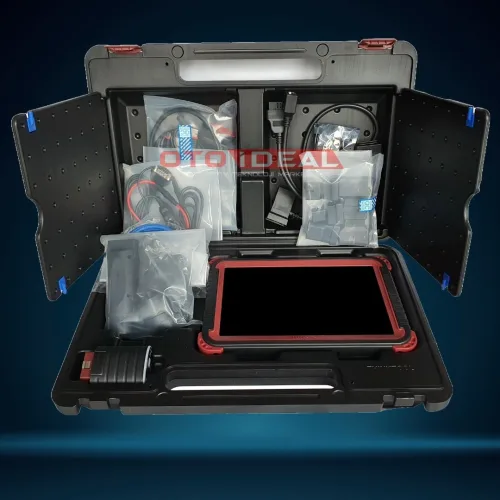
Tablet and VCI
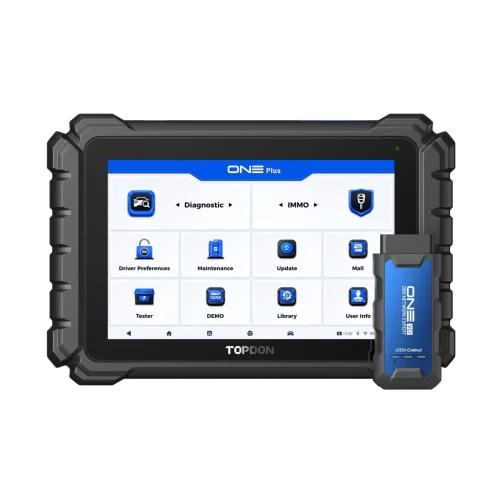
A 10.1-inch tablet and the wireless THINKLINK Lite interface.
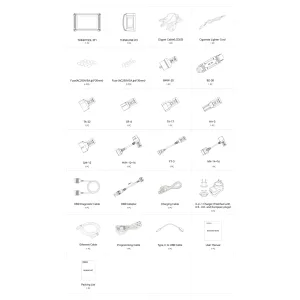
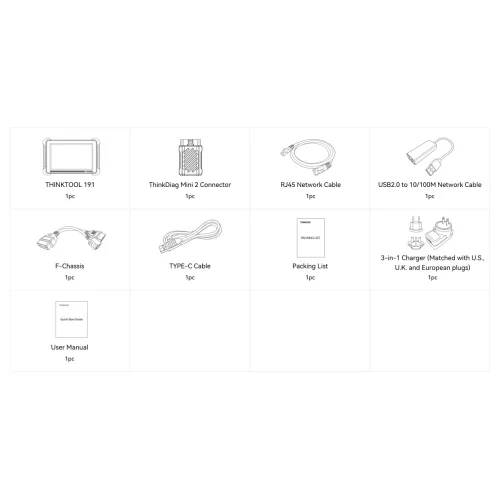
Box contents
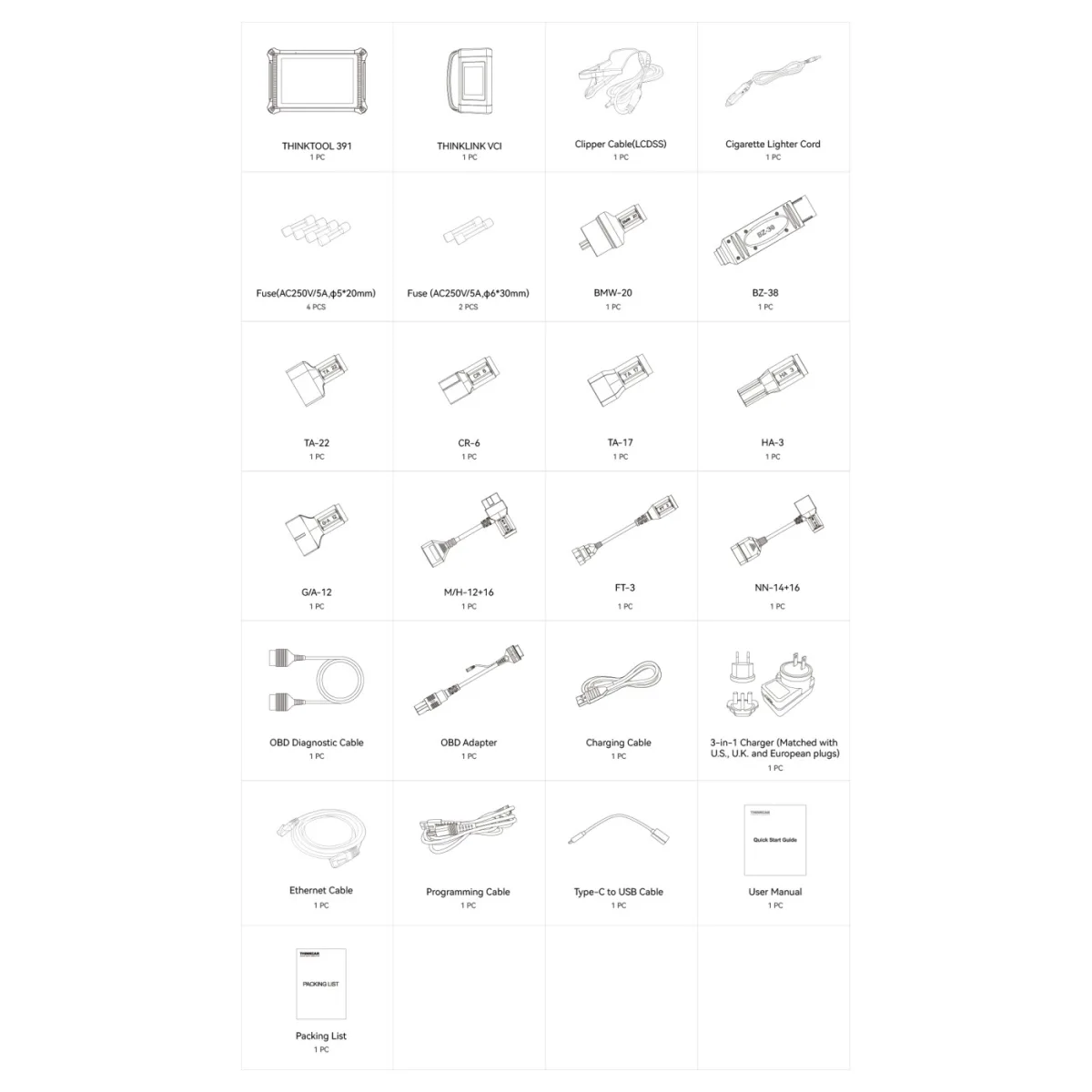
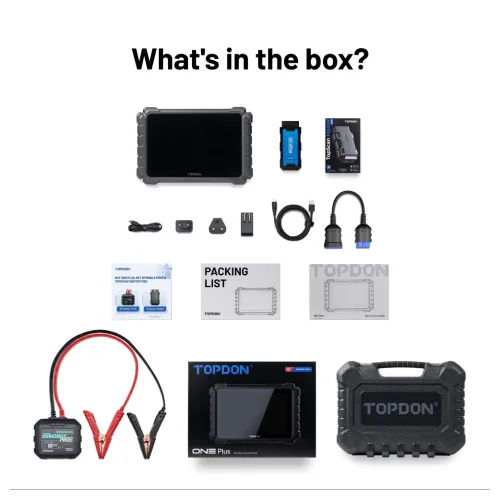
All 25 items on the manufacturer packing list.
Unlike the Expert 191, the 391 ships with the brand adapter set. The manufacturer's packing list:
| Item | Qty | What it is for |
|---|---|---|
| THINKTOOL 391 tablet | 1 | 10.1-inch diagnostic tablet |
| THINKLINK VCI | 1 | Vehicle communication interface — wireless |
| Clipper cable (LCDSS) | 1 | Battery power on vehicles without an OBD2 socket |
| Cigarette lighter cord | 1 | Power supply |
| Fuse (AC250V/5A, ø5×20 mm) | 4 | Spare |
| Fuse (AC250V/5A, ø6×30 mm) | 2 | Spare |
| BMW-20 | 1 | BMW 20-pin diagnostic socket |
| BZ-38 | 1 | Mercedes-Benz 38-pin diagnostic socket |
| TA-22 | 1 | Toyota 22-pin |
| TA-17 | 1 | Toyota 17-pin |
| CR-6 | 1 | Chrysler 6-pin |
| HA-3 | 1 | Honda 3-pin |
| G/A-12 | 1 | 12-pin adapter |
| M/H-12+16 | 1 | Mitsubishi / Hyundai 12+16-pin |
| NN-14+16 | 1 | Nissan 14+16-pin |
| FT-3 | 1 | Fiat 3-pin |
| OBD diagnostic cable | 1 | Main OBD2 cable |
| OBD adapter | 1 | Interconnect |
| Charging cable | 1 | Tablet charging |
| 3-in-1 charger | 1 | With US, UK and European plugs |
| Ethernet cable | 1 | Diagnostic traffic on DoIP vehicles |
| Programming cable | 1 | For online ECU programming |
| Type-C to USB cable | 1 | Data transfer |
| User manual | 1 | — |
| Packing list | 1 | — |
Why the brand adapters are in the box. BMW-20, BZ-38, TA-22, TA-17, CR-6, HA-3, M/H-12+16, NN-14+16 and FT-3 connect to pre-OBD2 and non-OBD2 diagnostic sockets. Without them the tool cannot reach older vehicles at all — and with the 391 you do not buy them separately. The Ethernet cable is for DoIP vehicles and the programming cable for online ECU programming; both are part of what makes this tier's work possible.
Expert 391 or Expert 191?
| Expert 391 | Expert 191 | |
|---|---|---|
| Screen | 10.1" IPS 1280 × 800 | 8 inch |
| Full-system diagnostics | Yes | Yes |
| Bi-directional tests | Yes | Yes |
| ECU coding | Yes | Yes |
| Online ECU programming | Yes | — |
| Service functions | 41 | 35+ |
| Camera | 13 MP with flash | — |
| Expansion modules | Battery, video scope, TPMS, ADAS, key | Limited |
| VCI | THINKLINK Lite | ThinkDiag Mini 2 |
The decision comes down to one question: do you need programming after a unit replacement? If yes, the 391; if not, the 191 is the more economical choice.
Who It Is For
- Independent workshops that want to finish replacement and programming jobs in-house
- Fleet workshops with mixed fleets — one tool with the EV and heavy-duty packages
- Businesses planning to move into ADAS calibration, TPMS or key programming
- Workshops entering electric vehicle work without buying a separate tool
- High-volume shops wanting a large screen and long battery life
Setup and training included. Software installation, activation and first-use training are done remotely, with technical support afterwards.
Reviews
Write a review
Frequently asked questions about the Thinkcar THINKTOOL Expert 391 Diagnostic Tool
What is the Thinkcar THINKTOOL Expert 391 Diagnostic Tool and what is it used for?
THINKTOOL Expert 391 sits in the upper-middle tier of Thinkcar's professional range, and what separates it from the entry models is clear: it goes past diagnostics into online ECU coding and programming. With a 10.1-inch IPS screen, a quad-core processor, 4 GB of memory and 128 GB of storage, it is less a diagnostic tool than a workstation on the service bench.
What functions can the Thinkcar THINKTOOL Expert 391 Diagnostic Tool perform?
The Thinkcar THINKTOOL Expert 391 Diagnostic Tool performs 8 service functions, including: Online programming, ECU coding, 41 service functions, Bi-directional tests, CAN FD and DoIP, 13 MP camera, Expansion modules, TCOS.
The full list is in the service functions section of the product description.
How much does the Thinkcar THINKTOOL Expert 391 Diagnostic Tool cost?
The price of the Thinkcar THINKTOOL Expert 391 Diagnostic Tool is quoted on request. Ask for the current price and stock through the order form or WhatsApp.
Does the Thinkcar THINKTOOL Expert 391 Diagnostic Tool come with an invoice and warranty?
Yes. The Thinkcar THINKTOOL Expert 391 Diagnostic Tool ships as a genuine product, with an invoice and a warranty.
Remote technical support is provided for installation and first use. Ask us about software updates and licence periods before ordering.
How do shipping and delivery work for the Thinkcar THINKTOOL Expert 391 Diagnostic Tool?
Shipping is free on orders over 3,000 TL. Stock status: Sipariş üzerine.
Ask us about delivery times and the courier before you order.






THINKCAR
$2,976
VAT incl.
Free shipping Ships within 2-3 days


THINKCAR
$569
VAT incl.
Free shipping In stock, ships the same day
OEM
$298
VAT incl.
Free shipping Ships within 2-3 days


OBD ELEVEN
$235
VAT incl.
Free shipping Ships within 2-3 days




Buying guides
All articlesArticles about this product
View all
How to Unlock Hidden Features in Peugeot Vehicles? Discover 50+ Amazing Functions You Didn't Know About!
50+ Hidden Features in Your Peugeot! Automatic parking, driver fatigue detection, enhanced audio, and much more... Unlock them all with PP20...
Read More
Thinktool Diagnostic Tool | Which Model Should I Prefer?
Thinktool diagnostic tools are universal diagnostic tools that can detect faults in the control units of vehicles and perform online program...
Read More