
1 / 4
Thinkcar THINKTOOL Expert 191 Diagnostic Tool
 THINKCAR
- Model
- EXPERT191
- Product Code
- EXPERT191
- Availability
- Sipariş üzerine
Ask us for the price
- Shipping 300 TL
- Genuine product with warranty
- Remote installation and technical support
Thinkcar THINKTOOL Expert 191 Diagnostic Tool
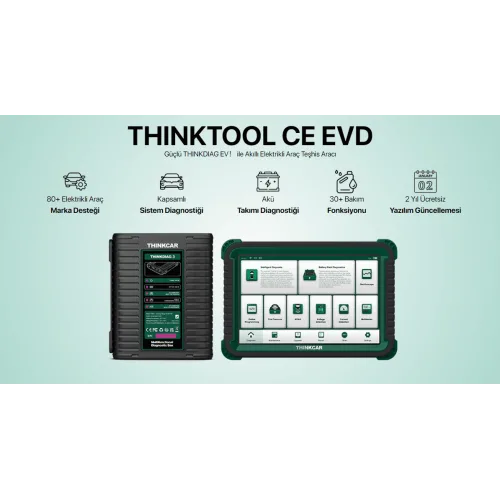
THINKTOOL Expert 191 is the entry model of Thinkcar's professional diagnostic range — and "entry" does not mean limited here. It performs full-system diagnostics, bi-directional actuation tests and ECU coding: not a code reader, but a workshop-grade diagnostic tablet. It supports CAN FD and DoIP, the protocols newer vehicles require.
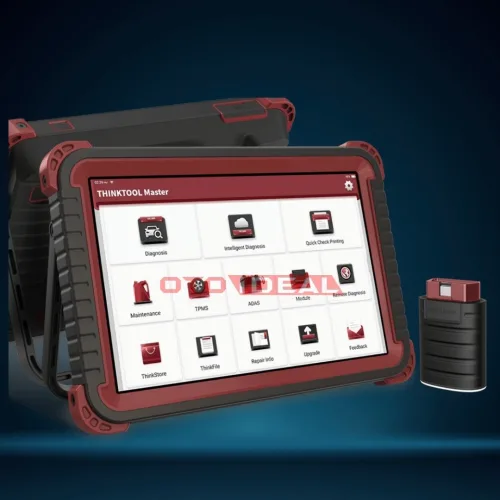
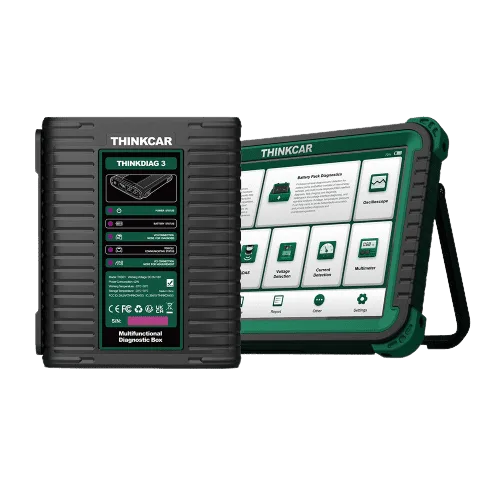
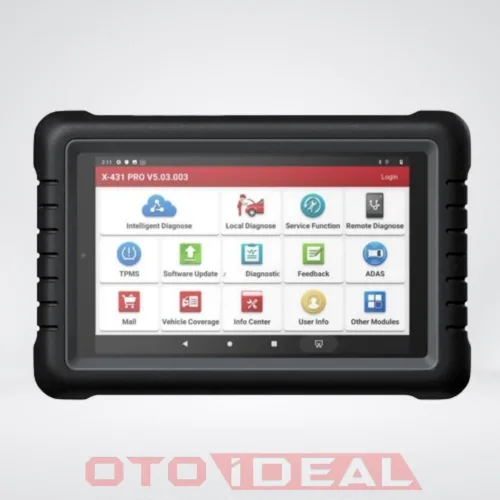
In short: 8-inch touchscreen, MTK8365 quad-core processor, wireless ThinkDiag Mini 2 VCI. More than 35 service functions, bi-directional testing and ECU coding, running on Thinkcar's own TCOS operating system.
What the Expert 191 Does
Three things decide a diagnostic tool's class: how many systems it reaches, whether it only reads or can also command, and whether it can write to a unit. The Expert 191 is at workshop level on all three.
Full-system diagnostics
Engine, transmission, ABS, airbag, climate, body and comfort modules — not just the emissions systems OBD2 sees.
Bi-directional tests
Command an actuator and watch it respond — how you test a "fan not working" complaint without removing parts.
ECU coding
Introducing a replaced unit to the vehicle and writing its configuration values.
CAN FD and DoIP
The communication backbone of newer vehicles. Without both, some current models cannot be reached at all.
35+ service functions
Oil service reset, DPF regeneration, EPB, battery registration, steering angle sensor, TPMS and more.
Wireless VCI
The ThinkDiag Mini 2 stays in the vehicle while the tablet stays in your hand.
Why CAN FD and DoIP Matter
CAN FD (Flexible Data-Rate) is the faster successor to classic CAN, adopted across many manufacturers. A tool without CAN FD cannot connect to those vehicles at all — not even to read a fault code.
DoIP (Diagnostics over Internet Protocol) carries diagnostic traffic over Ethernet and is common on current Jaguar Land Rover, VW group and BMW models, particularly for software update and coding work.
Always ask about these two when choosing a tool. Many attractively priced tools support neither, and within two years cannot connect to a share of the vehicles arriving at the workshop. The Expert 191 supports both.
Specifications
| Specification | Value |
|---|---|
| Model | THINKTOOL Expert 191 |
| Manufacturer | Thinkcar |
| Screen | 8-inch touchscreen |
| Processor | MTK8365, Cortex-A53 quad-core, 2.0 GHz |
| Memory | 4 GB RAM |
| Storage | 64 GB |
| Battery | 4,150 mAh / 3.8 V |
| Operating system | TCOS |
| VCI | ThinkDiag Mini 2 — wireless |
| Protocols | CAN FD, DoIP and common OBD2 protocols |
| Diagnostic scope | Full system, OE level |
| Service functions | 35 (manufacturer's series comparison chart) |
| Bi-directional tests | Yes |
| ECU coding | Yes |
| Online ECU programming | No — available on the 391 tier |
| ADAS calibration | No |
| Topology map | No |
| Camera | No |
| Software updates | Passenger-car software free for 2 years |
| Expansion modules | Video scope, battery test clip, Scope Box, USB printer, TPMS — sold separately |
What Is in the Box
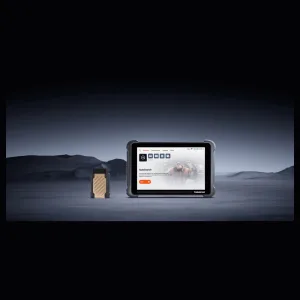
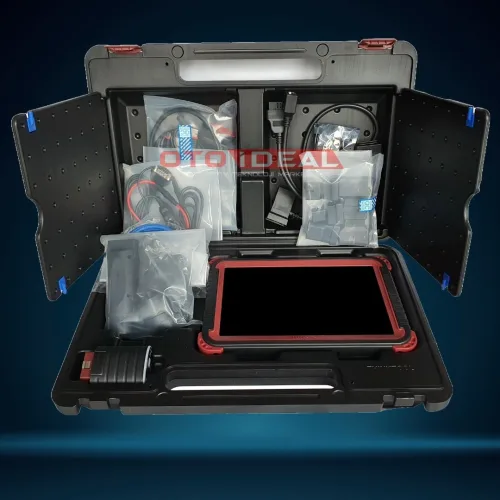
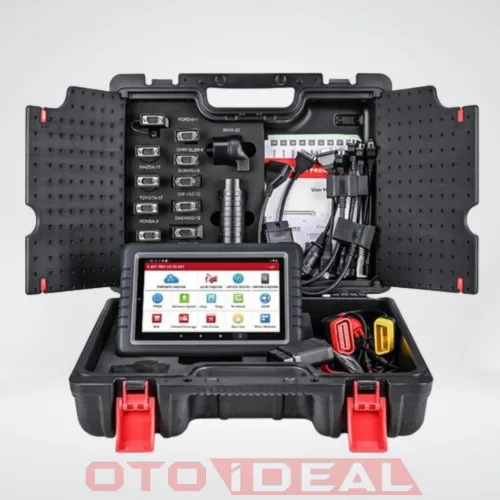
Tablet and VCI
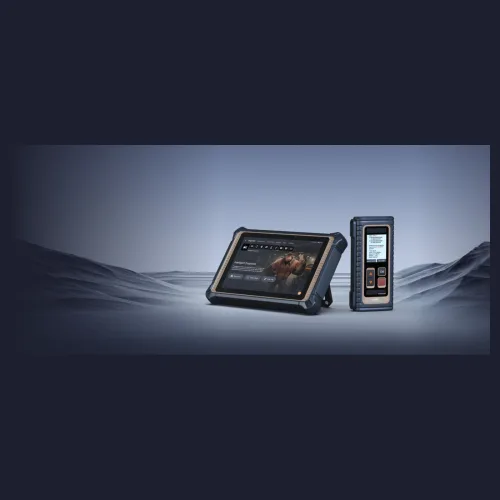
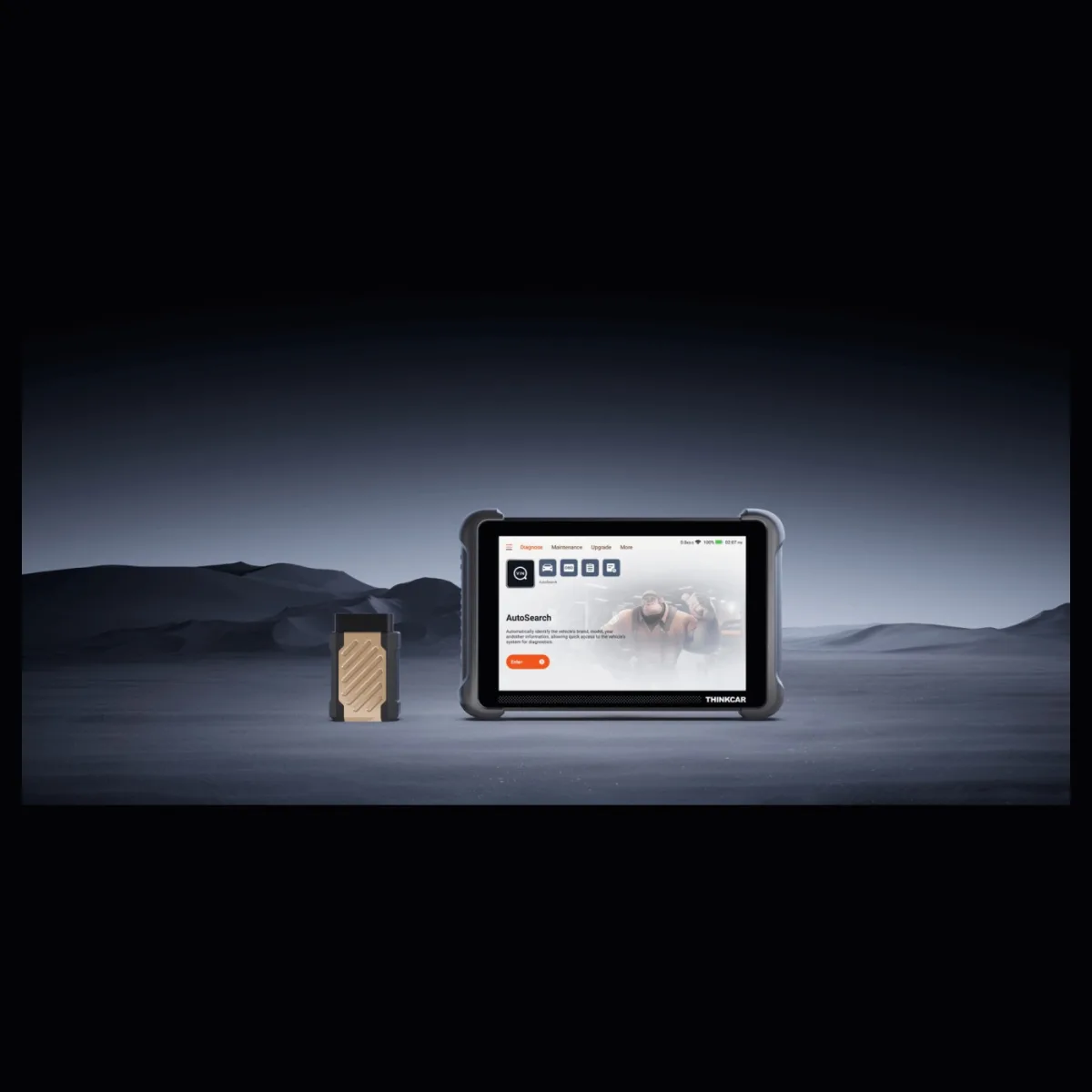
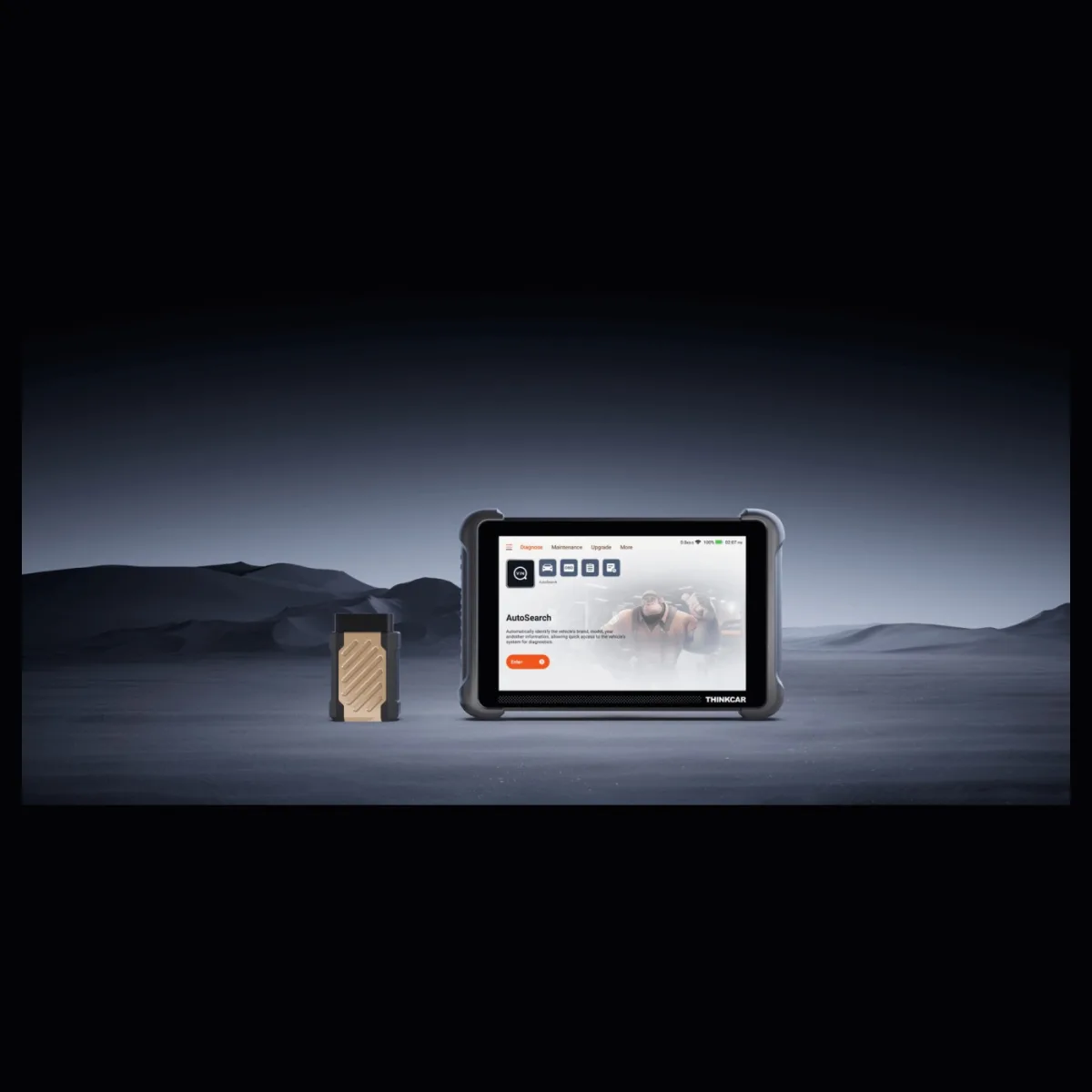
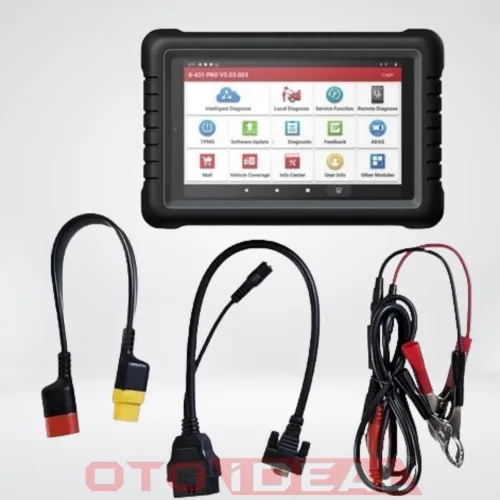
An 8-inch touchscreen tablet and the wireless ThinkDiag Mini 2 interface.
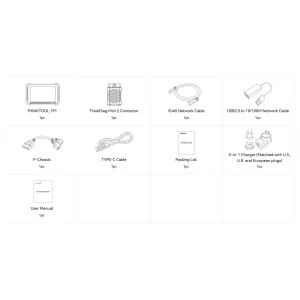
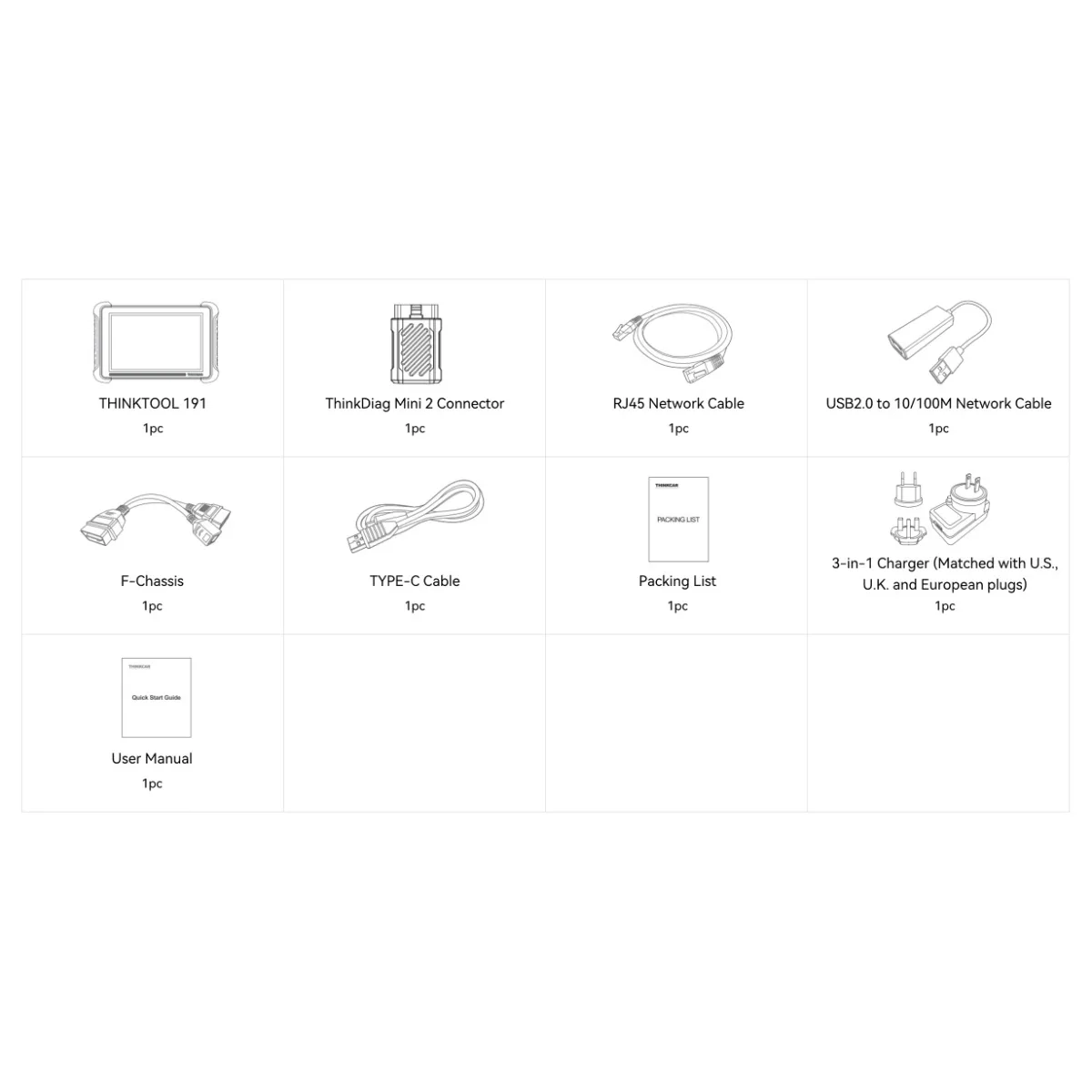
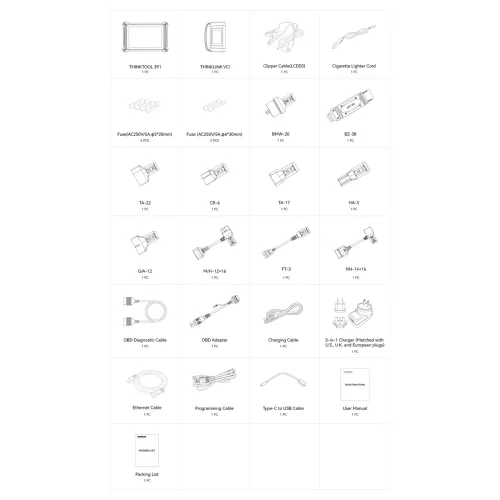
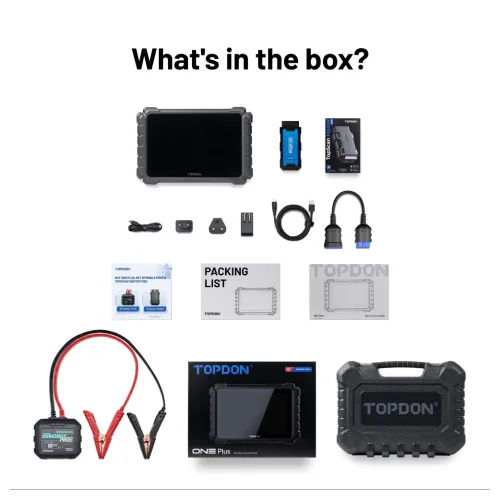
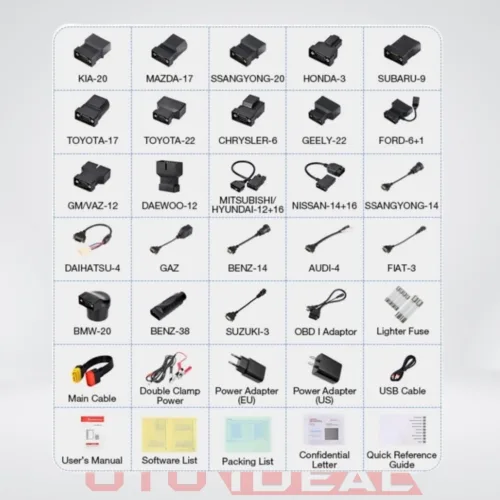
Box contents
The nine items on the manufacturer packing list.
- THINKTOOL 191 tablet — 1 pc
- ThinkDiag Mini 2 connector (VCI) — 1 pc
- RJ45 network cable — 1 pc
- USB 2.0 to 10/100M network cable — 1 pc
- F-Chassis cable — 1 pc
- Type-C cable — 1 pc
- 3-in-1 charger with US, UK and European plugs
- Packing list and quick start guide
Why the RJ45 and network cables? On DoIP vehicles, diagnostic traffic runs over Ethernet. These cables are not filler — they are part of the hardware needed to connect to a DoIP-equipped vehicle.
Expert 191 or Expert 391?
| Expert 191 | Expert 391 | |
|---|---|---|
| Screen | 8 inch | 10.1-inch IPS, 1280 × 800 |
| Full-system diagnostics | Yes | Yes |
| Bi-directional tests | Yes | Yes |
| ECU coding | Yes | Yes |
| Online ECU programming | — | Yes |
| Service functions | 35+ | 41 |
| Camera | — | 13 MP with flash |
| Expansion modules | Limited | Battery tester, video scope, TPMS, ADAS, key programmer |
If your workshop regularly needs programming after a unit replacement, the 391 is the right tier; if diagnostics, service resets and coding are enough, the 191 is.
Where the Expert 191 Sits in the THINKTOOL Range
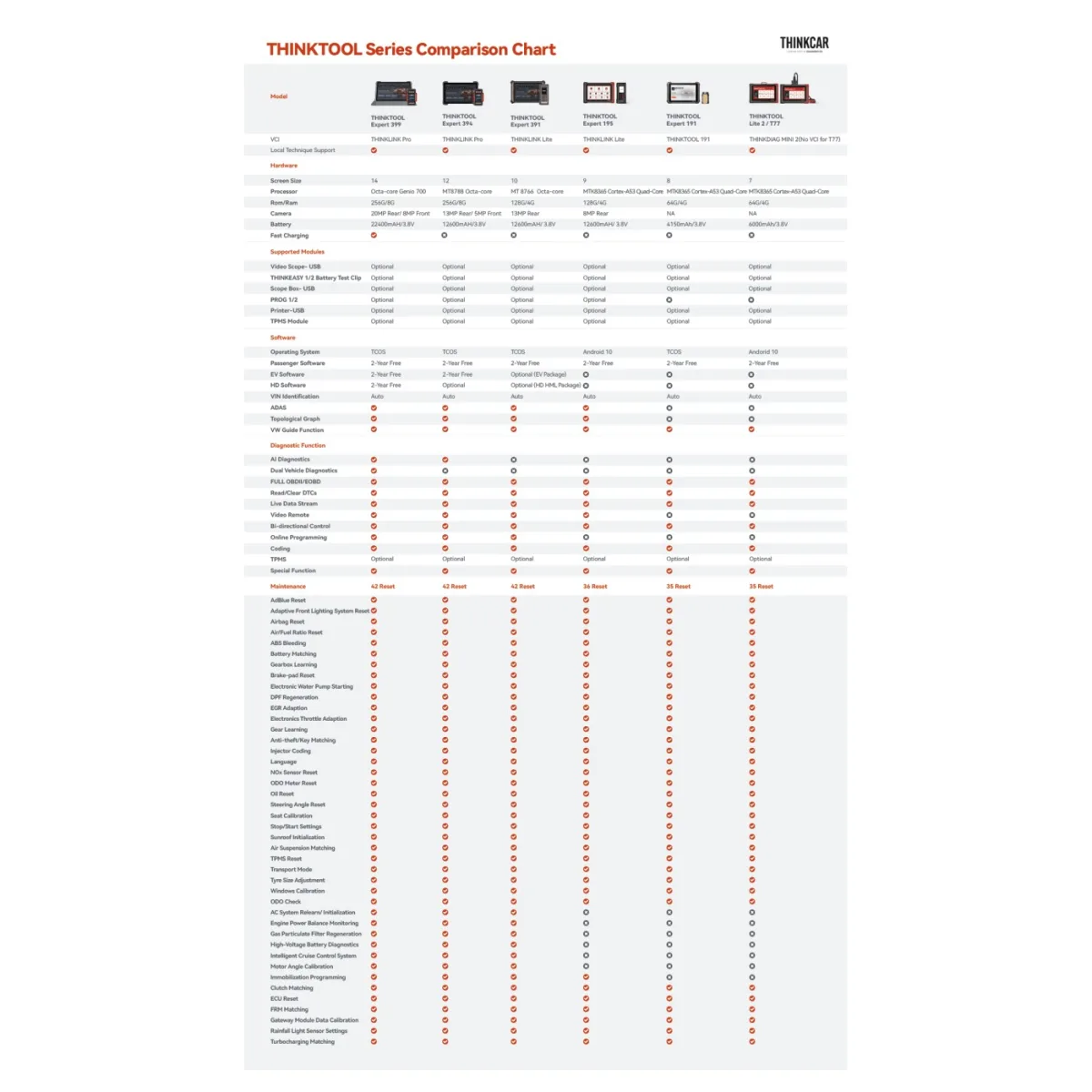
Thinkcar's own comparison chart orders the range by screen size and function. This is where the Expert 191 sits:
| Expert 191 | Expert 195 | Expert 391 | |
|---|---|---|---|
| Screen | 8 inch | 9 inch | 10 inch |
| RAM / storage | 4 GB / 64 GB | 4 GB / 128 GB | 4 GB / 128 GB |
| Battery | 4,150 mAh | 12,600 mAh | 12,600 mAh |
| Camera | — | 8 MP | 13 MP |
| Operating system | TCOS | Android 10 | TCOS |
| Bi-directional control | Yes | Yes | Yes |
| Coding | Yes | Yes | Yes |
| Online programming | — | — | Yes |
| ADAS calibration | — | Yes | Yes |
| Topology map | — | Yes | Yes |
| Remote video support | — | Yes | Yes |
| Maintenance (service) functions | 35 | 36 | 42 |
| Passenger-car software updates | 2 years free | 2 years free | 2 years free |
What the Expert 191 Does Not Do
Saying what a tool cannot do matters as much as saying what it can. From the manufacturer's chart, the Expert 191 does not have:
- Online ECU programming — no software flashing after a unit replacement. If you need that, the tier to move to is the Expert 391.
- ADAS calibration — lane-keep and adaptive-cruise camera calibration are not supported.
- Topology map — the module network diagram is not drawn; diagnosis runs through the system list.
- Remote video support and dual-vehicle diagnostics.
- No camera — VIN is entered manually or read through the automatic VIN query.
- PROG module is not supported.
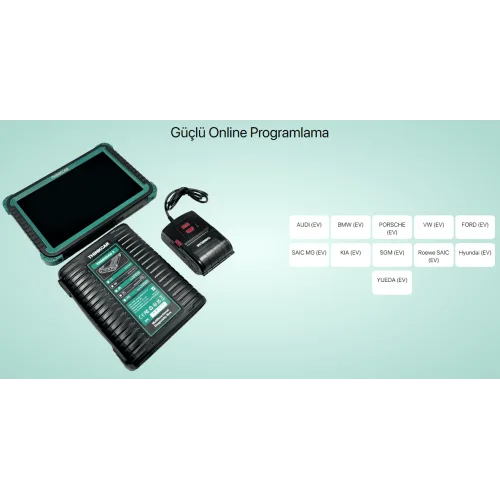
- Electric vehicle (EV) and heavy-duty (HD) software packages are not offered for this model.
Why write this down? Because these are the points people discover after buying. The Expert 191 is built for diagnostics, coding and service functions, and it does that job well. If programming and ADAS are part of your work, picking the right tier up front is cheaper than buying a second tool later.
Expansion Modules
- Video scope (USB)
- THINKEASY battery test clip
- Scope Box (USB oscilloscope)
- USB printer
- TPMS module
Each module is bought separately, so a tyre shop can start with the TPMS module and an electrical diagnostician with the Scope Box.
Who It Is For
- Independent multi-brand workshops
- Service shops with heavy diagnostic and service-reset workloads
- Workshops whose older tool cannot reach newer vehicles for lack of CAN FD and DoIP
- Technicians who want to diagnose without removing parts, using bi-directional tests
- Single-discipline businesses (tyres, exhaust, brakes) that need service functions
Setup and training included. We install the software, activate the tool and run the first-use training remotely, and provide technical support afterwards.
Reviews
Write a review
Frequently asked questions about the Thinkcar THINKTOOL Expert 191 Diagnostic Tool
What is the Thinkcar THINKTOOL Expert 191 Diagnostic Tool and what is it used for?
THINKTOOL Expert 191 is the entry model of Thinkcar's professional diagnostic range — and "entry" does not mean limited here. It performs full-system diagnostics, bi-directional actuation tests and ECU coding: not a code reader, but a workshop-grade diagnostic tablet. It supports CAN FD and DoIP, the protocols newer vehicles require.
What functions can the Thinkcar THINKTOOL Expert 191 Diagnostic Tool perform?
The Thinkcar THINKTOOL Expert 191 Diagnostic Tool performs 6 service functions, including: Full-system diagnostics, Bi-directional tests, ECU coding, CAN FD and DoIP, 35+ service functions, Wireless VCI.
The full list is in the service functions section of the product description.
How much does the Thinkcar THINKTOOL Expert 191 Diagnostic Tool cost?
The price of the Thinkcar THINKTOOL Expert 191 Diagnostic Tool is quoted on request. Ask for the current price and stock through the order form or WhatsApp.
Does the Thinkcar THINKTOOL Expert 191 Diagnostic Tool come with an invoice and warranty?
Yes. The Thinkcar THINKTOOL Expert 191 Diagnostic Tool ships as a genuine product, with an invoice and a warranty.
Remote technical support is provided for installation and first use. Ask us about software updates and licence periods before ordering.
How do shipping and delivery work for the Thinkcar THINKTOOL Expert 191 Diagnostic Tool?
Shipping is free on orders over 3,000 TL. Stock status: Sipariş üzerine.
Ask us about delivery times and the courier before you order.






Autel
$1,236
VAT incl.
Free shipping Ships within 2-3 days
THINKCAR
$2,976
VAT incl.
Free shipping Ships within 2-3 days


THINKCAR
$569
VAT incl.
Free shipping In stock, ships the same day
OEM
$298
VAT incl.
Free shipping Ships within 2-3 days




Autel
$5,448
VAT incl.
Free shipping Ships within 2-3 days


OEM
$2,100
VAT incl.
Free shipping Ships within 2-3 days




Autel
$482
VAT incl.
Free shipping Ships within 2-3 days
Buying guides
All articlesArticles about this product
View all
How to Unlock Hidden Features in Peugeot Vehicles? Discover 50+ Amazing Functions You Didn't Know About!
50+ Hidden Features in Your Peugeot! Automatic parking, driver fatigue detection, enhanced audio, and much more... Unlock them all with PP20...
Read More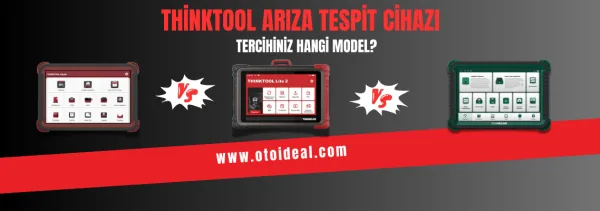
Thinktool Diagnostic Tool | Which Model Should I Prefer?
Thinktool diagnostic tools are universal diagnostic tools that can detect faults in the control units of vehicles and perform online program...
Read More