AutoTuner
$4,139
VAT incl.
Free shipping Ships within 2-3 days

1 / 6
FormulaFlash is an ECU and TCU programming tool developed by VAPON Technology. It puts all three connection methods — OBD, BENCH and BOOT — in one box, with no mandatory subscription and a simple PC-connected workflow. Its place in the market is worth stating plainly: it is the first tool for a workshop moving into bench and boot work.
In short: OBD + BENCH + BOOT. ECU cloning, EEPROM and FLASH read/write, checksum correction, VIN and ISN editing, Stage 1 power upgrade, DTC off. Ships with 12 months of free subscription and a 1-year warranty; when the subscription ends the tool keeps working — only updates stop.
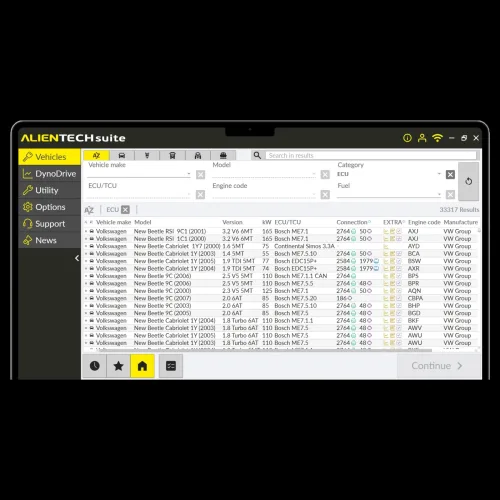
Chip tuning and ECU repair come down to three steps: read the file out of the unit, edit it, write it back. FormulaFlash is the first and third link in that chain; the editing in the middle is done with map editing software such as ECM Titanium, or with a file service.
What sets it apart is that it puts service jobs next to reading and writing. The same box clones a unit, corrects a VIN and — on supported units — applies a one-click Stage 1 power upgrade.
ECU cloning
Moving the data from a failed unit into its replacement, without redoing the key and immobiliser work.
EEPROM and FLASH
Both memory areas are read and written separately; some units add an EXTFLASH area.
Checksum correction
An edited file with a wrong checksum leaves the unit dead. On supported units the tool corrects it.
VIN and ISN
A second-hand unit arrives with the wrong VIN and ISN; both can be read and changed.
Stage 1 and DTC
One-click power upgrade and fault-code off on supported units; idle-speed adjustment on some families.
How you reach an ECU depends on how locked down it is. FormulaFlash supports all three routes:
| Method | How | When |
|---|---|---|
| OBD | Through the 16-pin socket in the vehicle | When the unit does not have to come out. Fastest and lowest-risk. |
| BENCH | Unit removed, powered and wired on the bench | When OBD cannot reach it, or only reads. The case stays closed. |
| BOOT | Case opened, contact made at the boot points on the processor | On protected units with OBD and bench closed. Needs soldering or spring probes. |
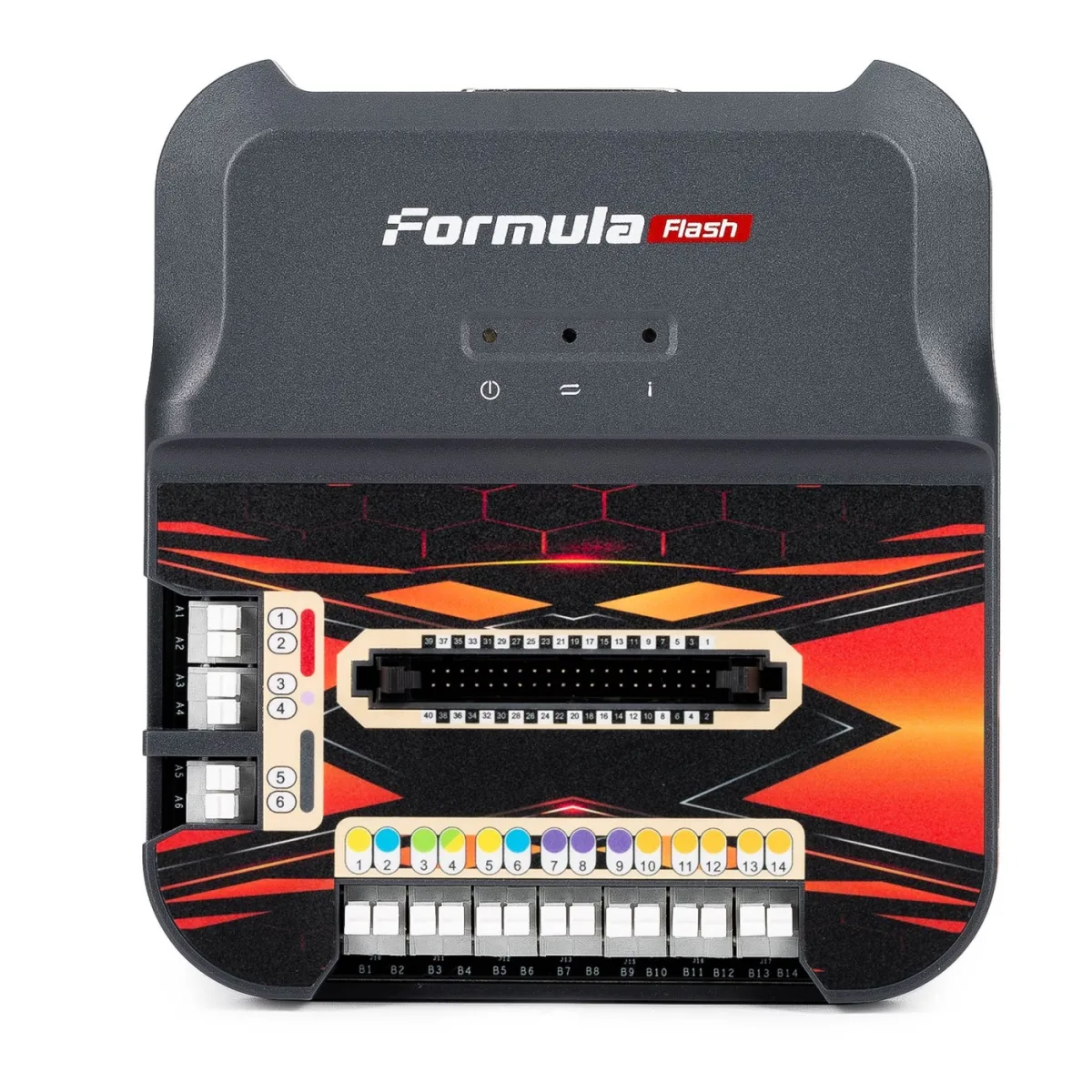
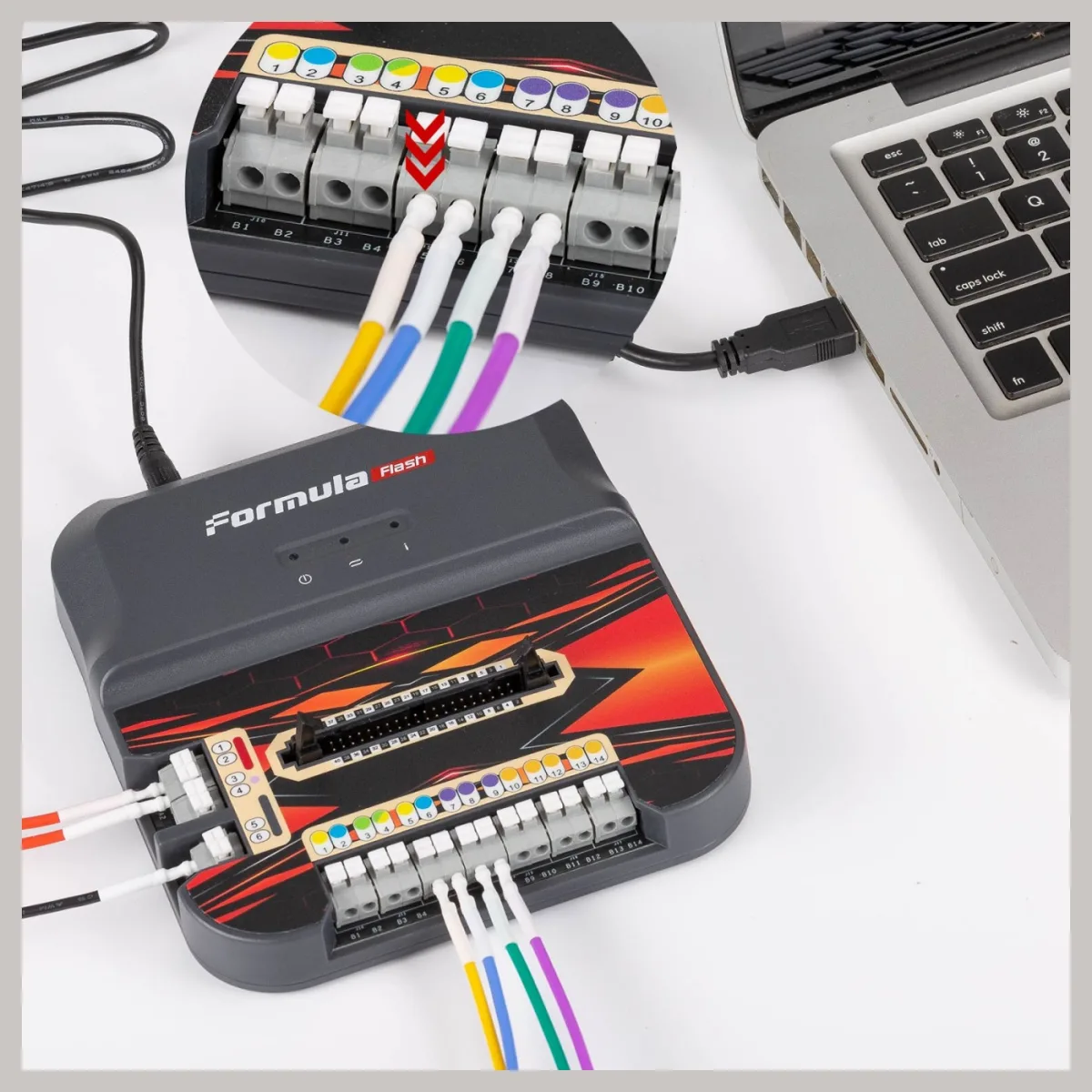
Connection diagrams live inside the software: for each unit it shows which wire goes where, colour-coded. The terminal block on the front of the tool carries the same colour code — a small but well-considered detail that makes wiring the wrong pin much less likely.
The ports on the box say exactly what it can reach. The manufacturer's interface table:
| Port | Support |
|---|---|
| OBD port | Pull-up system, E-Net, FlexRay, 12 V and 24 V systems, 2× CAN Bus (up to 1 Mb/s), 2× K&L Line ISO, J1850 PWM |
| Boot / main terminal | BDM Motorola MC68XX · BL Siemens C167 · BL ST ST10F2XX · BL Infineon TC17XX · BL Nexus · JTAG Renesas SH705X · JTAG Mitsubishi MH22XX · JTAG Mitsubishi MH82XX · BL Motorola 68000HC · BL Motorola MC12 |
| BDM port | Motorola MPC5xx family |
| JTAG port | NEC 76F00xx |
24 V support matters here: truck, bus and tractor units run on 24 V systems as standard, and many tools in this class are 12 V only. That is why FormulaFlash can be used on heavy-duty and agricultural work at all.
The manufacturer publishes its update log; the list below is a cross-section of what has been added up to software version 1.2.0.0:
| Manufacturer | Families |
|---|---|
| Bosch — current generation | MD1 and MG1: MD1CS018, MD1CS016, MD1CS015, MD1CE108, MD1CC878, MD1CE100C, MG1CA094, MG1CS003 (DME 861), MG1CS201, MG1UA008, MG1US008, MG1US708 and more |
| Bosch — previous generation | MED17 / EDC17, MEV17.2, MED17.2, ME17.8.8, MED17.8.10, MED17.8.2, ME7 series, ME7.4.4 / ME7.4.5, ME7.9.3, MSV80 |
| VAG transmission (TCU) | DQ200, DQ200 Gen2, DQ250 MQB, DQ250Fxx, DQ380, DQ381, DQ400e |
| Continental | GPEC2, GPEC2A, GPEC3, GPEC4, SIM271KE, SIM271D, SIMOS 8.1 – 8.6 |
| Delphi | MT20, MT22, MT34, DCM3.7AP, DCM7.1AP |
| Marelli | IAW 4AF, IAW 59F, IAW 5AF, IAW 5SF8 / 5SF9, MJD 6F3, MJD 8F3, 8GMW, 8GSF, 8GSW, 8GMF |
| Denso | Toyota Denso 3rd generation — bench and OBD read/write + checksum |
| Hyundai / Kia | ME17.9.11, ME17.9.12, ME17.9.2X, ME17.9.8, MEG17.9.2, MED17.9.8, MEG17.9.8, MEG17.9.21 |
| Ford | SID211, SID212, SID212 EVO (July 2026 update) |
| Other | SIMTEK 70 / 71 / 71.1 / 71.5 / 71.6 / 75.5 / 76.1 / 77 / 78, AC Delco TCU (bench) |
The list is maintained, not fixed. Supported units grow with every update. Before ordering, tell us the vehicle group and ECU type you work on and we will check together which mode (OBD / bench / boot) that unit is supported in today. It is the one step that prevents buying a tool and discovering your unit is not on the list.
Software version 1.1.2.0 added a function that matters directly to auto locksmiths: one-click reading of the CS code from the ECU and TCU on VAG vehicles. In an all-keys-lost situation on the MQB platform that code is needed to program a new key, and obtaining it is normally a long procedure.
Supported units: MED17, EDC17, DQ200, DQ200 Gen2, DQ250 MQB, DQ250Fxx, DQ400e. The manufacturer has announced work on DL501, DL501 Gen2, VL381 and DQ380 / 381 / 500.
Subscriptions are the confusing part of this product class. With FormulaFlash it works like this:
It works online. The software talks to the manufacturer's server during operations and cannot be used without an internet connection. A wired or stable connection at the bench is required.
| Specification | Value |
|---|---|
| Model | Formula Flash |
| Manufacturer | VAPON Technology |
| Product type | ECU and TCU programming tool |
| Connection methods | OBD, BENCH, BOOT |
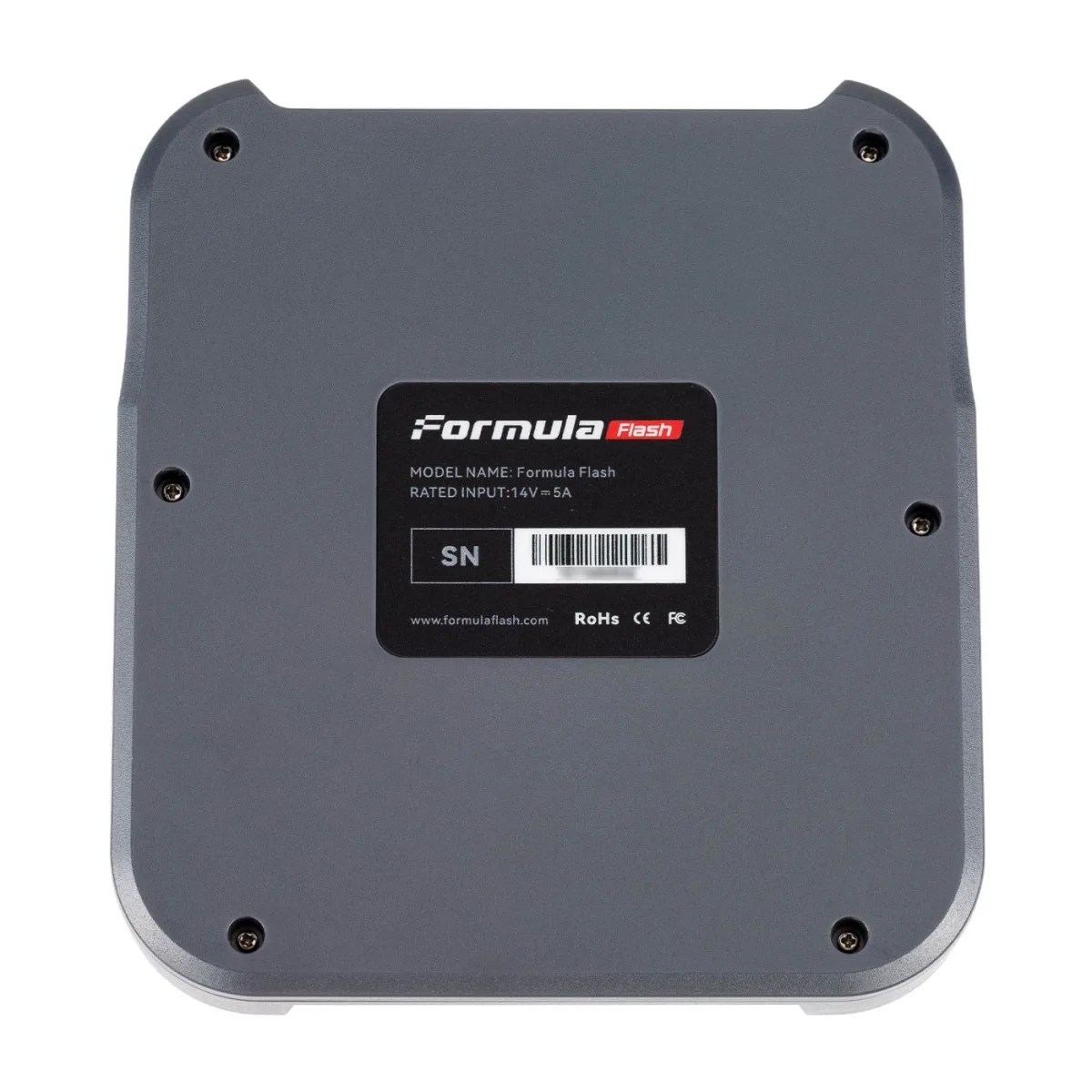
| Power input | 14 V ⎓ 5 A (from the device label) |
| System voltage | 12 V and 24 V |
| Communication | 2× CAN Bus (up to 1 Mb/s), 2× K&L Line ISO, J1850 PWM, E-Net, FlexRay |
| PC connection | USB |
| Software version | 1.2.0.0 (August 2026) |
| Interface languages | English, Spanish, French, Portuguese, German, Russian, Korean, Chinese |
| Operation | Online — server connection required |
| Subscription | 12 months free; optional afterwards |
| Warranty | 1 year |
| Certification | CE, FCC, RoHS |
| Vehicle types | Car, truck, bus, tractor, motorcycle, boat, industrial |
The device
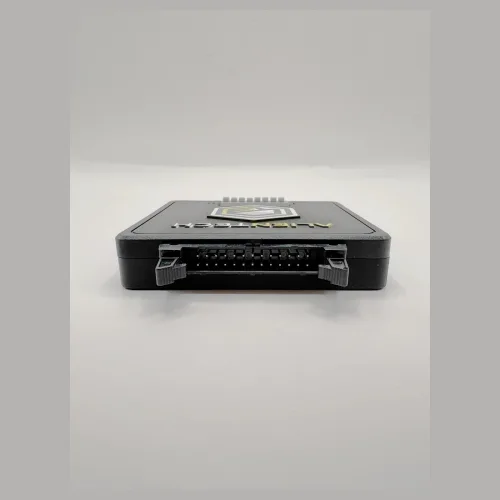
A 40-pin boot connector with the colour-coded A1–A6 and B1–B14 terminal rows.
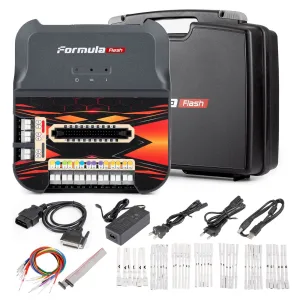
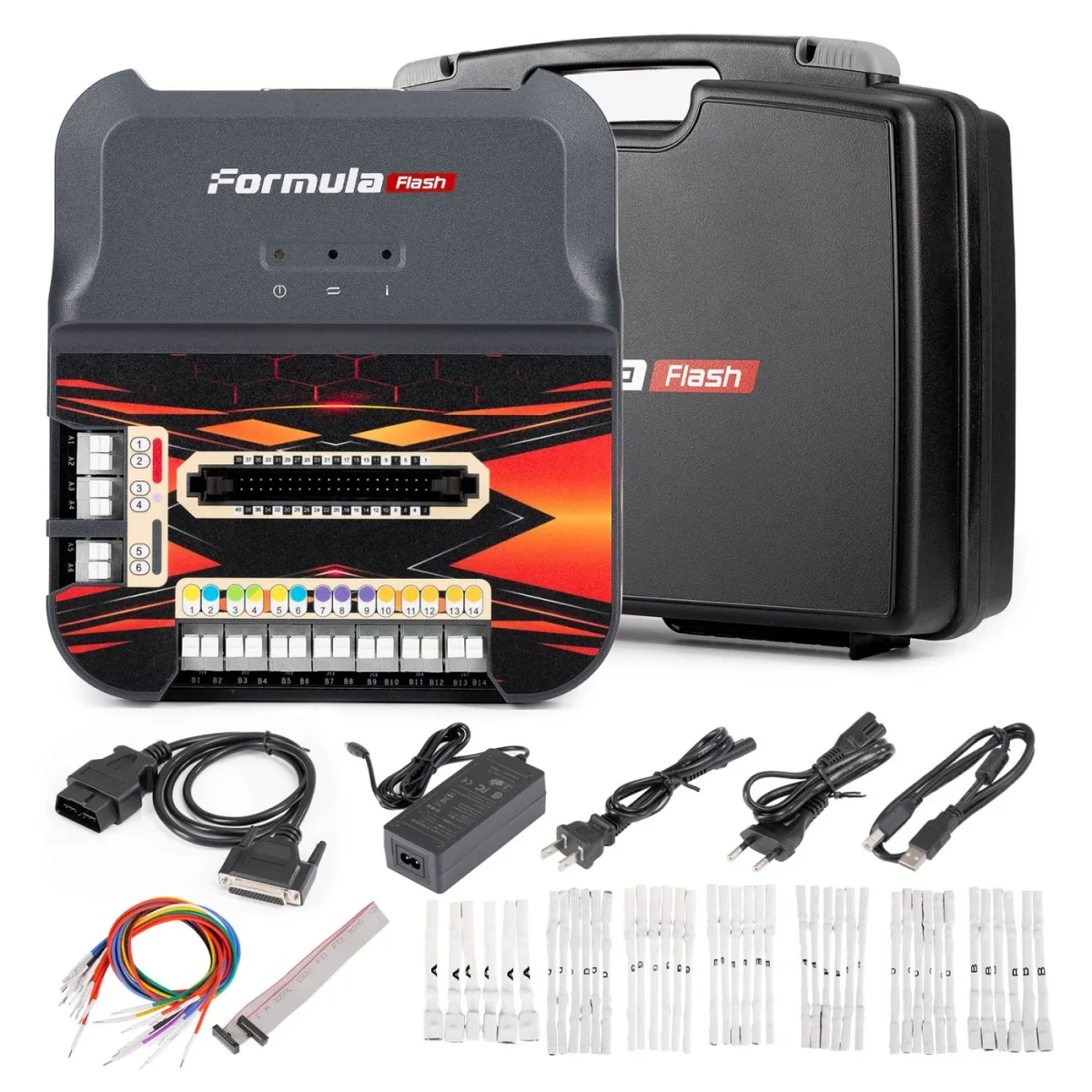
Full kit
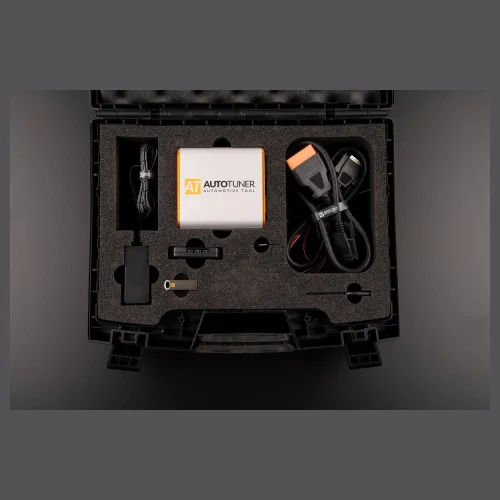
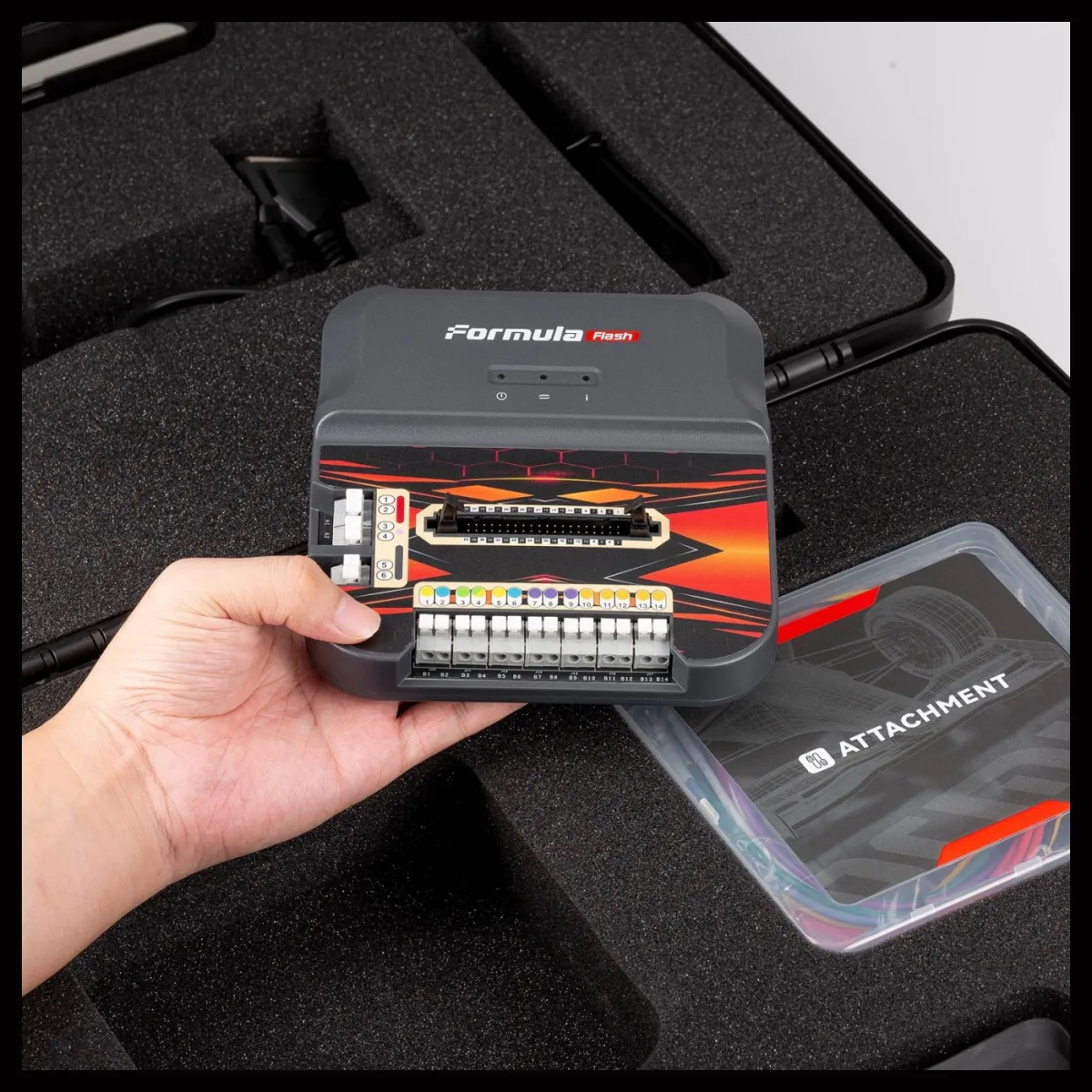
Everything in the box: case, cables, adapter and six sets of pin adapters.
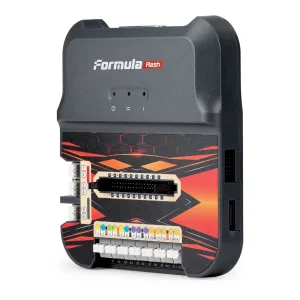
BDM and JTAG
Two headers on the side: BDM for MPC5xx, JTAG for NEC 76F00xx.
| Item | Qty | What it is for |
|---|---|---|
| FormulaFlash device | 1 | Main unit |
| OBD cable | 1 | To the vehicle's 16-pin socket; DB25 on the tool side |
| Power adapter | 1 | 14 V supply |
| Mains cord — European plug | 1 | For the adapter |
| Mains cord — US plug | 1 | For the adapter |
| USB cable | 1 | PC connection |
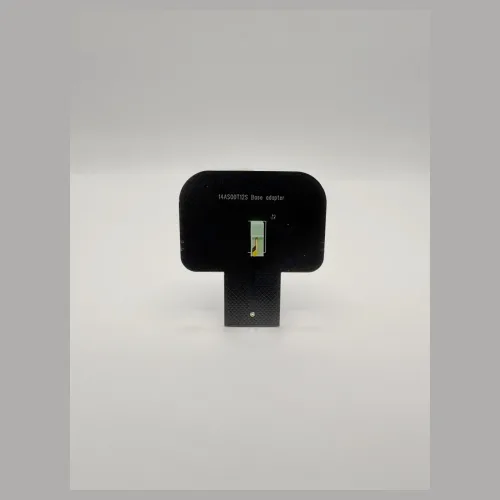
| Pin adapter sets | 6 sets | Tips in different sizes and types for contacting the unit connector in bench mode |
| NEC 76F00xx cable | 1 | From the JTAG port to NEC-based units |
| Colour-coded wiring harness | 1 | Matches the colours on the terminal block; the basis of bench and boot wiring |
| Carrying case | 1 | Hard shell, foam lined |
| Accessory box | 1 | Clear box holding the tips and the harness |
Why the colour-coded harness matters. Bench and boot work leaves no margin for error: putting the supply wire on the wrong pin kills a unit in a second. In FormulaFlash the connection diagram in the software, the label on the terminal block and the harness itself all use the same colour system. The yellow wire in the diagram goes to the yellow terminal on the tool. That three-way match is exactly what a technician new to bench work needs most.
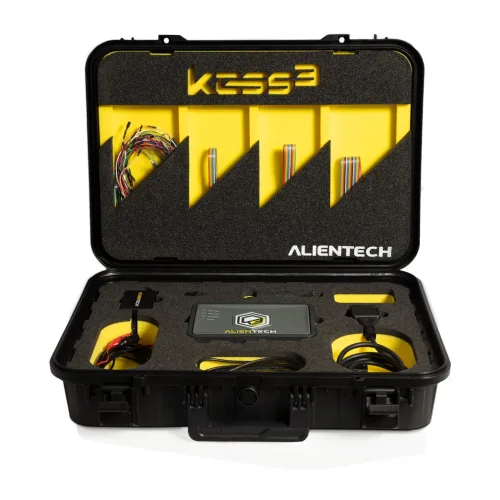
The honest comparison: tools like MagicMotorsport Flex, Alientech KESS3 and AutoTuner carry far broader protocol coverage, more mature software and stronger technical support — and their prices reflect it. FormulaFlash does not replace them.
What it does is put the whole bench-and-boot hardware set on the table at a fraction of that budget. For a newly opened workshop, or as a second tool, it is a low-risk starting point. Moving up a tier later is always possible; this tool is not about delaying that move but about making the start easy.
Setup and first-use support included. Software installation, activation and the first connection attempt are done together over a remote session. If bench and boot work is new to you, we run a sample read on your own unit and go through the file together.
FormulaFlash is an ECU and TCU programming tool developed by VAPON Technology. It puts all three connection methods — OBD, BENCH and BOOT — in one box, with no mandatory subscription and a simple PC-connected workflow. Its place in the market is worth stating plainly: it is the first tool for a workshop moving into bench and boot work.
The FormulaFlash ECU and TCU Programming Tool performs 5 service functions, including: ECU cloning, EEPROM and FLASH, Checksum correction, VIN and ISN, Stage 1 and DTC.
The full list is in the service functions section of the product description.
The FormulaFlash ECU and TCU Programming Tool is $1,020 including VAT, $850 excluding VAT. It follows the FormulaFlash list price and the exchange rate.
Ask for a quote before ordering to confirm the current price and payment options.
Yes. The FormulaFlash ECU and TCU Programming Tool ships as a genuine product, with an invoice and a warranty.
Remote technical support is provided for installation and first use. Ask us about software updates and licence periods before ordering.
Shipping is free on orders over 3,000 TL. Stock status: Sipariş üzerine.
Ask us about delivery times and the courier before you order.
Free shipping Ships within 2-3 days
Free shipping Ships within 2-3 days
Free shipping Ships within 2-3 days
Free shipping Ships within 2-3 days
Free shipping Ships within 2-3 days
No shipping — remote installation
Free shipping
Free shipping Ships within 2-3 days
Free shipping Ships within 2-3 days
Free shipping Ships within 2-3 days
Free shipping Ships within 2-3 days
Free shipping Ships within 2-3 days
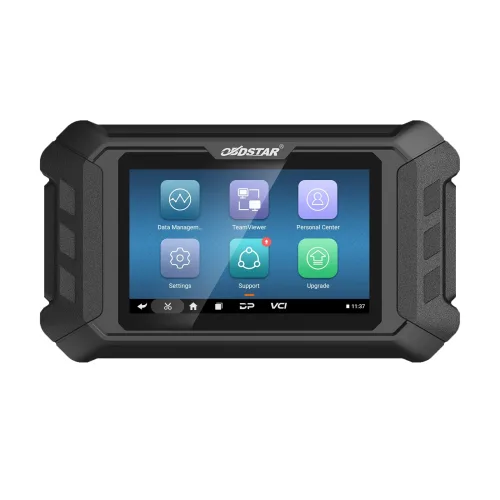
Free shipping Ships within 2-3 days
The EVPT VCU3000 on Stellantis' small electric vehicles could only be opened by bench or boot, and both start by removing the unit. With Fle...
Read More
The prices Abrites publishes, organised on one page: the AVDI Plus interface, full brand packages, individual licences, cable kits and the a...
Read More
Autel MX808S for safe used car purchase. Mileage verification, ECU analysis, 80+ brand support. ✓ Android 11 ✓ 7-inch screen ✓ Free shipping...
Read More
The Renault physical token is the key to online programming, coding and adaptation on Renault and Dacia vehicles. Here is how it works and w...
Read MoreDouble-tap to zoom
Strictly necessary cookies keep the site working. With your permission we also keep visit statistics; you are not identified. Details