OEM
Ask us for the price
No shipping — remote installation
1 / 3
 OEM
OEM
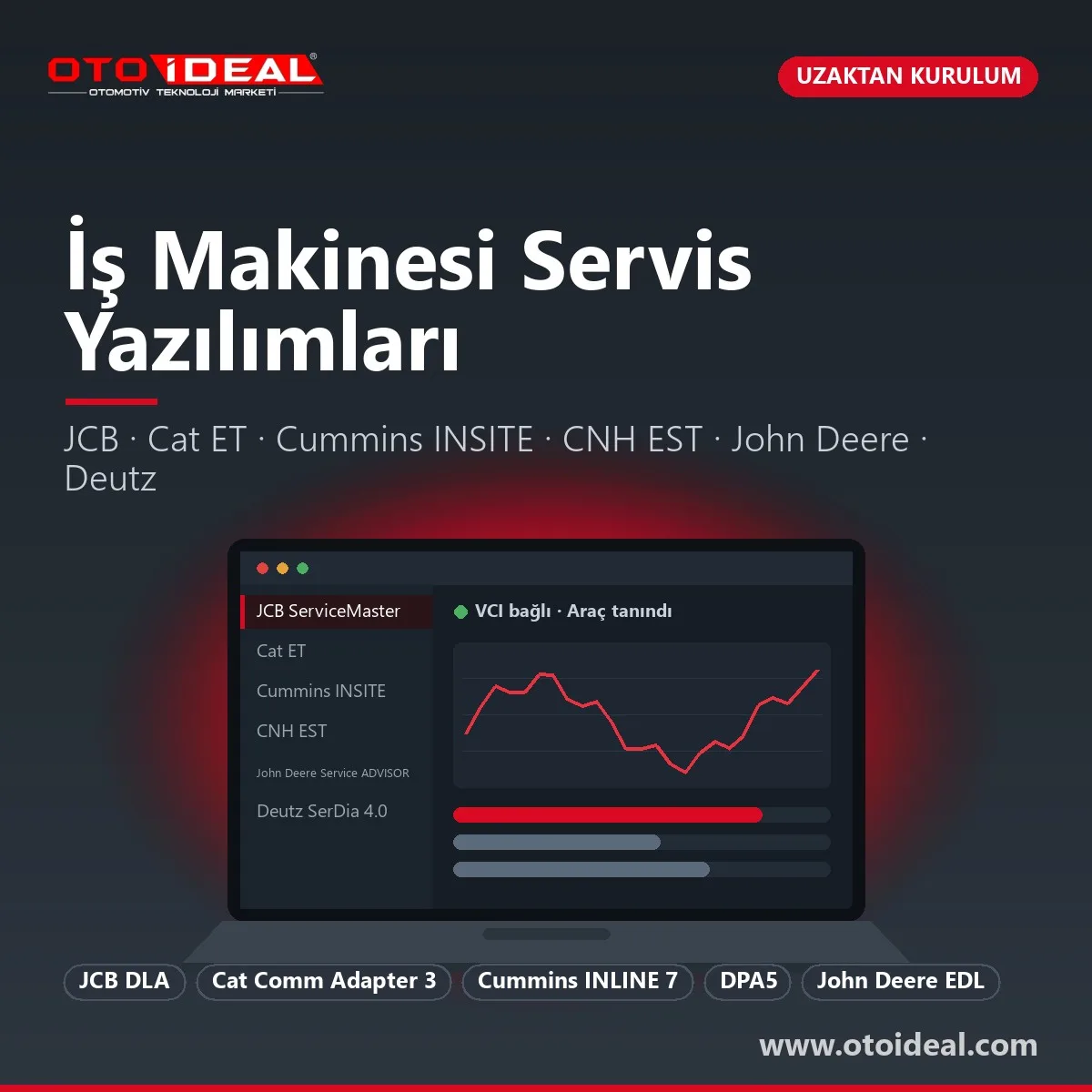
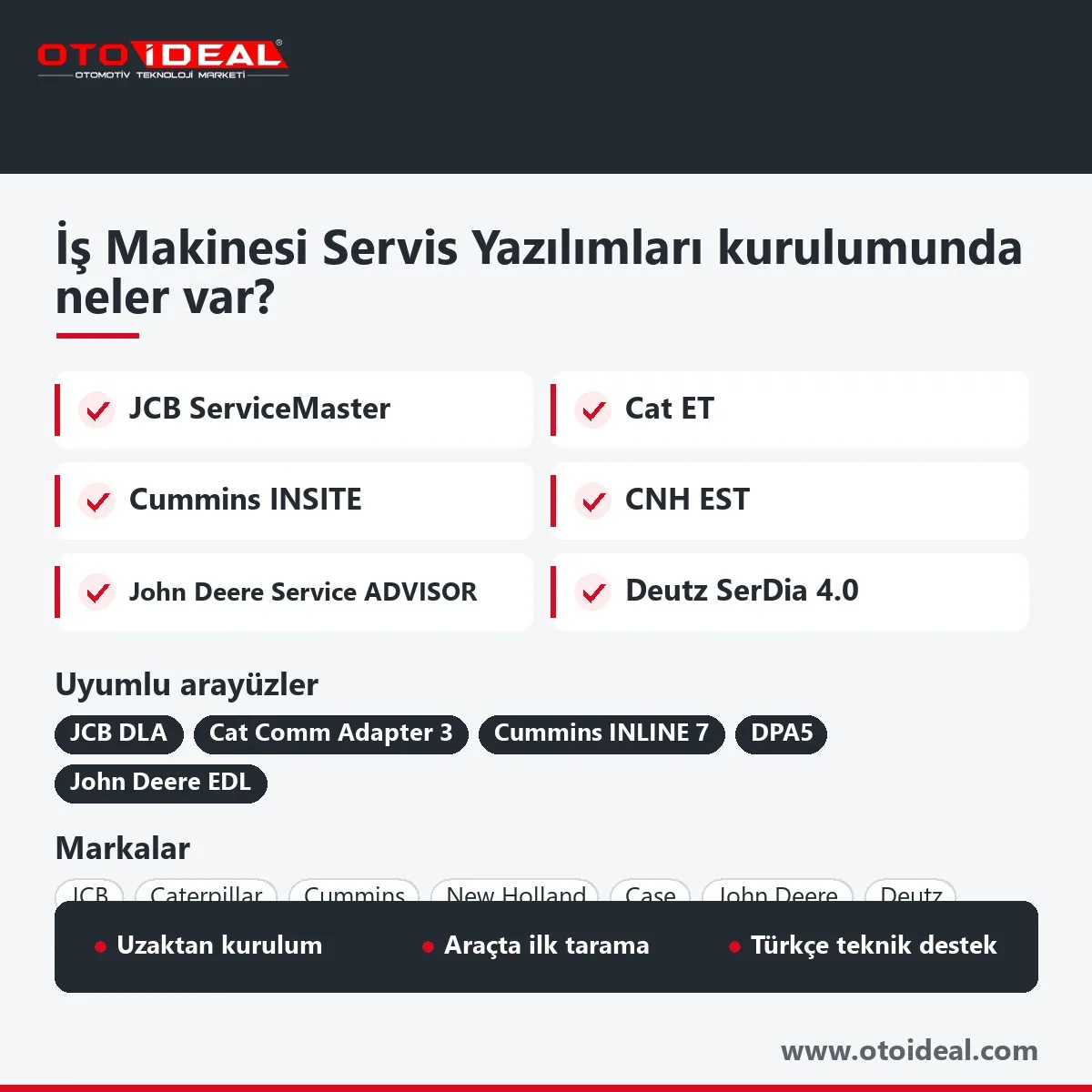
Construction equipment diagnostic software is the program a machine or engine manufacturer uses to talk to its own control units: ServiceMaster for JCB, Cat ET (Electronic Technician) for Caterpillar, INSITE for Cummins engines, EST for CNH (New Holland, Case IH, Case), Service ADVISOR for John Deere and SerDia for Deutz engines. What you order here is the installation: we set up the software you are licensed for on your Windows laptop, pair the interface and run the first scan with you over remote desktop. The interface hardware is a separate product, and the licence and online services belong to the manufacturer.
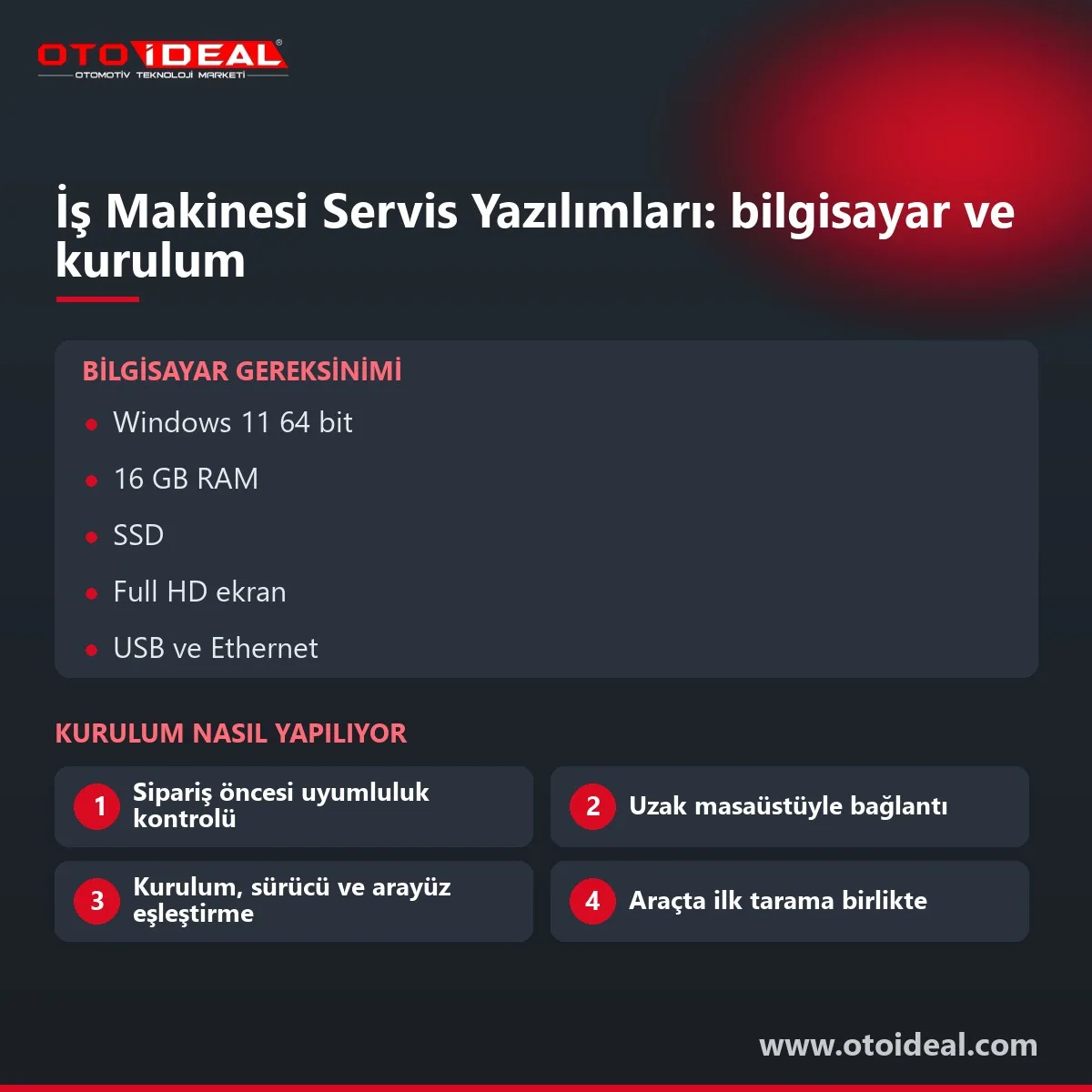
Short answer: each program needs its own interface: JCB DLA for ServiceMaster, Comm Adapter 3 for Cat ET, INLINE 7 for INSITE, a DPA5 protocol adapter for CNH EST, an EDL for John Deere and DeCom for SerDia. Plan on Windows 11 64-bit, 16 GB RAM and an SSD. Licences and calibration files come from the manufacturer; installation, pairing and the first scan come from us.
Off-highway machines have two layers: the machine (transmission, hydraulics, cab, hitch) and the engine. The machine maker's software reads the machine; the engine maker's software usually goes deepest into the engine control unit. On a Cummins-powered JCB, ServiceMaster covers the machine and INSITE covers the engine. Ask for the engine plate before you buy anything.
| Machine or engine | OEM software | Interface |
|---|---|---|
| JCB | ServiceMaster | JCB DLA (Data Link Adapter) |
| Caterpillar | Cat ET | Cat Comm Adapter 3 |
| Perkins engines | Perkins EST | Perkins communication adapter (J1939) |
| Cummins engines | INSITE | INLINE 7; INLINE 6 is legacy |
| New Holland, Case IH, Case, Steyr | CNH EST | Protocol adapter (DPA5) |
| John Deere | Service ADVISOR, Operations Center PRO Service | EDL, USB-Link 3 kit |
| Deutz engines | SerDia 4.0 | DeCom, HS-Light |
JCB ServiceMaster
Views faults and reads or changes machine set-up data. Works only with the JCB DLA (USB to J1939 and J1708).
Cat ET
Active and logged codes, events, status values, configuration, diagnostic tests; WinFlash for control unit software.
Perkins EST
Fault codes, events such as low oil pressure, cylinder cut-out test, product status report. Annual licence from Perkins.
Cummins INSITE
Fault trees, troubleshooting, parameter and feature adjustment, engine tests; calibration download with a Pro licence.
CNH EST
Controller status, parameter monitoring, fault codes with repair process, electrical and hydraulic schematics.
John Deere
Codes, readings and calibrations; PRO Service, announced in 2025, adds controller reprogramming.
Deutz SerDia 4.0
Commissioning and diagnostics from EMR2 to EMR5 (MD1); access level decides regeneration and injector tests.
Cat ET connects through the Comm Adapter 3, part number 538-5051, which replaced 317-7484 and 466-6258 and handles Cat engines on dual data links. The laptop needs USB for the adapter and an RJ45 port where the machine offers Ethernet service. Cat ET is licensed through Caterpillar's dealer network; Perkins asks for an annual licence from its local network before EST is used.
Cummins sells INSITE in levels. Basic is read-only and runs five years without updates; Lite adjusts parameters and runs tests but cannot download calibrations; Pro is full function. Since INSITE 9.1.0, calibrations download only to the engine they are authorised for, and an attempt to move an ECM to another product ends in Error 27008. INSITE runs in 22 languages, Turkish included.
CNH sells a customer version, Customer EST, as a Basic subscription per machine series or a Premium subscription for all series, plus a one-time protocol adapter. Its function list does not include controller programming. John Deere's Customer Service ADVISOR is being replaced by Operations Center PRO Service, an annual licence per machine or per service business; independent shops get access with the owner's permission. Availability outside the US should be checked with John Deere.
| Interface | Software | Connection and protocols | Note |
|---|---|---|---|
| JCB DLA | ServiceMaster | USB; J1939, J1708 | DLA 2.0 needs a current ServiceMaster release |
| Cat Comm Adapter 3 | Cat ET | USB; J1939, J1708; dual data link | 538-5051 is the current part |
| Cummins INLINE 7 | INSITE | USB, Bluetooth, dual-band Wi-Fi; RP1210; J1708, J1939, three CAN channels | 6–32 V supply |
| Cummins INLINE 6 | INSITE | USB; J1708, J1939 | Still connects to INSITE 9.3; Cummins no longer supports it |
| DPA5 (Dearborn) | CNH EST | USB; RP1210 and J2534; J1939, J1708, ISO 9141 | Bought once with the subscription |
| John Deere EDL, USB-Link 3 kit | Service ADVISOR, PRO Service | USB or Bluetooth | Needed for direct connection and reprogramming |
| DeCom, HS-Light | SerDia 4.0 | Deutz's own interfaces | Serialised, user-specific, access-level controlled |
| Jaltest Link | Jaltest (multi-brand) | USB and wireless | Can act as an RP1210 adapter with the Data-Link module |
RP1210 lets one adapter appear to several programs, but we keep calibration and software downloads on the adapter the manufacturer supports. Cummins warns that incompatible cables can damage both the adapter and the PC. When installing INLINE 7 drivers, every other RP1210 adapter must be unplugged.
| Software | Operating system | CPU and RAM | Disk and display |
|---|---|---|---|
| Cummins INSITE 9.3 | Windows 10 (20H2 or later) or Windows 11 64-bit | 2.5 GHz quad core, 16 GB recommended | 60 GB free, 1920×1080, .NET Framework 4.8.1 |
| CNH Customer EST | Windows 10 64-bit; no 32-bit installs | Core i5 or better, 8 GB or more | 250 GB or more, SSD recommended; 1280×1024 |
| John Deere PRO Service | Windows 11 (incl. 24H2); Windows 10 through 2025 | Intel i5 64-bit, 16 GB | 500 GB recommended |
| Deutz SerDia 4.0 | Windows 10 or 11 | 1 GHz or more, 5 GB or more | 5 GB free; 1920×1080 at 100% scaling; internet |
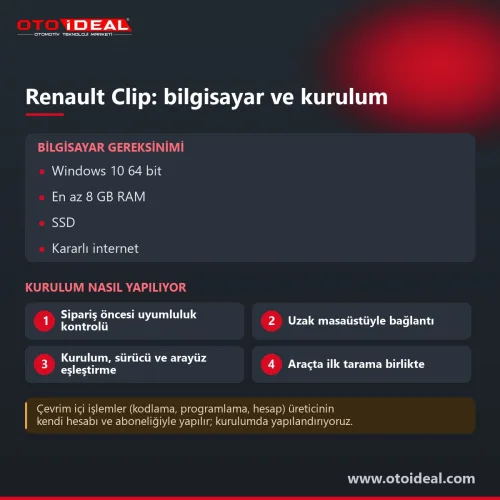
| Cat ET, Perkins EST, ServiceMaster | Windows | No figure verified; we recommend 16 GB | SSD; USB and RJ45 for Cat ET |
Cummins has announced that the next INSITE release drops 32-bit Windows, and Windows 10 support ended in October 2025, so we install on Windows 11 64-bit. INSITE does not support dual monitors and shows display problems above 150% scaling. Power-saving modes must be off during calibration downloads.
| Message or symptom | Likely cause | What we do |
|---|---|---|
INSITE Error 5200, 5202 | No link between PC and adapter: driver, USB, Bluetooth range | Drivers and firmware; manual adapter configuration if auto-configure fails |
INSITE Error 5201, 5204 | No link between adapter and ECM: key, supply, J1939 wiring | Measure 60 Ω across the data link (two 120 Ω terminators); constant supply |
INSITE Error 27008 | Calibration not authorised for the connected engine | Cummins rule; we select the correct calibration |
| CNH EST will not install | 32-bit Windows or failed system check | 64-bit Windows; EST reports a PC that misses the requirements |
| SerDia 4.0 licence not active | No registration in DEUTZ central user administration (ZNV) | Registration through your ZNV administrator or Deutz, with the interface number |
Jaltest from Cojali puts agricultural (AGV), off-highway (OHW) and truck (CV) modules on one Link interface, which suits a shop working on a mixed fleet. OEM software goes deeper on one brand: Cummins calibrations, Cat WinFlash and John Deere reprogramming need the manufacturer's own program and account, and Jaltest's function list does not include control unit software downloads. Many shops run Jaltest daily and add the OEM program for their main brand.
Plain note. We install and configure; we do not sell manufacturer licences. Licences, calibration and flash files, and reprogramming rights belong to the manufacturer and open through its account, and INSITE checks its licence online every 90 days. If your interface is not on the supported list or your laptop falls short, we say so before you order.
Fault code meanings are covered in JCB construction equipment fault codes, Caterpillar excavator error codes and tractor fault codes. Truck and bus software (Xentry Truck, Scania SDP3, Volvo Tech Tool, MAN-cats, DAF DAVIE) is on the heavy-duty OEM software installation page. Interfaces are listed under heavy vehicle diagnostic equipment and other programs under software and licences. Shops pairing OEM software with a multi-brand scan tool can also browse our diagnostic devices.
All OEM Diagnostic Software and Installation → All OEM (Original Equipment Manufacturers) Diagnostic Device →
Cat ET connects through the Cat Comm Adapter 3, current part number 538-5051, which replaced 317-7484 and 466-6258. The licence comes from Caterpillar's network; we install the software and the adapter drivers.
INSITE 9.3.0 is supported on Windows 10 (20H2 or later) and Windows 11 64-bit. Cummins recommends a 2.5 GHz quad-core CPU, 16 GB RAM, 60 GB free disk space and a 1920×1080 display, and has announced that the next release drops 32-bit Windows.
Yes, INLINE 6 still connects to current INSITE, but Cummins states that support for the adapter has ended. INLINE 7 is the current Cummins adapter.
The full Service ADVISOR stays within John Deere's own service network. Independent shops can access Operations Center PRO Service with the machine owner's permission; it replaces Customer Service ADVISOR and runs on an annual licence.
SerDia 4.0 works with the DeCom (DEUTZ Communicator) or HS-Light interface, both serialised and access-level controlled. The licence activates after registration in Deutz's central user administration (ZNV).
No. We install and configure the software you are licensed for; licences, calibration files and reprogramming rights come from the manufacturer.
No shipping — remote installation

No shipping — remote installation
No shipping — remote installation
No shipping — remote installation
Free shipping Ships within 2-3 days
No shipping — remote installation
Free shipping Ships within 2-3 days
Free shipping In stock, ships the same day
No shipping — remote installation
No shipping — remote installation
No shipping — remote installation
No shipping — remote installation
No shipping — remote installation
No shipping — remote installation
No shipping — remote installation
No shipping — remote installation
No shipping — remote installation
Comprehensive tractor fault codes guide with solutions. Engine, transmission, hydraulic, PTO and other system fault codes, causes and soluti...
Read More
Launch CRP 919X BT professional automotive diagnostic tool. Bluetooth OBD2, DoIP/CAN-FD support, 99% vehicle compatibility. ✓ 2-year warrant...
Read More
Ford VCM2 recovery and update process, fixing device detection issue in IDS software. Step-by-step guide for VCM2 recovery and update.
Read More
FORScan is an independent diagnostic program for Ford and Mazda. Which version to download, Standard versus Extended licence, getting a lice...
Read MoreDouble-tap to zoom
Strictly necessary cookies keep the site working. With your permission we also keep visit statistics; you are not identified. Details