
OEM
Ask us for the price
No shipping — remote installation

1 / 3
Current installation version: 7.2.1
 OEM
OEM
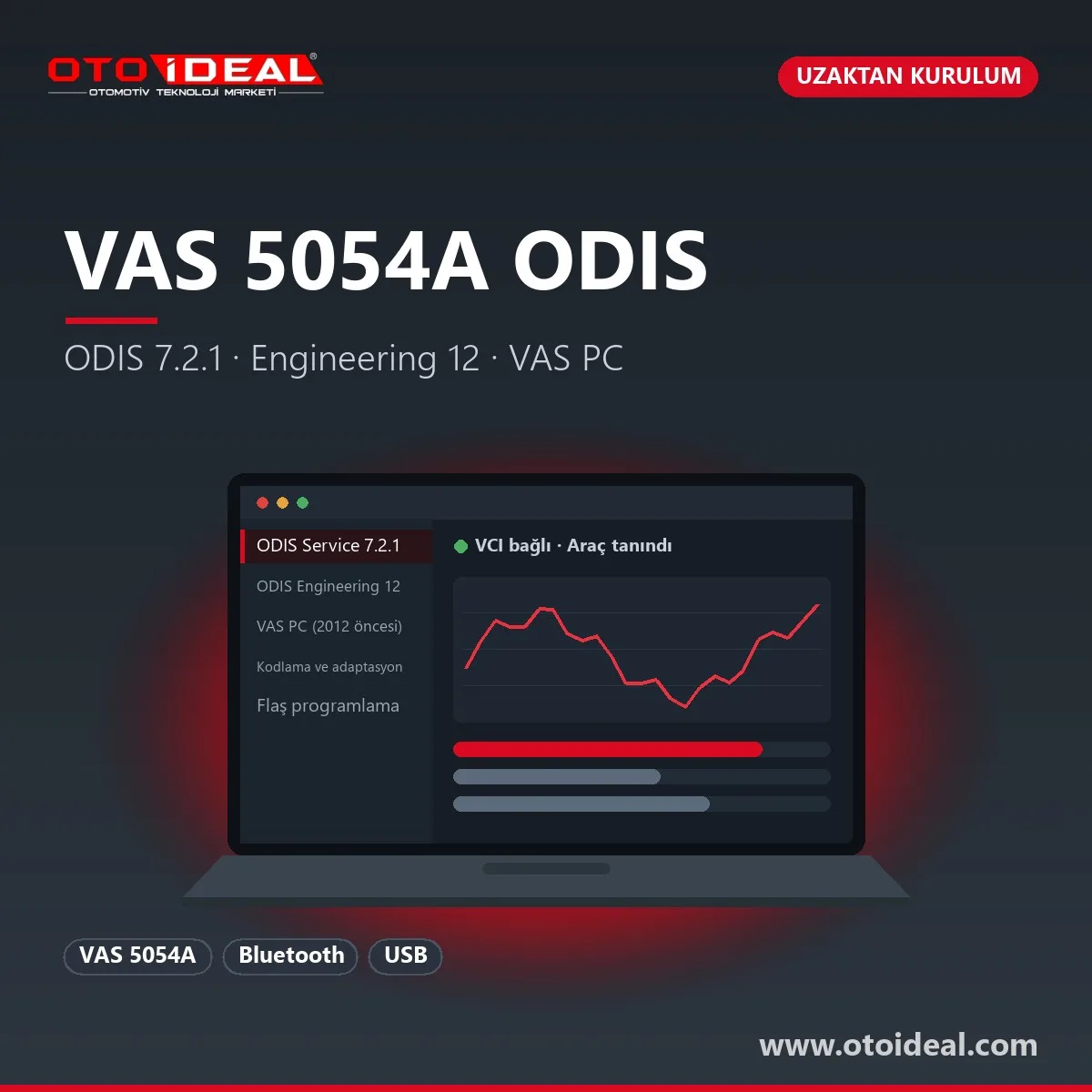
The VAS 5054A is the Bluetooth and USB diagnostic interface Volkswagen Group workshops have used since before ODIS. The last software it runs is fixed: ODIS Service 7.2.1, ODIS Engineering 12 and, for older cars, VAS PC. This listing is the installation service: we install all three on your computer over a remote session, pair them with your 5054A and test them on your first car with you. The interface is a separate product; licences and online services belong to the manufacturer.
Short answer: the VAS 5054A does not run ODIS Service releases after 7.2.1, and the last ODIS Engineering release it runs is 12. The package is therefore fixed: ODIS Service 7.2.1, ODIS Engineering 12 and VAS PC, covering diagnostics, coding, adaptation and control unit flashing on Volkswagen, Audi, SEAT and Skoda up to model year 2021. The laptop runs Windows 10 64-bit; the link is Bluetooth or USB, and USB for flashing. 2022-on models and DoIP vehicles need a 6154-family interface and a current ODIS installation.
New ODIS releases change the interface list as well as the diagnostic data. The current interface list on the manufacturer's erWin portal names only the VAS 6154 and VAS 6154A; the 5054A has dropped off. In practice, the last ODIS Service release that installs and runs with a 5054A is 7.2.1, and the last ODIS Engineering release is 12. A newer release on the same laptop ends with the interface not being recognised.
The second limit is hardware. According to the manufacturer, the 5054A works over Bluetooth and USB. It belongs to the K-Line and CAN generation and has no Ethernet, so it cannot reach DoIP vehicles that talk through the Ethernet lines in the OBD socket. Within the Group, MEB electric cars carry them from 2022 and most models from 2023.
| Interface | ODIS Service | ODIS Engineering | Link | Installation |
|---|---|---|---|---|
| VAS 5054A | 7.2.1 (last) | 12 (last) | Bluetooth, USB; no DoIP | This page, VAS PC included |
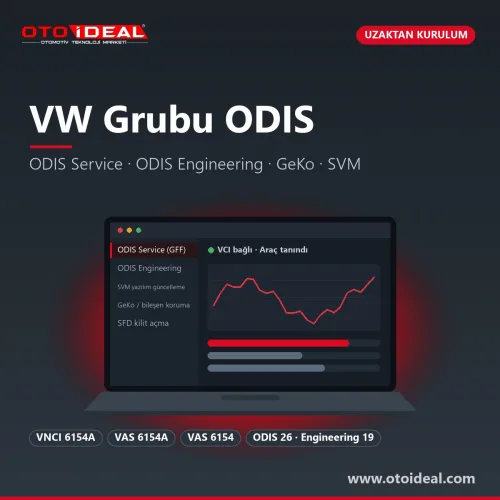
| VAS 6154, VAS 6154A, VNCI 6154A | Current (26) | 19 | Wi-Fi, USB; DoIP | ODIS installation |
ODIS Service 7.2.1
VIN-based session, interrogation of every control unit, fault memory, measured values, output tests, basic settings and service functions, with guided fault finding (GFF) built from the fault memory.
ODIS Engineering 12
Direct access per control unit: long coding, adaptation channels, flash containers and datasets. No test plans and no safety net; matching the right file to the right unit is the user's job.
VAS PC
The PC version of the VAS diagnostic software from before ODIS, used for diagnostics and coding on cars up to 2012, especially older control units that ODIS shows incompletely.
| Vehicle period | Software | Note |
|---|---|---|
| Up to 2012 | VAS PC; ODIS Service 7.2.1 on most units too | VAS PC opens older units ODIS does not recognise or shows incompletely |
| 2012–2019 | ODIS Service 7.2.1 and ODIS Engineering 12 | Full diagnostics, test plans, coding, adaptation and flashing |
| 2020–2021 | ODIS Service 7.2.1 and ODIS Engineering 12 | Reading and diagnostics work; coding and adaptation on SFD-protected units need an online unlock from the manufacturer |
| 2022 on, DoIP vehicles, EVs | Not suitable for the 5054A | 6154-family interface and a current ODIS installation |
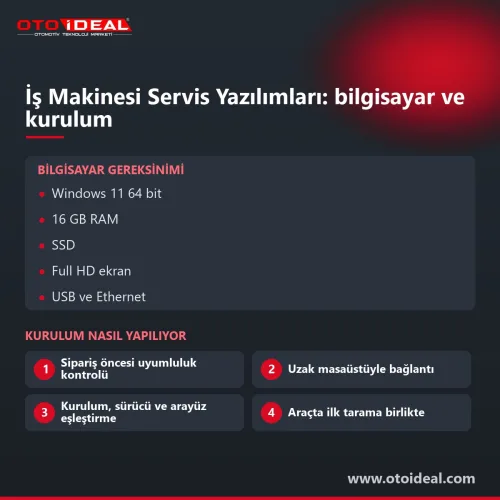
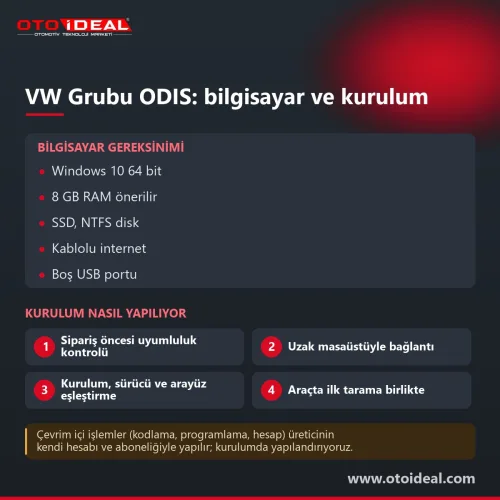
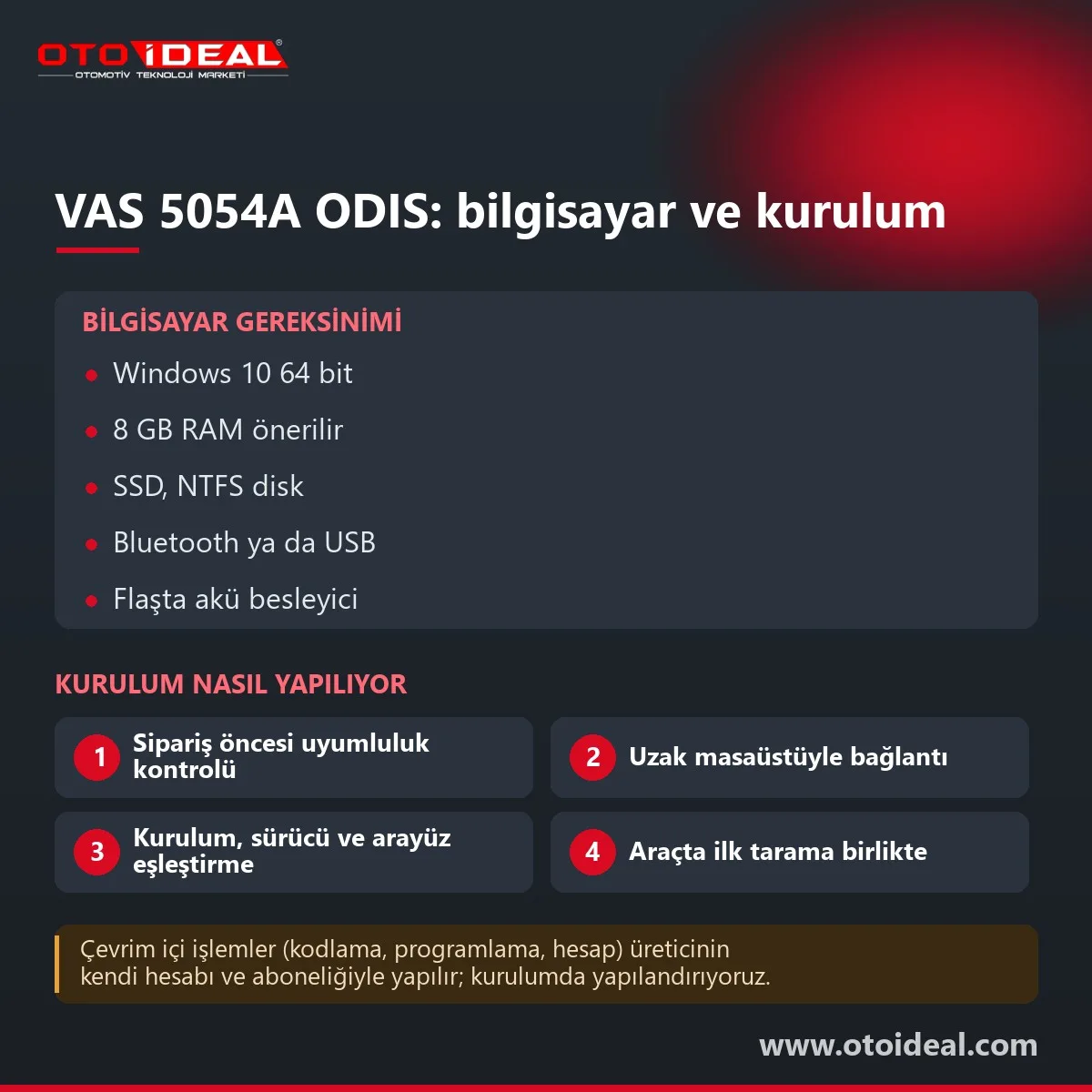
Windows 10 64-bit on a laptop reserved for diagnostics, 8 GB of RAM since ODIS Service and ODIS Engineering share the machine, an SSD with generous free NTFS space, an administrator account, and Bluetooth or USB. Bluetooth is convenient for diagnostics; flash only over USB with sleep mode and power saving disabled.
When 2022-on models or EVs arrive regularly, when your work depends on SVM, GeKo or SFD unlocking, or when test plans are missing for newer models. Then the VNCI 6154A with a current ODIS installation is the right route, and the 5054A can stay on as a second interface for older cars and VAS PC.
Honest note. ODIS and VAS PC licences and online services belong to Volkswagen Group; Oto İdeal does not sell manufacturer licences, it provides installation, configuration and support. The VAS 5054A does not run ODIS Service after 7.2.1 or ODIS Engineering after 12, has no DoIP and is off the manufacturer's current interface list. ODIS Engineering can brick a control unit with a wrong file or an interrupted write.
The interface itself is on the VAS 5054A page; other OEM software installations are in software and licences.
All OEM Diagnostic Software and Installation → All OEM (Original Equipment Manufacturers) Diagnostic Device →
The last releases the VAS 5054A runs are ODIS Service 7.2.1 and ODIS Engineering 12; VAS PC for older cars is part of the same installation.
No. ODIS Service releases after 7.2.1 do not recognise the 5054A, and the manufacturer's current interface list names only the VAS 6154 and 6154A.
The PC version of the VAS diagnostic software from before ODIS, used for diagnostics and coding on cars up to 2012.
Volkswagen, Audi, SEAT and Skoda up to model year 2021. 2022-on models, EVs and DoIP vehicles need a 6154-family interface.
Yes, with ODIS Engineering 12, over a USB cable, with the laptop on mains power and a battery charger on the car.
No shipping — remote installation

No shipping — remote installation
No shipping — remote installation
Free shipping Ships within 2-3 days

No shipping — remote installation
Free shipping Ships within 2-3 days

Free shipping In stock, ships the same day

No shipping — remote installation
No shipping — remote installation
No shipping — remote installation
No shipping — remote installation
No shipping — remote installation
No shipping — remote installation
No shipping — remote installation

No shipping — remote installation
No shipping — remote installation
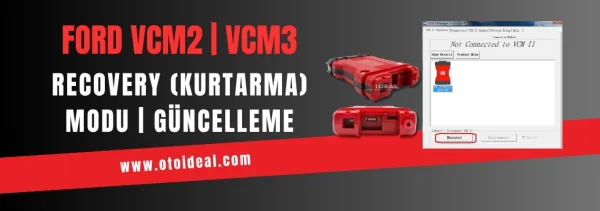
Ford VCM2 recovery and update process, fixing device detection issue in IDS software. Step-by-step guide for VCM2 recovery and update.
Read More
At this point, as a service provider, we are committed to building environmental awareness and supporting electric vehicle usage by installi...
Read More
We are proud to announce that our team has successfully installed the 2023.6 Xentry software for Mercedes SD Connect C4, C5, and C6 (Doip) d...
Read More
With the goal of contributing to Adana's vision of clean energy and green transportation, we, as a professional team, are executing the inst...
Read MoreDouble-tap to zoom
Strictly necessary cookies keep the site working. With your permission we also keep visit statistics; you are not identified. Details