

OEM
$37
VAT incl.
No shipping — remote installation
1 / 3
 OEM
OEM
Techstream is Toyota's service diagnostic software for diagnosing, reprogramming and customising Toyota and Lexus vehicles; on newer models the same work moves to GTS+ (Global Techstream Plus). What we offer here is the Techstream installation: the software set up on your laptop, paired with a J2534 vehicle interface module (VIM), and a first-vehicle scan carried out together over a remote session. The interface and Toyota's subscription are not part of the service; we confirm both with you before you order.
Short answer: We install Techstream or GTS+, the VIM driver, the VIM Select setting and the Calibration Update Wizard, then run a Health Check on your first car. Toyota recommends its Techstream Lite Mongoose interfaces for diagnostics and keeps a separate approved J2534 list for reprogramming. Toyota's 2026 minimum is Windows 11 with 8 GB RAM. Calibration updates and security signatures run online through Toyota's subscription.
Toyota describes Techstream Lite as three parts: the Techstream software, a generic laptop and a Techstream Lite kit that carries the vehicle interface. According to Toyota, it supports all DLC3 (J1962) diagnostic functions on 1996 and later Toyota, Lexus and Scion vehicles. It is the route Toyota itself offers to independent workshops.
Toyota's US service bulletins draw the line between the two. Flash reprogramming for 2001–2020 model years is described with classic Techstream. From the 2021 model year some ECUs refuse a new calibration until a Security Signature is fetched from Toyota's server; the July 2023 revision of that bulletin moved the procedure to GTS+ and lists the 2023–2024 Corolla, Corolla Cross, Prius, Crown, RAV4 Prime, Mirai and Tundra among others.
In practice, classic Techstream still covers the large older fleet, GTS+ is needed on signature-protected newer models, and many workshops keep both. Toyota's April 2026 Techstream Lite FAQ already describes installation on GTS+. The model lists above are US-market; for vehicles sold elsewhere we check the VIN before installation. The 2020-on GR Supra needs an additional diagnostic cable, according to Toyota.
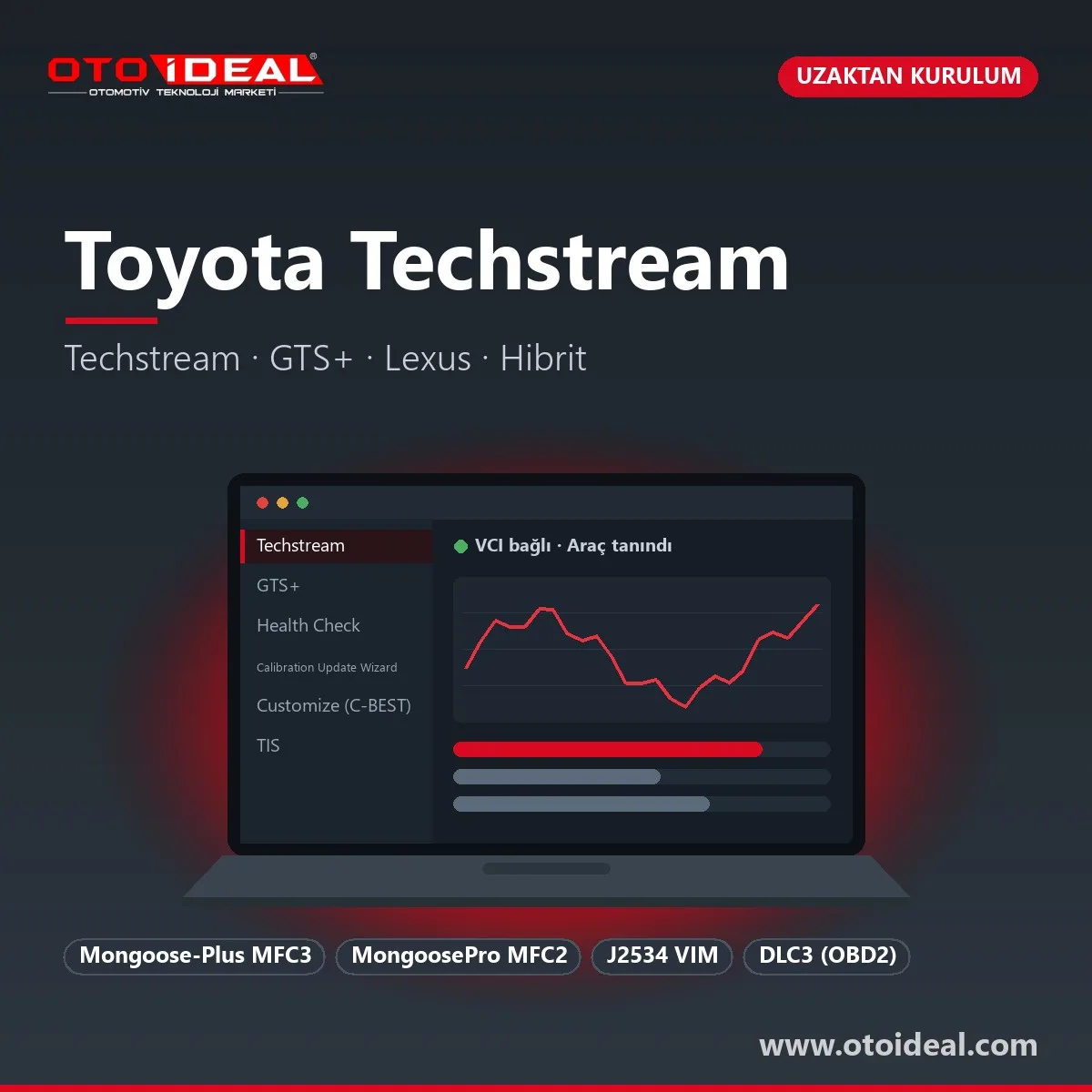
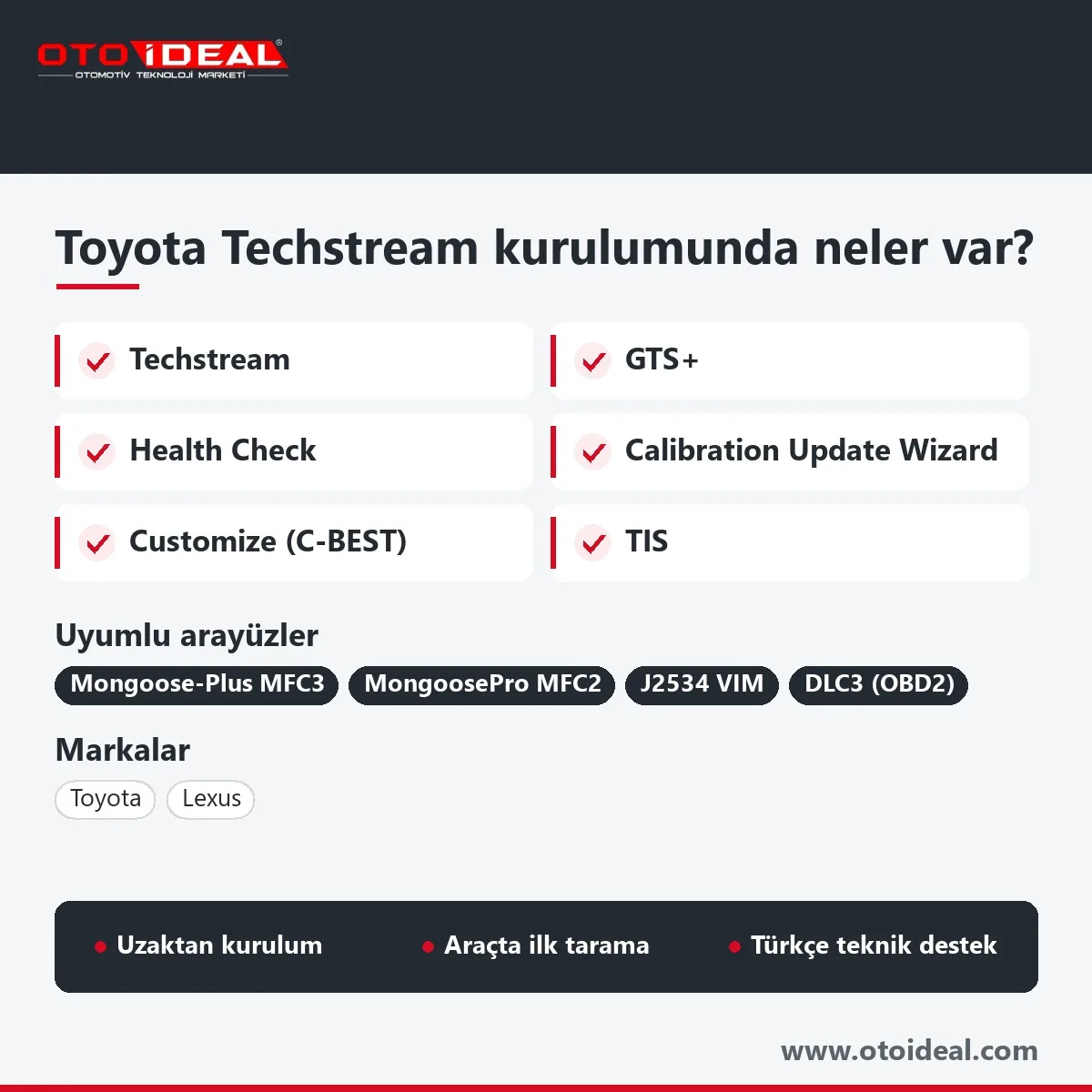
Techstream
Classic software: trouble codes, Data List, Active Test, Monitor and Utility functions on 1996-on Toyota and Lexus.
GTS+
Global Techstream Plus, the current platform for new models and signature-protected reprogramming.
Health Check
Scans every ECU for codes and calibration status; the Cal. Update column flags available software.
Calibration Update Wizard
CUW (CUW+ on GTS+) opens the calibration file and writes it to the ECU. Toyota asks that files are not stored locally.
Customize (C-BEST)
Menu for owner-adjustable vehicle settings, listed by Toyota as C-BEST.
TIS
Toyota's technical information portal: repair manuals, bulletins, calibration files and the subscription account.
Disabling emission control on a road vehicle breaches roadworthiness and emission rules; we set Techstream up for diagnosis, repair and regeneration.
Toyota says it modified Techstream to use SAE J2534 for most diagnostic functions. That does not make every J2534 box a supported Techstream interface. Toyota recommends only the Mongoose VIMs from its Techstream Lite kit for diagnostics, and approves the other devices on its J2534 list for reprogramming only.
| Interface | Toyota status | Note |
|---|---|---|
| Mongoose-Plus MFC3, MongoosePro MFC2 | Diagnostics and reprogramming | Techstream Lite kit; built by Drew Technologies, now Opus IVS. |
| Techstream ADVi, Techstream 2.0 | Toyota network equipment | Listed as required equipment in Toyota bulletins. |
| VSI-2534, VSI NxGen, CarDAQ-Plus 3 | Reprogramming only | On Toyota's approved J2534 list; Toyota states these devices do not provide scan tool functions. |
| Autel MaxiFlash VCI and VCMI (MaxiSys 909, MaxiSys Ultra) | J2534, not on Toyota's list | Toyota says other J2534 devices will "likely" work but are untested and not supported for diagnostics. The tablet reads Toyota with Autel's own software too. |
| Low-cost "Mini VCI" cables | Not on Toyota's list | Validated for neither diagnostics nor reprogramming. Fine for reading codes at best; we do not recommend them for flashing. |
The same caveat applies to the J2534 VCI of the Launch X431 Pro5: it is a J2534 interface, but Toyota has not listed it. We do not sell a Toyota-specific interface. Tell us what you have, and we will tell you before installation what it can do on your model years.
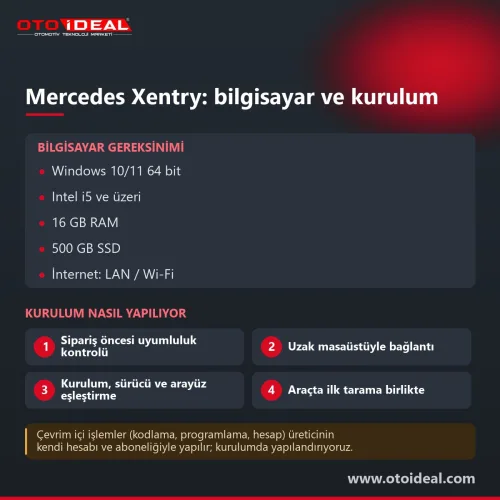
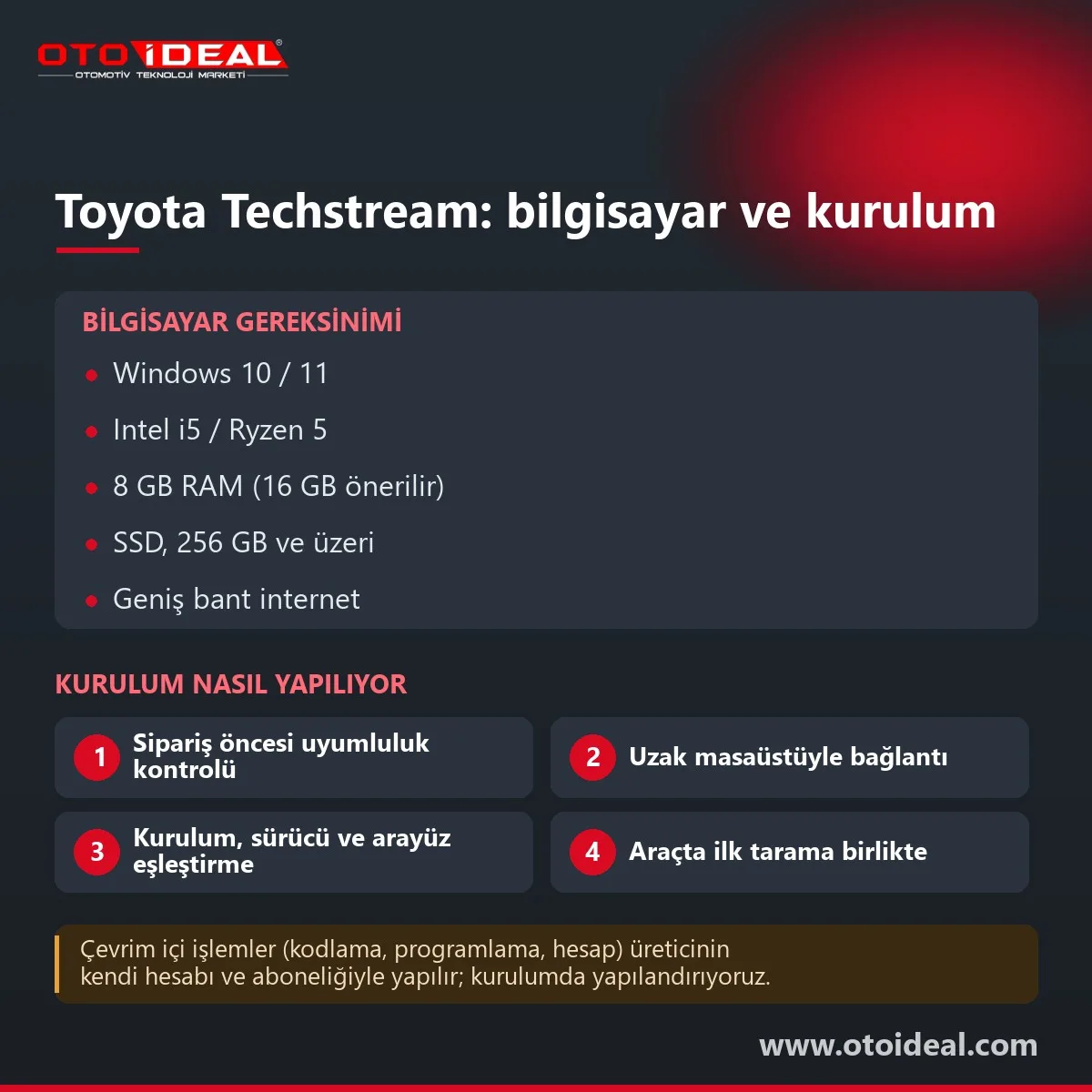
Toyota's April 2026 Techstream Lite FAQ sets the minimum below; older Techstream documents accepted Windows 10 with 4 GB RAM and 5 GB of disk space. The right-hand column is what we recommend.
| Item | Toyota minimum | Our recommendation |
|---|---|---|
| Operating system | Windows 11 (older documents: Windows 10, 32 or 64 bit) | Up-to-date Windows 11 Pro, 64 bit |
| Processor | Intel Core i5 or Ryzen 5 class, 1.5 GHz or faster | Same class or better |
| RAM | 8 GB | 16 GB |
| Storage | 256 GB minimum | SSD with a clean Windows install |
| Internet | Broadband; 100 Mbps or more, 10 Mbps minimum | Wired connection while reprogramming |
| USB | USB 1.1, 2.0 or 3.0; cable plus extension no longer than 16 feet | Interface plugged straight into the laptop, no hub |
| Power settings | No standby or hibernation during reprogramming | Power plan set during installation |
Toyota limits software use to one installation per subscription, so a second laptop needs a second subscription. Changing PCs also means contacting Toyota's support line; we move the installation to the new machine.
When the warning concerns the account or subscription, the cause is usually an incomplete account setup, and we fix it with you through your Toyota account.
Classic Techstream uses three-part version numbers; Toyota bulletins call for minimums such as 14.10.028 or 17.10.012. GTS+ uses four-part numbers that start with the year, such as 2023.02.001.02. Each bulletin names the lowest version that can do the job. Our current installation version is shown at the top of this page.
A workshop that sees Toyota only now and then is often well served by a multi-brand diagnostic tool, with Techstream added for Toyota-specific hybrid and reprogramming work. For hybrid and EV battery testing equipment, see EV diagnostic devices.
Honest note. The Techstream and GTS+ licence and online services belong to Toyota; we install, pair and configure the software to run with your Toyota account. Calibration updates, security signatures and replacement ECU configuration need Toyota's subscription: the software carries these functions, Toyota grants the access. Reprogramming with an interface outside Toyota's list is at the workshop's own risk.
Other brand software installations, including Ford IDS and FDRS, are in the software and licence category.
All OEM Diagnostic Software and Installation → All OEM (Original Equipment Manufacturers) Diagnostic Device →
Techstream is Toyota's Windows-based service software for diagnosing, reprogramming and customising Toyota and Lexus vehicles. It connects through a J2534 vehicle interface module (VIM), and on newer models GTS+ (Global Techstream Plus) takes over.
Toyota's US bulletins describe reprogramming of 2001–2020 models with classic Techstream, while signature-protected models from 2021 on, such as the 2023–2024 Corolla, Corolla Cross, Prius and Crown, need GTS+. We check the VIN for vehicles from other markets.
Toyota recommends the Mongoose-Plus MFC3 and MongoosePro MFC2 from its Techstream Lite kit for diagnostics, and approves a separate J2534 list for reprogramming only. Other J2534 devices, including low-cost Mini VCI cables, are not validated by Toyota.
Toyota's April 2026 FAQ lists Windows 11, 8 GB RAM, 256 GB of storage, an Intel i5 or Ryzen 5 class processor and broadband internet. We recommend 16 GB RAM and an SSD.
No. Calibration files, security signatures and replacement ECU configuration software come from Toyota's server during the session and require Toyota's subscription. We install and configure the software; the access is granted by Toyota.
No shipping — remote installation

No shipping — remote installation
No shipping — remote installation
No shipping — remote installation
Free shipping Ships within 2-3 days
No shipping — remote installation

Free shipping Ships within 2-3 days

Free shipping In stock, ships the same day
No shipping — remote installation
No shipping — remote installation
No shipping — remote installation
No shipping — remote installation
No shipping — remote installation
No shipping — remote installation
No shipping — remote installation

No shipping — remote installation
No shipping — remote installation
Double-tap to zoom
Strictly necessary cookies keep the site working. With your permission we also keep visit statistics; you are not identified. Details