OEM
Ask us for the price
No shipping — remote installation
1 / 3
 OEM
OEM
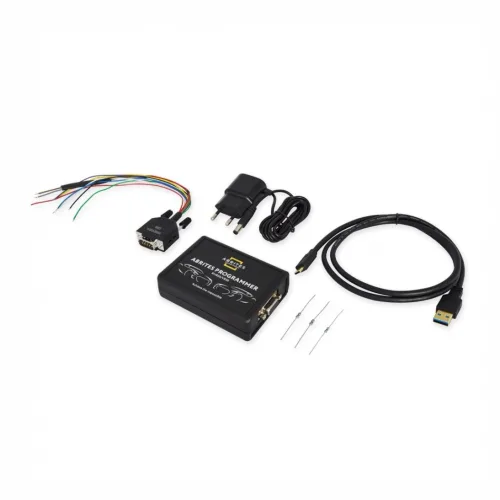
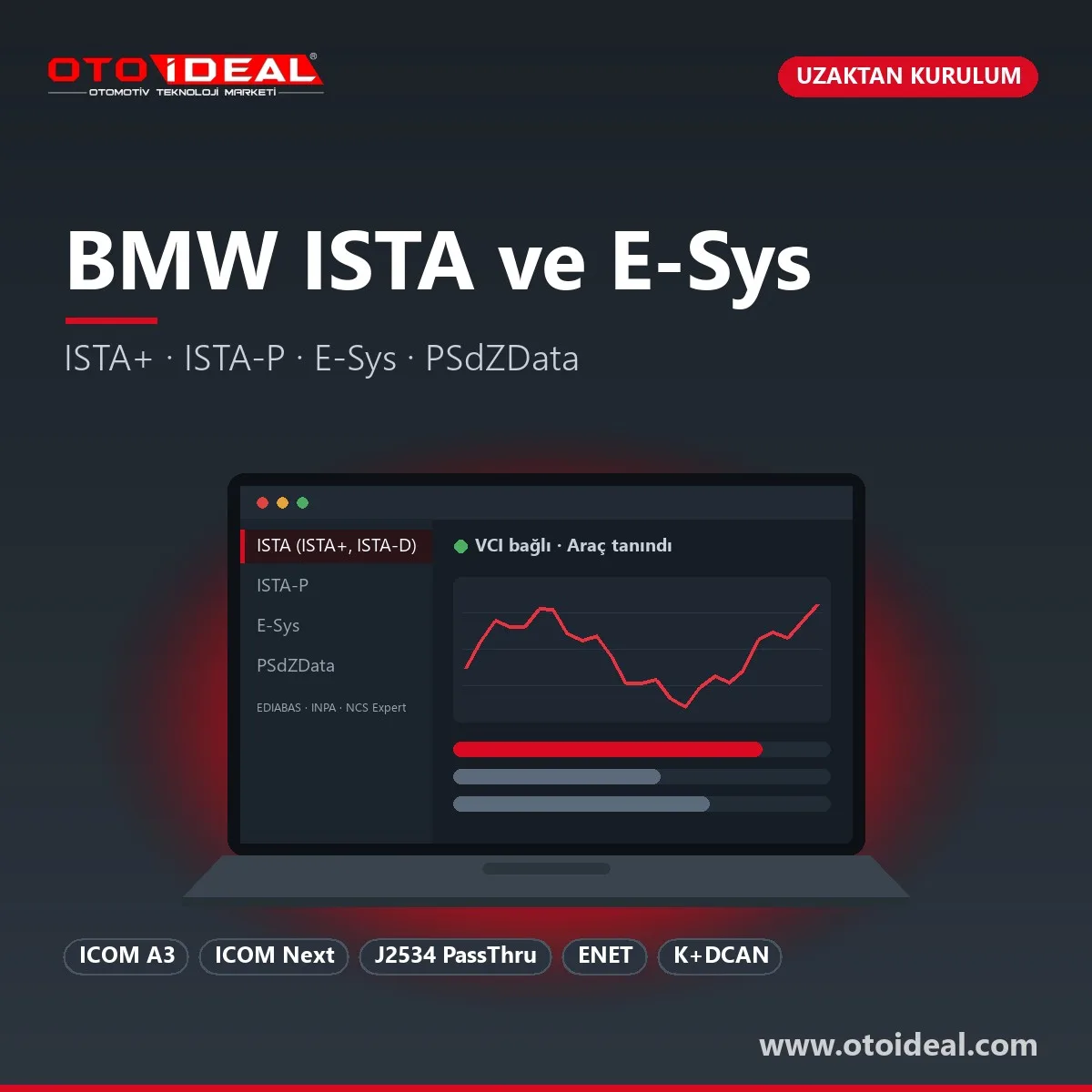
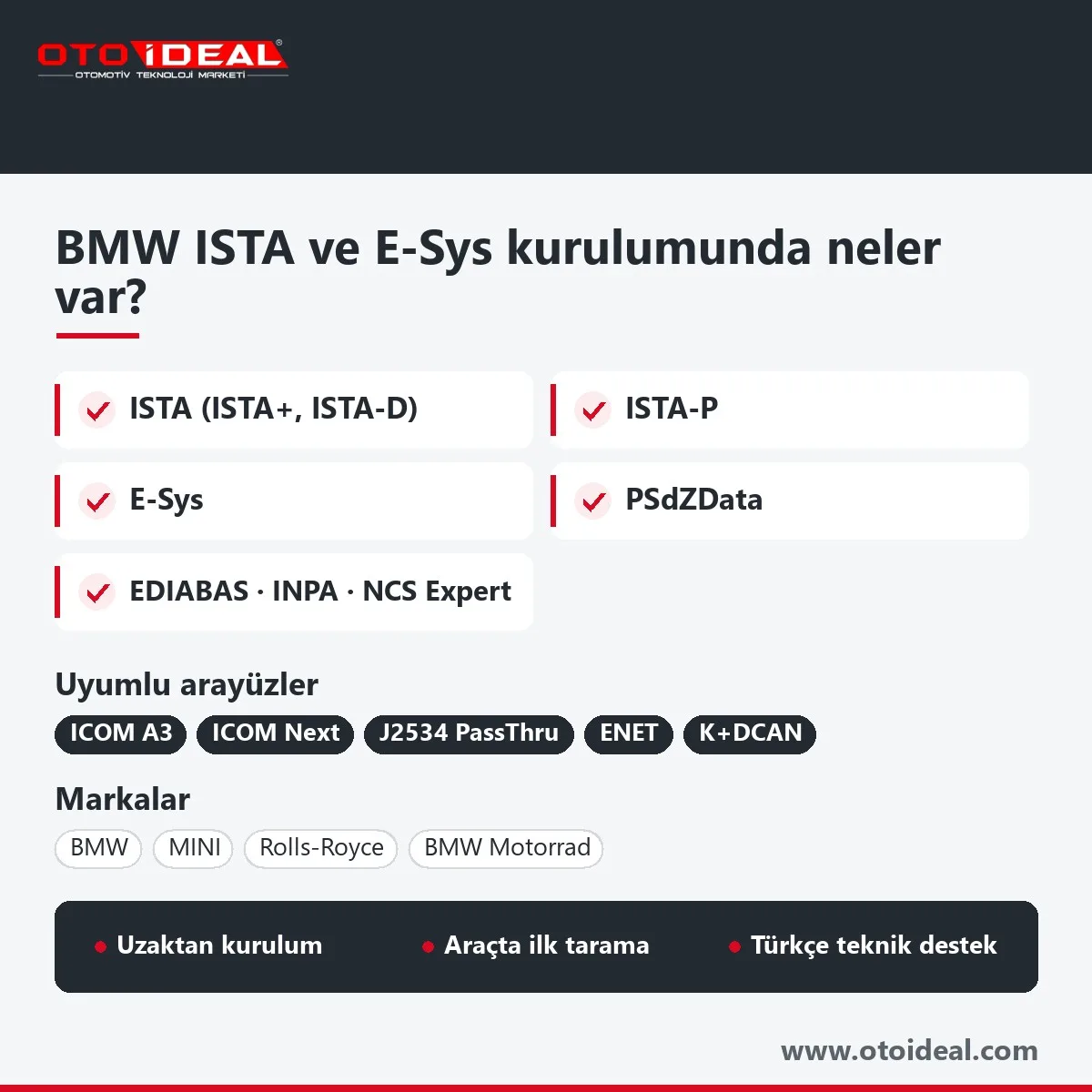
BMW ISTA is the service application BMW Group uses to diagnose, program and code BMW, MINI, Rolls-Royce and BMW Motorrad vehicles. Workshops also call it ISTA+, ISTA-D or Rheingold. This listing is an installation service: we install and configure ISTA, ISTA-P for E-series programming, E-Sys and PSdZData on your computer, pair your interface and run the first vehicle test with you over a remote session. The BMW ICOM A3 interface is a separate product.
In short: ISTA covers diagnosis and F/G/I-series programming, ISTA-P handles E-series BMW and R-series MINI, and E-Sys with PSdZData does engineering-level coding. The interface is an ICOM (A3, or the ICOM Next BMW recommends) or a wired SAE J2534 pass-thru tool. You need Windows 10 Pro 64-bit, wired LAN and a large SSD. Online I-levels, ECU validation codes and key work run through a BMW account.
ISTA is BMW's own workshop system: fault memory, test plans, wiring diagrams and technical data in one application. BMW's documentation for independent workshops is explicit. ISTA has integrated programming for F- and G-series vehicles and should be used to program all F, G and newer cars. All E-series BMWs and R-series MINIs are programmed with the separate ISTA/P application, which BMW still lists as the programming tool for older vehicles.
Coverage goes beyond BMW cars. Rolls-Royce aftersales bulletins for the Phantom (RR1, RR2, RR3) use ICOM, ISTA/P and ISTA/D together. BMW Motorrad workshops use ISTA as well: a 2021 Motorrad bulletin fixed motorcycle connection faults with ISTA 4.31 and a motorcycle-only ICOM Next firmware, and warns that an ICOM Next carrying that firmware should not be used on cars.
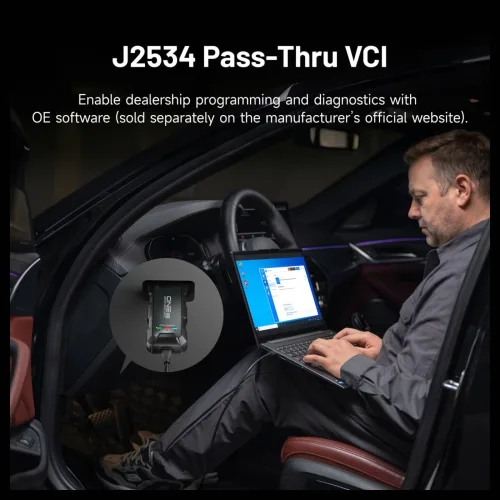
BMW's independent-workshop requirements name two vehicle interfaces: the ICOM Next, which BMW recommends, and SAE J2534 pass-thru tools. ENET and K+DCAN cables are not on that list. They are used with other software.
| Interface | Works with | Note |
|---|---|---|
| ICOM A3 | ISTA diagnosis, ISTA and ISTA-P programming; E-Sys connection | Connects to the PC by LAN cable; firmware must match the installed ISTA release |
| ICOM Next | Current ICOM recommended by BMW; cars and BMW Motorrad | An ICOM Next with motorcycle firmware is for motorcycles only |
| ICOM B and ICOM C | Add-ons to ICOM A | B: MOST-bus units. C: round 20-pin socket in the engine bay of some late-1990s and early-2000s models |
| J2534 pass-thru | ISTA and ISTA-P, with the BMW PassThruD driver plus the tool maker's driver | No Bluetooth or wireless link; does not talk to E31, E34 or E36 318i |
| ENET cable | E-Sys coding on F, G and I series | Not on ISTA's interface list; use an ICOM for ECU programming |
| K+DCAN USB cable | E series and MINI R with EDIABAS tools (INPA, Tool32, NCS Expert) | Not on ISTA's interface list; we do not recommend it for flashing |
The difference between ICOM and pass-thru is speed. BMW states that the ICOM communicates faster than a pass-thru tool, and Bosch's BMW notes put a number on it: an I-level update over J2534 (CAN-ISO-TP) on a car with HUD-RAD High can take up to 13 days. Send us your interface model and chassis codes and we will tell you before you order which job runs on which software.
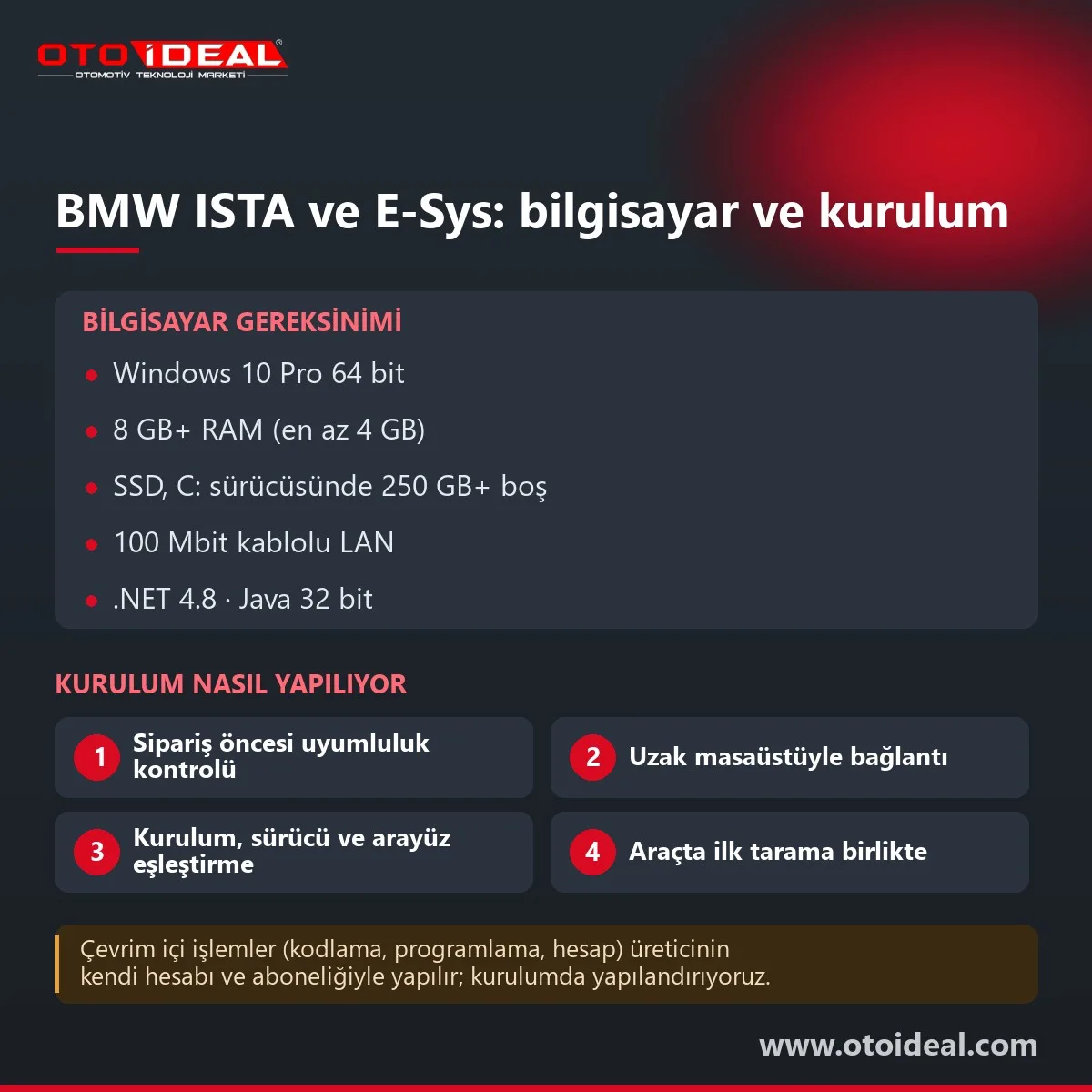
The left column is BMW's published minimum for its Aftersales Online System (AOS). The right column is what we recommend and what BMW warns about.
| Item | BMW minimum | Our note |
|---|---|---|
| Operating system | Windows 10 Professional/Enterprise, 64-bit | Windows 7 is no longer accepted; ISTA checks for Windows 10 |
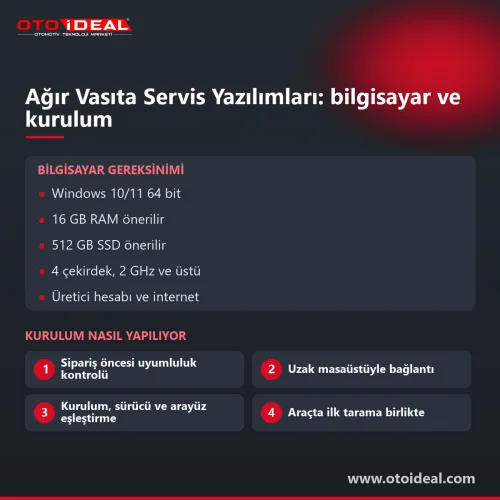
| CPU | 2 cores at 2.1 GHz, 4 cores at 1.8 GHz or 8 cores at 1.5 GHz | 4 cores or more |
| RAM | 4 GB | 8 GB or more; 16 GB if E-Sys runs on the same machine |
| Disk | 250 GB free on drive C: | SSD; 1 TB when ISTA, ISTA-P and PSdZData share the machine |
| Display | 1280×1024 | ISTA may show an error below 1024×768 |
| Network | 100 Mbit/s wired LAN for diagnosis and programming; internet at least 4 Mbit/s down, 400 kbit/s up | Max 100 ms latency to Munich; the IP must not change during a session; no proxy |
| Runtimes | Java 32-bit (JRE 7 or later), .NET Framework 4.8 | Installed as part of our setup |
| Firewall | TCP 80, 23011, 23012 and UDP 427, 11352 open for the ICOM | Antivirus must allow internet access during setup and use |
| Power | Screen saver off, power management always on | Laptop on mains; BMW says never program on battery. The car needs an external power supply, which BMW says is not the same as a battery charger |
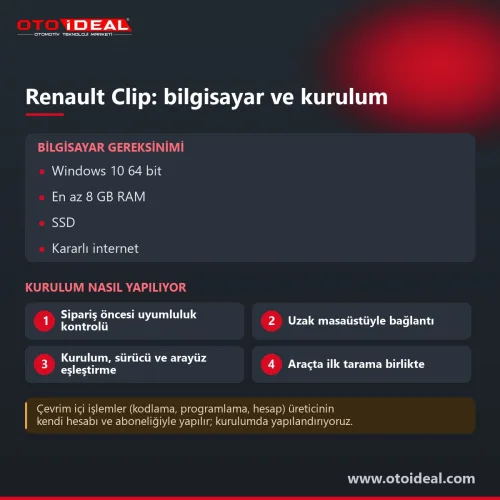
Please have a remote desktop program, a stable wired internet connection, a Windows administrator account and a vehicle power supply ready. If your workshop holds a BMW AOS subscription, we also help configure that account on the PC.
E-Sys is BMW's engineering-level coding and programming tool for F, G and I-series cars, connected over Ethernet through an ENET cable or an ICOM. Workshops use it for three jobs: editing the vehicle order (FA) after a retrofit and coding the affected units to it, recoding a unit after a part swap, and changing FDL values in a unit's CAFD data to enable personal settings or hidden features. PSdZData holds that coding data and must match the car's I-level.
E-Sys does not run the consistency checks ISTA does. Coding that does not match the FA can leave fault entries in other units, and changes outside the FA may be overwritten by the next ISTA programming session. An interrupted write can make a control unit unusable, so we read and save the FA and unit codings before any change.
IFH-0009: NO RESPONSE FROM CONTROLUNIT: the unit does not answer; check ignition, battery voltage, supply and data line.IFH-0002: NO RESPONSE FROM INTERFACE or IFH-0018: INITIALIZATION ERROR: the EDIABAS interface setting does not match the cable, or a driver is missing.ISTA releases are numbered 4.xx.yy; BMW bulletins date 4.31.xx to September 2021 and 4.54.3x to 22 July 2025. The car side is counted in I-levels written like S18A-25-03-563: platform, year, month, release. New models and new replacement parts need newer releases; in a 2025 BMW bulletin, a replacement telematics unit on the G26 and iX is accepted only from ISTA 4.54.3x. Our current installation release is shown at the top of this page.
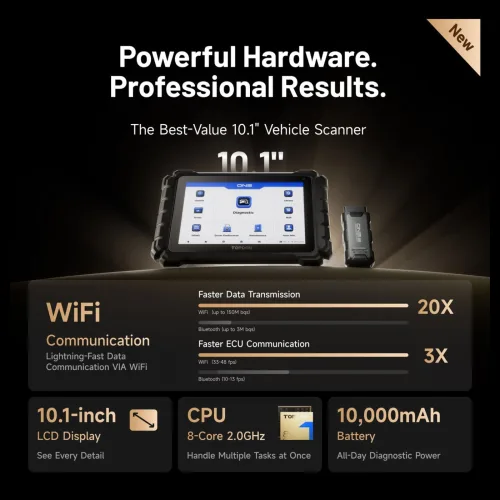
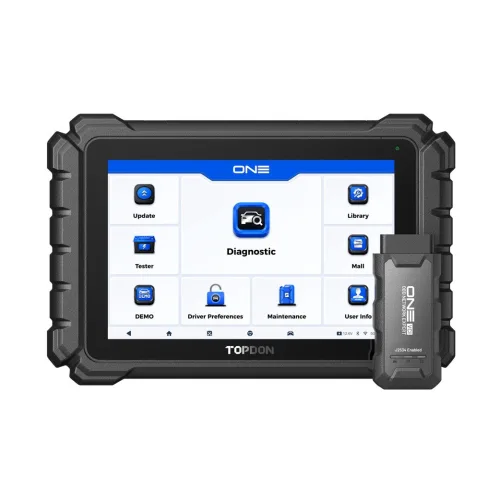
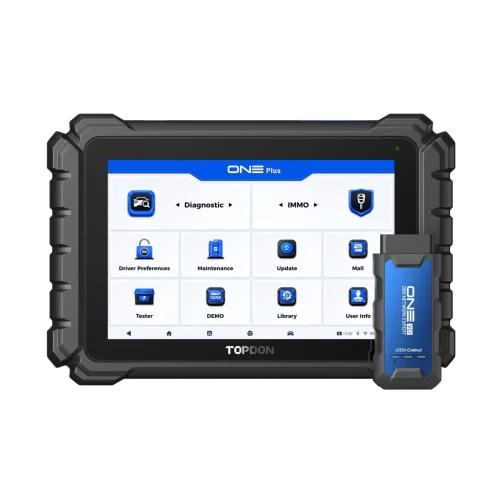
If you only read and clear codes, a multi-brand diagnostic device is faster; many workshops keep a tablet for daily scans and ISTA for unit work. For non-BMW motorcycles, see our motorcycle diagnostic tools.
Honest note. ISTA, E-Sys and BMW's online services are licensed by BMW; this listing is installation and configuration, not a licence. Online I-levels, ECU validation codes, enabling codes and key work need BMW's account and authorisation: the software carries these jobs, BMW grants the access. BMW's US portal documentation excludes motorcycle information, so ask us about Motorrad access in your region before ordering.
Installations for other brands: Mercedes Xentry and VW group ODIS. All software services are in the software and license category, and other brands' factory interfaces are on our OEM tools page.
All OEM Diagnostic Software and Installation → All OEM (Original Equipment Manufacturers) Diagnostic Device →
BMW requires Windows 10 Professional or Enterprise 64-bit, at least 4 GB RAM, 250 GB free on drive C:, a 1280×1024 display and a 100 Mbit/s wired LAN. We recommend 8 GB RAM or more and an SSD.
BMW recommends the ICOM Next and also accepts SAE J2534 pass-thru tools connected by cable; the ICOM A3 runs ISTA diagnosis and programming. ENET and K+DCAN cables are not on BMW's ISTA list; they are used with E-Sys and EDIABAS tools.
ISTA diagnoses the vehicles and programs F, G and I-series cars. ISTA-P programs E-series BMWs and R-series MINIs, and BMW still lists it as the programming application for older vehicles.
E-Sys is BMW's engineering-level coding and programming tool for F, G and I-series cars: vehicle order (FA) edits, recoding after a retrofit or part swap, and FDL changes. It skips ISTA's consistency checks, so wrong coding can leave fault entries in other units.
Diagnosis data comes from the installed service data package, but online I-levels, ECU validation codes, enabling codes and key work run through BMW's servers and account. BMW grants that access; we help workshops with an official subscription configure the account.
Yes. Rolls-Royce bulletins use ICOM with ISTA/D and ISTA/P, and BMW Motorrad uses ISTA with an ICOM Next running motorcycle-specific firmware.
No shipping — remote installation

No shipping — remote installation
Free shipping
No shipping — remote installation
No shipping — remote installation
Free shipping Ships within 2-3 days
No shipping — remote installation
Free shipping Ships within 2-3 days
Free shipping In stock, ships the same day
No shipping — remote installation
No shipping — remote installation
No shipping — remote installation
No shipping — remote installation
No shipping — remote installation
No shipping — remote installation
No shipping — remote installation
No shipping — remote installation
No shipping — remote installation
Comprehensive tractor fault codes guide with solutions. Engine, transmission, hydraulic, PTO and other system fault codes, causes and soluti...
Read More
ICOM A2/A3 not working, red lights flashing? BMW diagnostic device troubleshooting, firmware recovery and connection problems detailed repai...
Read More
Ford VCM2 recovery and update process, fixing device detection issue in IDS software. Step-by-step guide for VCM2 recovery and update.
Read More
Recognize common issues with AdBlue, DPF, and EGR systems in Peugeot vehicles and learn professional solutions. A comprehensive guide to emi...
Read MoreDouble-tap to zoom
Strictly necessary cookies keep the site working. With your permission we also keep visit statistics; you are not identified. Details