OEM
$96
VAT incl.
No shipping — remote installation
1 / 3
 OEM
OEM
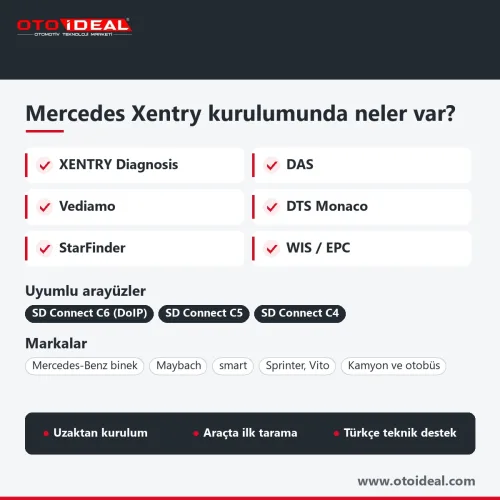
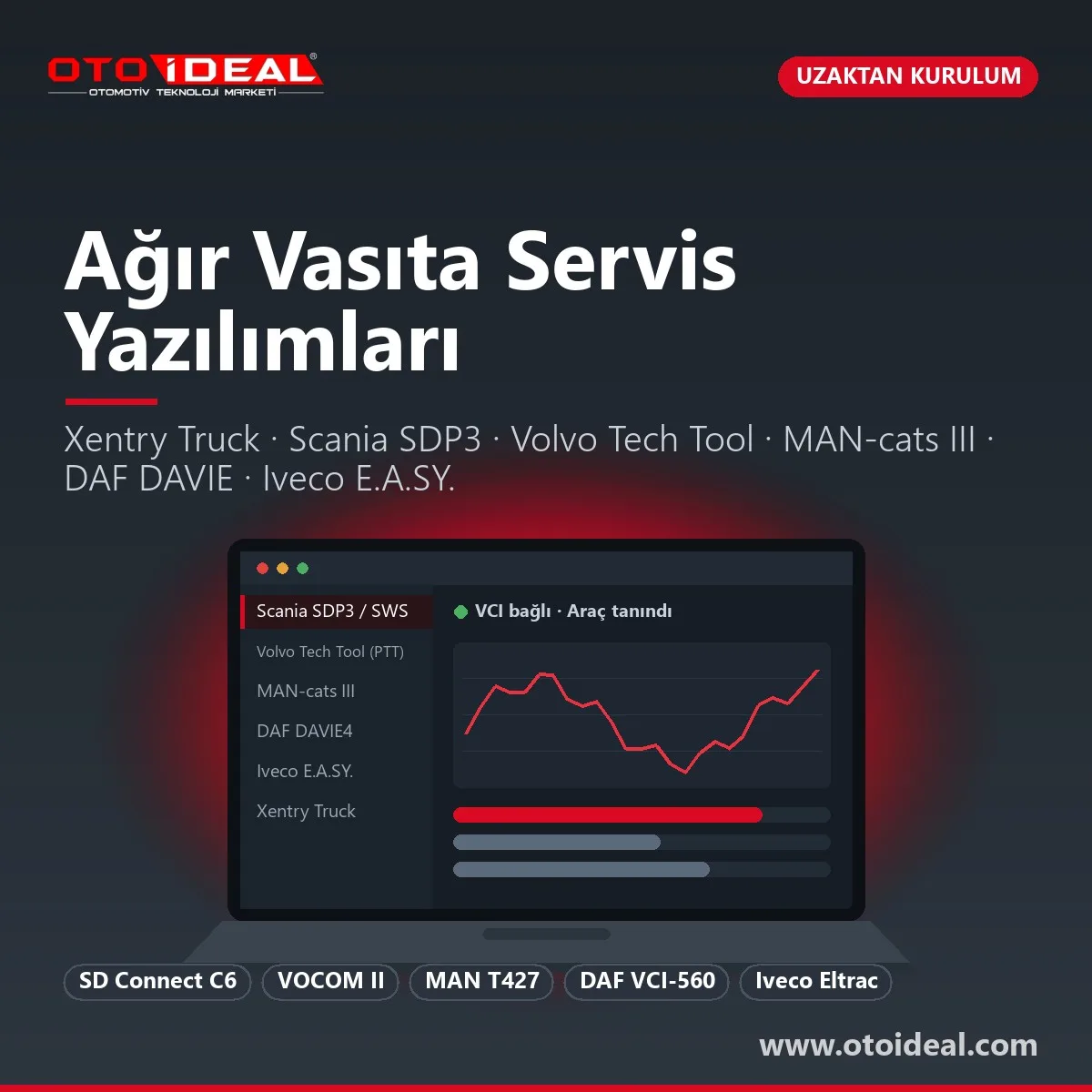
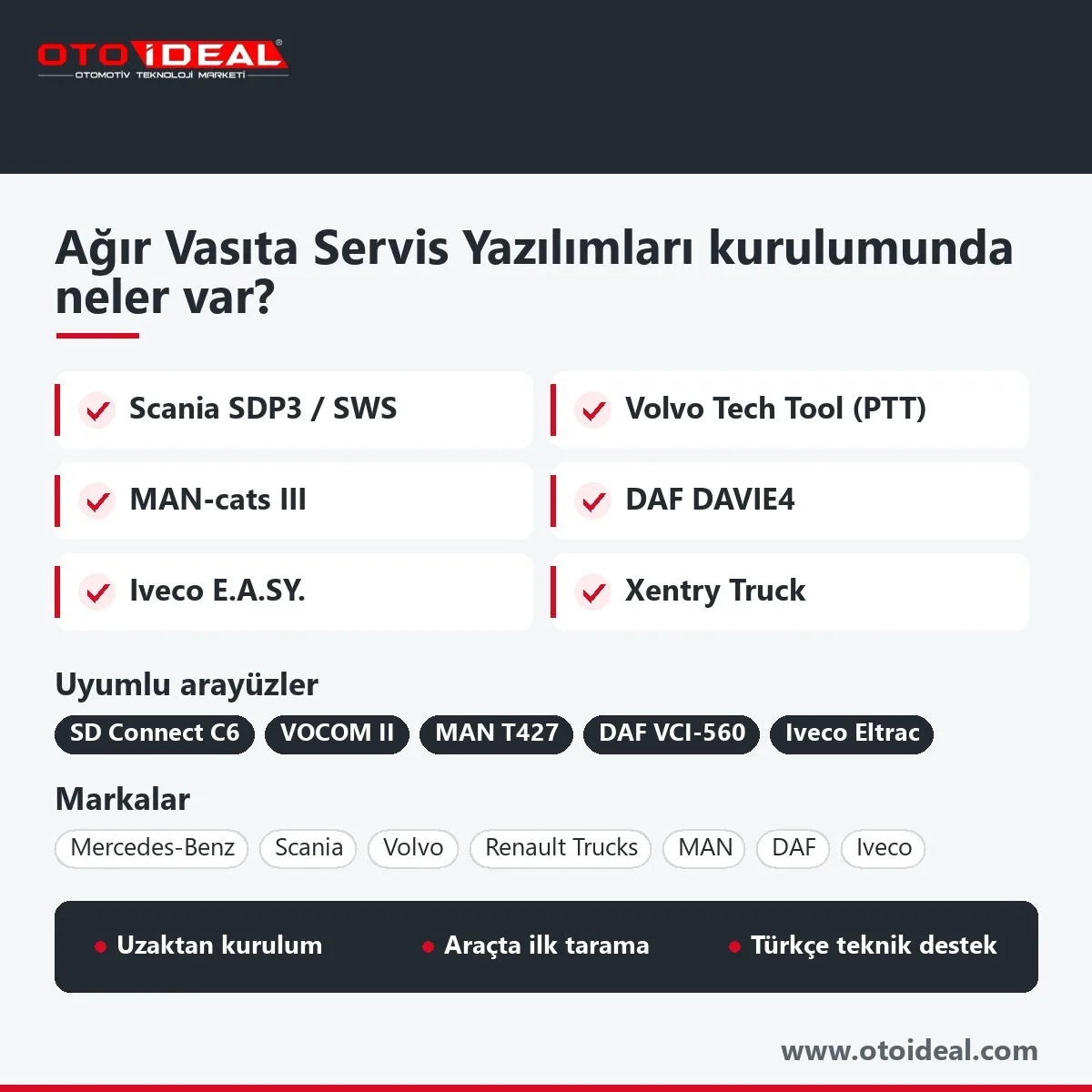
Heavy-duty OEM software is the diagnostic and programming software that truck and bus manufacturers use on their own vehicles: Xentry for Mercedes-Benz trucks and buses, Scania SDP3, Volvo Tech Tool (PTT), MAN-cats III, DAF DAVIE and Iveco E.A.SY. This listing is an installation service. We install and configure the software on your laptop, pair it with your vehicle interface and run the first scan with you over a remote desktop session.
The vehicle interface is a separate product. Software licences and online services belong to the manufacturer; Oto İdeal does not sell manufacturer licences. If your workshop runs on the manufacturer's own subscription, we help with the account and installation setup.
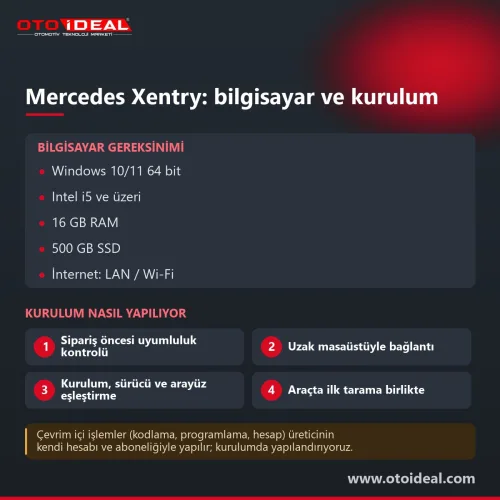
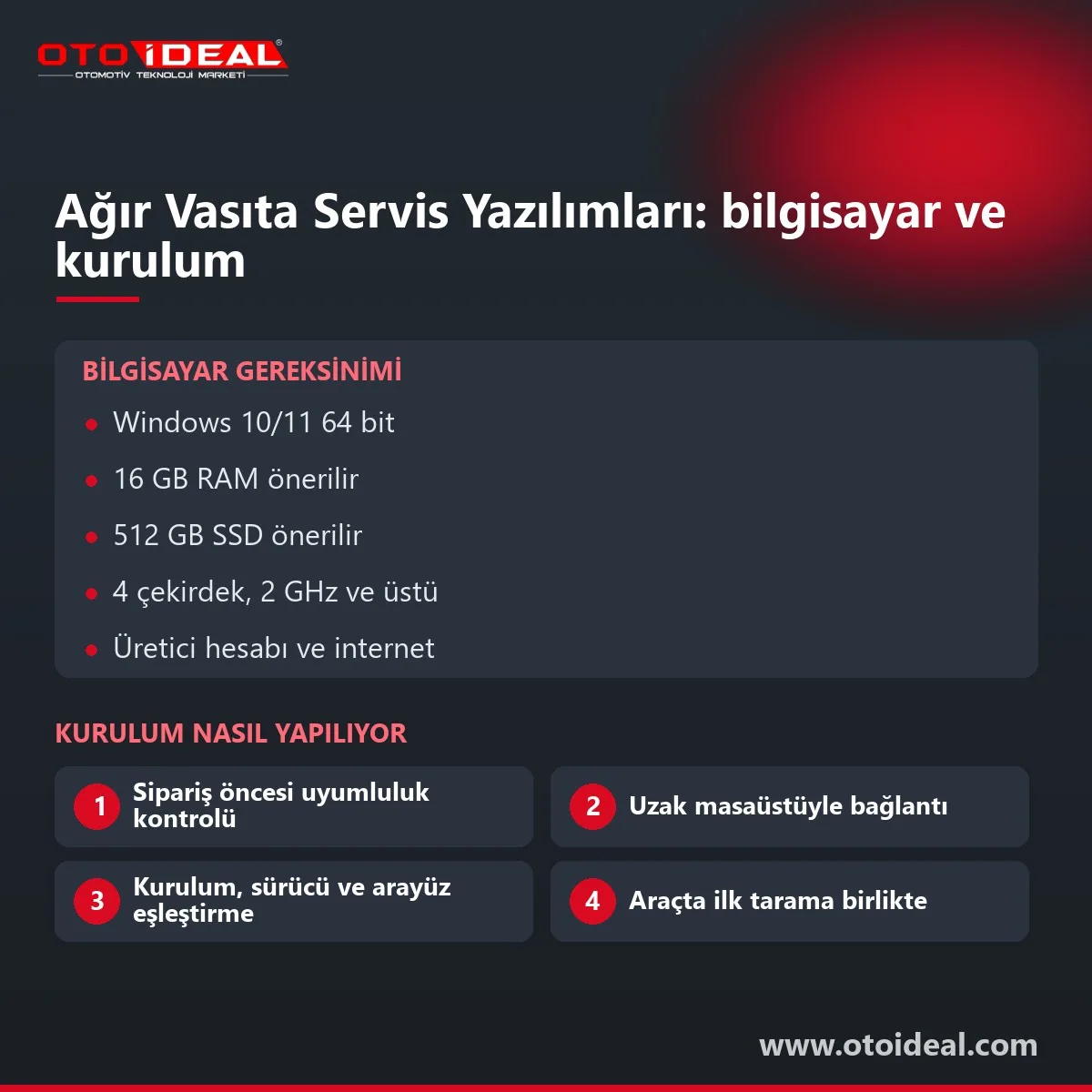
In short: one installation service for six truck makes. We check compatibility before you order, install the software, set up drivers and certificates, pair the interface and stay on the line for the first vehicle. Plan for Windows 10 or 11 64-bit, 16 GB RAM and a 512 GB SSD. ECU software updates and security-related functions need the manufacturer's account and an internet connection.
| Brand | Software | Interface | Access model |
|---|---|---|---|
| Mercedes-Benz Actros, Arocs, Atego, Axor, buses | Xentry; Daimler Truck Diagnostics and XENTRY Truck apps on trucks | SD Connect C6 DoIP interface; truck set-up planned before ordering | Mercedes-Benz or Daimler Truck start key |
| Scania | SDP3; SWS on the newest generation | Scania VCI 3 or an ISO 22900-2 VCI; VCI4 for SWS | Time-based licence from TIS: 1 hour to 365 days |
| Volvo Trucks, Renault Trucks | Tech Tool (Premium Tech Tool); Workshop Toolbox | VOCOM II, VOCOM 2+ | Annual subscription, licensed per PC (Client ID) |
| MAN TGX, TGS, TGM, TGL, buses, Neoplan | MAN-cats III | MAN T427 interface | Licence terms confirmed before you order |
| DAF XF, CF, LF | DAVIE4 (current); DAVIE XDc II (previous set-up) | DAVIE4+ VCI; DAF VCI-560 for XDc II | PACCAR.net registration; hourly to yearly access |
| Iveco Stralis, S-Way, Trakker, Eurocargo, Daily | E.A.SY. | Iveco Eltrac interface | Online functions on the newest models need the manufacturer's account |
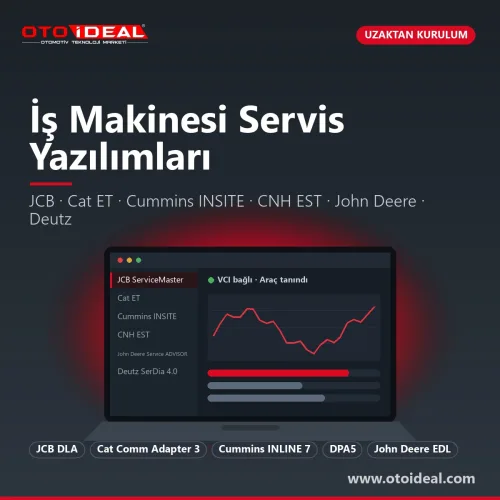
| Engine side (Cummins and others) | INSITE | Cummins Inline 6 | Installed under our construction equipment and engine software installation |
Scania Diagnos & Programmer 3 (SDP3) is Scania's main diagnostic tool and, according to Scania, connects to 3-series up to 6-series trucks and buses. You need a standard PC, the SDP3 software and a licence key, both from Scania's TIS site, plus a VCI. The licence is sold for 1 hour, 1 day, 7, 30, 90 or 365 days, and the key is tied to the first PC it is activated on, so choose the laptop before you buy time.
Scania Workshop Suite (SWS) is the cloud-based successor. It covers 5-series vehicles up to the latest models and needs a VCI plus a workshop communication unit (WCU) or Remote box. On cyber-secure trucks with Electrical System Generation 7 (variant code 9742B), SWS with VCI4 is the only way in.
Tech Tool diagnoses, tests, calibrates and programs. Volvo's North American page lists version 2.8.390, sold as an annual subscription tied to a Client ID per PC. Diagnosis works offline after the initial synchronisation, but Volvo asks for a connection at least every 90 days, and ECU programming needs its Central Systems. Software can be fetched in advance with Manage Software and written to the truck offline.
The interface is VOCOM. VOCOM II Tough connects over USB, Wi-Fi or Ethernet, speaks CAN, J1939, J1708, K-Line and DoIP (ISO 13400-2), and supports RP1210C and J2534; production ended in June 2025 and VOCOM 2+ replaced it. VOCOM II Mini is Wi-Fi only, without DoIP. Renault Trucks is part of the Volvo Group, and VOCOM has a dedicated smart cable for Renault vehicles.
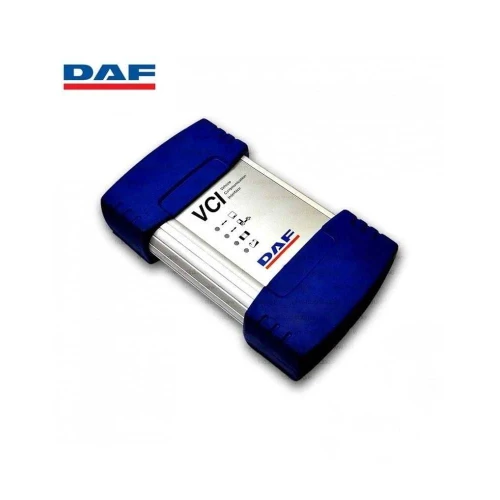
DAF states that diagnostics and reprogramming of a DAF vehicle require DAVIE4, which covers Euro 3 to Euro 6 and upcoming generations. It works only on DAF, not on Kenworth or Peterbilt. Access is pay-per-use through PACCAR.net (per hour, day, week, month or year), and DAF asks for an ISO 22900 interface certified for DAF vehicles, recommending its own DAVIE4+ VCI. The DAF VCI-560 we sell belongs to the earlier DAVIE XDc II set-up, so we check what it will reach on your trucks before you order.
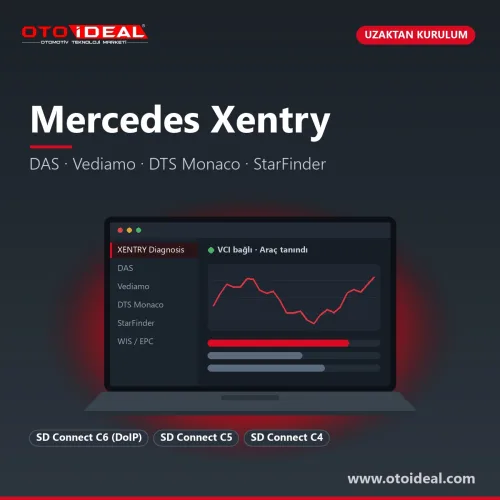
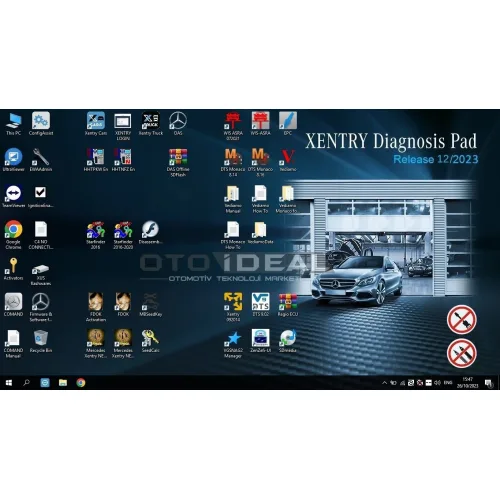
Truck and bus diagnosis for Actros, Arocs, Atego, Axor and Mercedes-Benz buses now sits with Daimler Truck. The diagnostic application is Daimler Truck Diagnostics, the companion apps carry the XENTRY Truck name, and truck releases follow their own calendar (07/2024, 10/2024, 01/2025). Since January 2024 a system runs on either a Mercedes-Benz or a Daimler Truck start key, and Daimler Truck states that an official VCI loaded with truck firmware can no longer diagnose cars and vans.
We therefore plan truck installations separately from cars. XENTRY Pass Thru EU does not cover Euro VI trucks, so there is no J2534 shortcut either. For Mercedes cars and vans, see Mercedes Xentry installation.
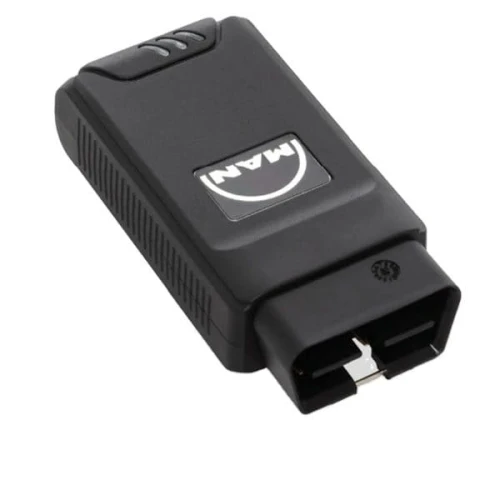
MAN-cats III is MAN's truck and bus diagnostic software; the MAN T427 interface works only with it and covers MAN trucks, buses and Neoplan from late 2018 to 2023. Iveco E.A.SY. reads codes, runs engine tests, sets parameters and shows wiring diagrams on Stralis, S-Way, Trakker, Eurocargo and Daily.
| Interface | Software | Note |
|---|---|---|
| SD Connect C6 | Xentry, Daimler Truck Diagnostics | DoIP, wireless; an official VCI with truck firmware no longer diagnoses cars and vans |
| MAN T427 | MAN-cats III | Only with MAN-cats III |
| DAF VCI-560 | DAVIE XDc II | For DAVIE4, DAF's approved VCI list applies |
| Iveco Eltrac | E.A.SY. | 38, 30 and 19-pin cables plus OBD |
| VOCOM II Tough / VOCOM 2+ | Tech Tool, Workshop Toolbox | USB, Wi-Fi, Ethernet; DoIP; RP1210C, J2534 |
| VOCOM II Mini | Tech Tool | Wi-Fi only; no DoIP, no legacy vehicles |
| Scania VCI 3 or ISO 22900-2 VCI | SDP3 | 3-series to 6-series |
| Scania VCI4 + WCU or Remote box | SWS | Cyber-secure Generation 7 vehicles |
| Item | What the manufacturers state |
|---|---|
| Operating system | DAF: Windows 10 64-bit, version 21H2 or later. Tech Tool supports Windows 11 Pro and Enterprise from 2.8.110 and no longer installs on Windows 7, 8 or 8.1 from 2.8.130. |
| CPU and memory | DAF: Intel Core or AMD Ryzen, 64-bit, at least 4 cores at 2 GHz; 8 GB RAM minimum, 16 GB preferred |
| Storage and screen | DAF: 256 GB SSD minimum, 512 GB preferred; 1200×800 minimum, 1920×1080 preferred |
| Rights | Tech Tool installation and updates need administrator rights |
| Firewall | VOCOM needs inbound UDP 427 and outbound TCP 80, 27015 and 2534; a VPN can block it |
| Scania, MAN, Iveco | Scania publishes current requirements in TIS; for MAN-cats III and E.A.SY. we confirm them before installation |
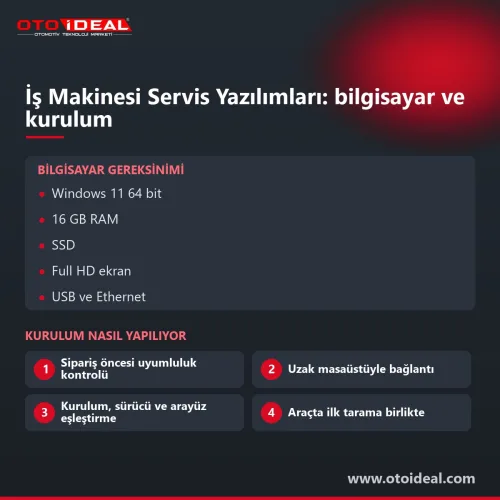
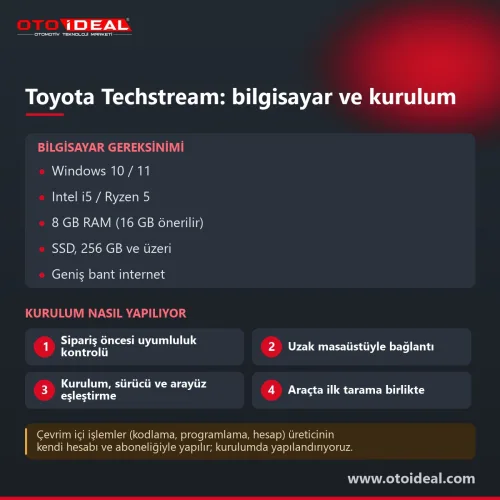
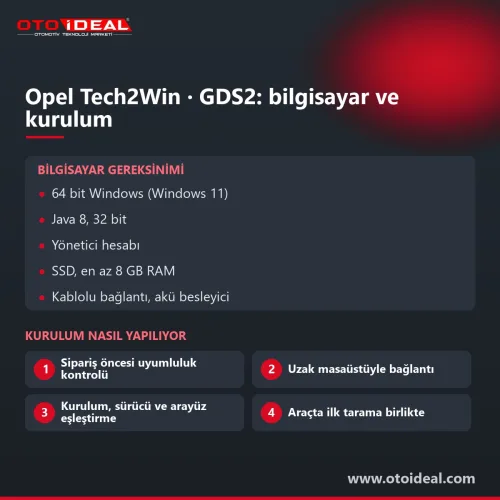
Please have ready: a remote desktop tool such as AnyDesk, a wired or stable internet connection, an administrator account on the laptop and the interface connected to a vehicle.
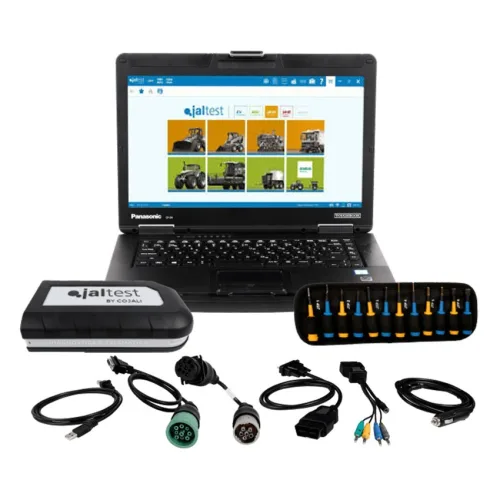
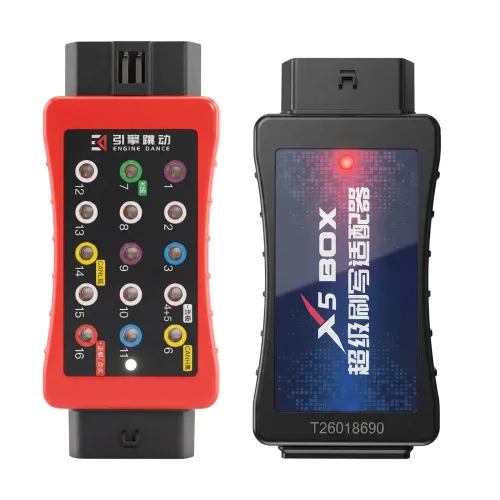
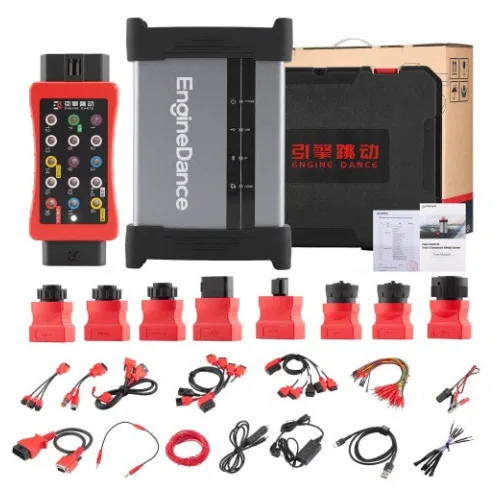
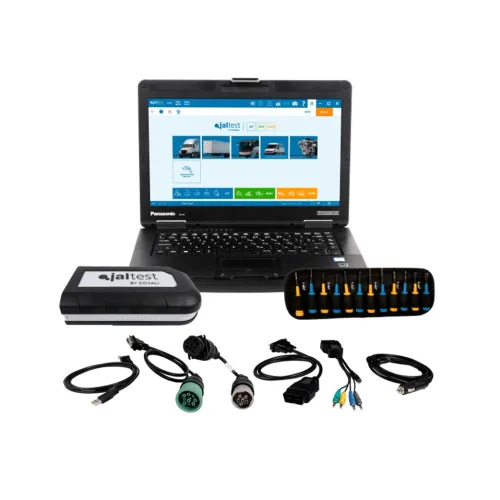
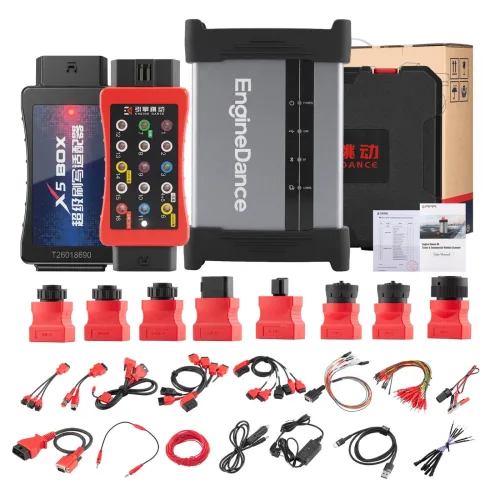
OEM software goes deepest on its own brand: it pulls ECU software from the manufacturer's server, programs replacement units and handles security-related work through the manufacturer's account. The cost is a separate interface, account and subscription for each make. A multi-brand system such as Jaltest covers trucks, buses and trailers from one Link interface, with Expert Mode for parameters and calibrations, while Engine Dance X5 adds ECU read and write.
For a mixed fleet, start with a multi-brand system and add OEM software for the make you see most. A technician who left a brand workshop and works on one make will want that make's software first. Car workshops already run the same pattern: a multi-brand diagnostic device for daily work, OEM software for brand-specific jobs.
Honest note. ECU software updates, module replacement programming and security-related functions connect to the manufacturer's servers; the software carries these functions, the manufacturer grants the access. On the newest Scania generation SDP3 is not enough, VOCOM II Mini carries no DoIP, and DAVIE4 expects a DAF-approved VCI. Disabling emission systems on road vehicles is illegal; we install these tools for diagnosis, repair and regeneration.
All truck interfaces are listed under heavy vehicle diagnostic equipment, and installation services for other manufacturers under software and licences.
All OEM Diagnostic Software and Installation → All OEM (Original Equipment Manufacturers) Diagnostic Device →
A standard PC, the SDP3 software and a licence key from Scania's TIS site, and a VCI, either Scania's own or an ISO 22900-2 compatible one. Licences run from 1 hour to 365 days and the key is tied to the PC it is first activated on.
Diagnosis and tests work offline after the initial synchronisation, and Volvo asks for a connection at least every 90 days. ECU programming needs Volvo's Central Systems, although software can be fetched in advance with Manage Software and written to the truck offline.
DAF requires an ISO 22900 interface certified for DAF vehicles and recommends its own DAVIE4+ VCI. DAVIE4 works only on DAF, not on Kenworth or Peterbilt.
No. According to Volvo's specification it connects over Wi-Fi only and does not support ISO 13400-2 (DoIP); VOCOM II Tough or VOCOM 2+ Tough is needed.
Daimler Truck states that an official VCI loaded with truck firmware can no longer diagnose cars and vans, and since January 2024 a system runs on either a Mercedes-Benz or a Daimler Truck start key. We plan truck and car installations separately.
No. Licences and online services belong to the manufacturer; we install and configure the software, pair the interface and help with the account set-up.
No shipping — remote installation
No shipping — remote installation
No shipping — remote installation
No shipping — remote installation
Free shipping Ships within 2-3 days

No shipping — remote installation
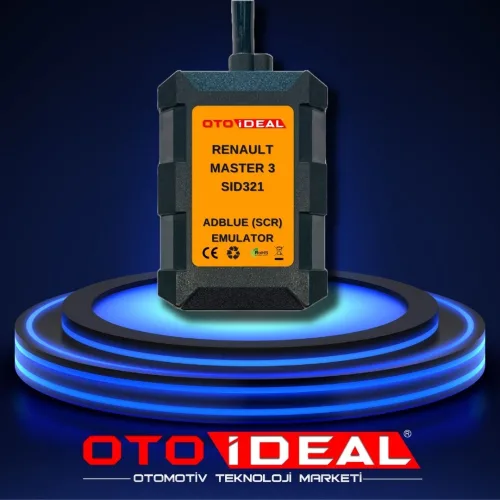
Free shipping Ships within 2-3 days
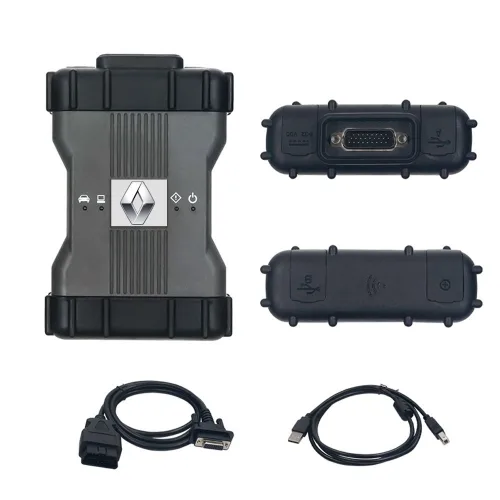
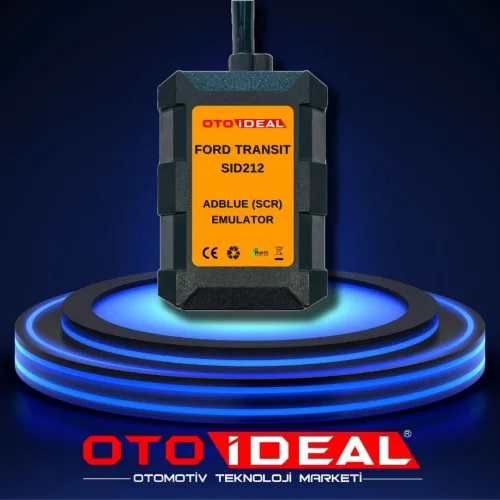
Free shipping In stock, ships the same day
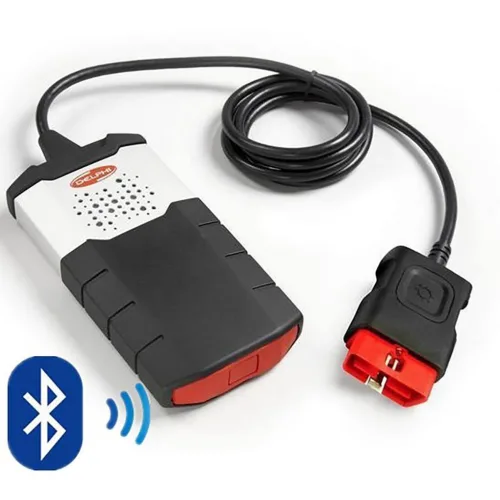
No shipping — remote installation
No shipping — remote installation
No shipping — remote installation
No shipping — remote installation
No shipping — remote installation
No shipping — remote installation
No shipping — remote installation
No shipping — remote installation
No shipping — remote installation
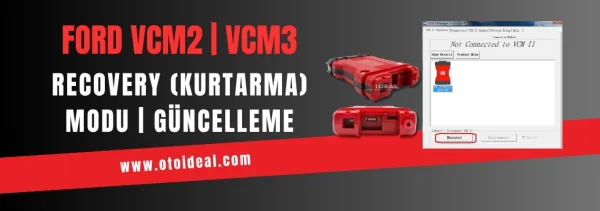
Ford VCM2 recovery and update process, fixing device detection issue in IDS software. Step-by-step guide for VCM2 recovery and update.
Read More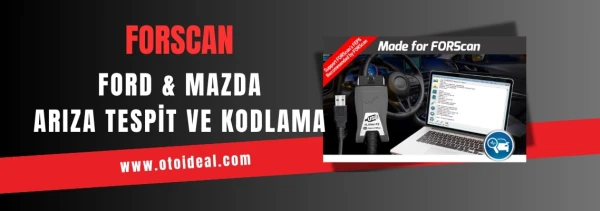
FORScan is an independent diagnostic program for Ford and Mazda. Which version to download, Standard versus Extended licence, getting a lice...
Read More
Discover how to unlock Mercedes-Benz hidden features, CarPlay and NTG activation with Star Diagnostic, Xentry and Vediamo. Professional codi...
Read More
Enhance your vehicle's performance with DSG transmission calibration. This process resolves chronic issues, improves gear shifts, and boosts...
Read MoreDouble-tap to zoom
Strictly necessary cookies keep the site working. With your permission we also keep visit statistics; you are not identified. Details