
1 / 3
Opel Tech2Win and GDS2 Diagnostic Software Installation
 OEM
OEM
- Availability
- Stokta
Ask us for the price
- No shipping — remote installation
- Invoiced; remote installation and first-use support included
- Remote installation and technical support
Opel and Vauxhall Tech2Win and GDS2 Installation
Tech2Win and GDS2 are General Motors' service diagnostic applications for Opel, Vauxhall and Chevrolet vehicles, with SPS (Service Programming System) handling module programming. Tech2Win is the PC version of the Tech 2 handheld and covers the older range; GDS2 covers later models such as Insignia, Astra K, Corsa E and Mokka. What we sell here is an installation and configuration service: we set up all three on your computer over a remote desktop session, pair them with your interface and scan the first vehicle with you. The GM MDI 2 interface is a separate product, and the diagnostic and programming subscriptions are sold by Opel.
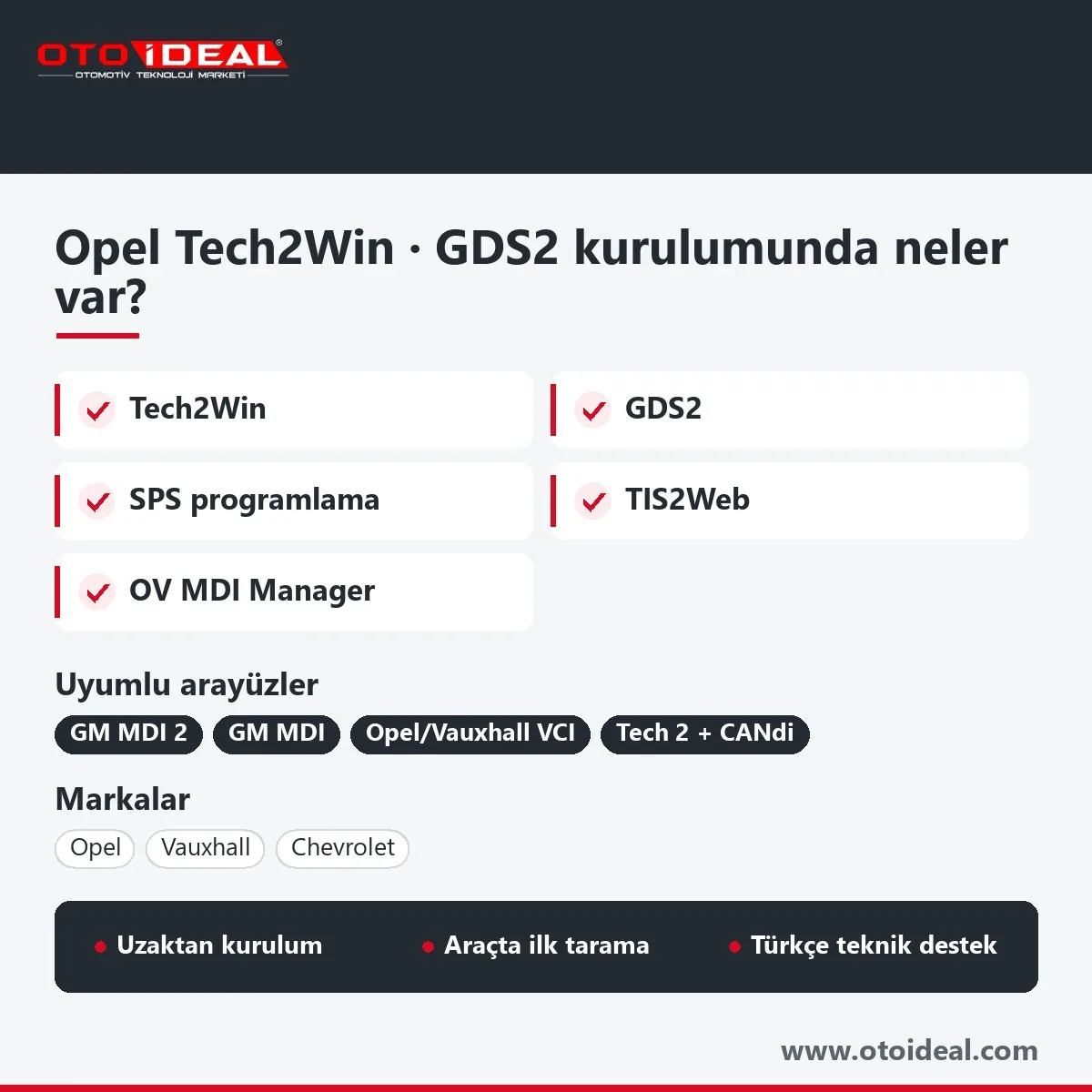
In short: the install covers Tech2Win, GDS2, OV MDI Manager and the TIS2Web components behind SPS. Opel's current list puts Insignia, Astra K, Corsa E, Mokka, Crossland X and Grandland X on GDS2; unlisted pre-2015 models such as Astra H and J or Corsa D stay on Tech2Win. Interface: MDI, MDI 2 or Opel/Vauxhall VCI; Tech2Win and Global TIS need Windows 7, GDS2 runs on 64-bit Windows 10 or 11. Programming sessions and security codes come from Opel.
Which Opel and Vauxhall models need Tech2Win, GDS2 or Diagbox?
This is the first thing we check, because the wrong application will not recognise the car at all. The table follows the vehicle and application list Opel published for independent repairers in September 2026. According to Opel, every vehicle before model year 2015 that is not named in that list is diagnosed and configured with Tech 2 or Tech2Win.
| Models | Application | Note |
|---|---|---|
| Astra H, Astra J, Corsa C, Corsa D, Vectra C, Signum, Zafira B, Meriva A | Tech2Win or Tech 2 | Not on the GDS2 list. The Astra J shares an era with the first Insignia but stays on Tech2Win. |
| Insignia A and B, Astra K, Corsa E, Adam, Karl, Mokka (first generation), Cascada, Zafira C, Ampera, Ampera-e, Vivaro B | GDS2 | MDI, MDI 2 or Opel/Vauxhall VCI; programming through SPS. |
| Crossland X, Grandland X, Combo D, Combo E | GDS2 | Often tried with Diagbox first; Opel lists all four under GDS2. |
| Antara, Meriva B, Movano B | GDS2 from a given model year | Antara from MY2011, Meriva B from MY2014.5, Movano B from MY2015; earlier cars use Tech2Win. |
| Vivaro C, Zafira Life and later Opels (Corsa F, Mokka B, Astra L) | Diagbox | PSA-era vehicles; see Diagbox installation. |
Chevrolet follows GM's own chart. Every GM vehicle up to model year 2007 uses Tech 2 or Tech2Win, and every vehicle from 2014 onward uses GDS2. In between it depends on the model: Cruze and Spark moved to GDS2 in model year 2010, Captiva and Orlando in 2011, Aveo in 2012 and Trax in 2013. Opel's portal covers Opel and Vauxhall only, so Chevrolet access runs through GM's own service channel.
What do Tech2Win, GDS2 and SPS do?
Tech2Win
Runs the Tech 2 diagnostic software in a virtual environment on Windows: read and clear codes, view data, operate output controls, run system tests.
GDS2
Codes and code status, freeze frame, ECU part and software numbers, data recording and replay, output controls, configure and reset functions, session history.
SPS
Loads the manufacturer's current software into a module and sets up replacement modules. The calibration comes from the manufacturer's server in every session.
TIS2Web
GM's service and programming platform. In North America it was replaced by Techline Connect; Opel's legacy list still points to tis2web.service.opel.com.
The Tech 2 handheld keeps its software on a PCMCIA card and needs the CANdi module on GMLAN (CAN) vehicles; it does not support GM's global architecture protocol. With Tech2Win the MDI or MDI 2 does the talking to the car, so no CANdi is involved.
Which interface works with GDS2 and Tech2Win?
| Interface | Works with | Note |
|---|---|---|
| GM MDI 2 | GDS2, Tech2Win, SPS | USB, Ethernet or wireless. GM says MDI 2 is required for some GM vehicles from model year 2021. |
| GM MDI (first generation) | GDS2, Tech2Win, SPS | Listed next to MDI 2 in Opel's table; no coverage difference on Opel models. |
| Opel/Vauxhall VCI (Bosch) | GDS2, Tech2Win, SPS | On Opel's legacy list and certified by Opel for Diagbox as well. |
| Tech 2 handheld with CANdi | Tech 2 software | Older range only; does not connect to GDS2 vehicles. |
| J2534 pass-thru (e.g. the MaxiFlash VCI of the Autel MaxiSys 909) | SPS programming | GM's SPS accepts J2534 devices; Opel's legacy table does not list them as diagnostic interfaces. |
| PSA interface (Lexia 3) | Diagbox, PSA-era Opels | Not listed by Opel as a GDS2 or Tech2Win interface. |
For Opel there is no coverage gap between MDI and MDI 2. GM highlights more processing power, new wireless options and operation during engine crank as the MDI 2 gains. For programming, GM asks for a wired connection between the PC and the interface and no wireless file transfers.
GDS2 and Tech2Win system requirements
Opel's document for independent repairers gives no RAM or disk figures for the legacy applications; it lists software prerequisites instead. The only hardware figures sit in the Diagbox section of the same document, and they apply if the same laptop will also serve PSA-era Opels.
| Item | Requirement |
|---|---|
| Operating system | The Tech2Win and Global TIS setup we install needs Windows 7; GDS2 runs on 64-bit Windows 10 or 11. If you want both on one computer, we agree the layout before you order. Opel's own rental pack ships on a Windows 11 laptop; Diagbox accepts Windows 11 64-bit only. |
| Java | Oracle Java SE Runtime Environment 8, 32-bit (x86), with the tis2web address in the Java security exceptions. |
| Browser | Internet Explorer compatibility view; tis2web.service.opel.com and tis2web.akamai.opel.com in trusted sites. |
| User account | Local Windows administrator for every install and update. |
| CPU and RAM | For Diagbox, Opel asks for an x86 CPU of at least 1.9 GHz and 8 GB RAM, 16 GB recommended. We suggest 8 GB or more for the legacy tools too. |
| Storage | SSD recommended; Diagbox alone needs at least 11 GB free. |
| Security software | Exceptions for Tech2Win emulator.exe, GDS2 javaw.exe, OV MDI Manager, OV MDI Identification Service and the TIS2Web components. |
| During programming | Wired interface connection, battery at 12.5 V or higher (GM), stable internet. |
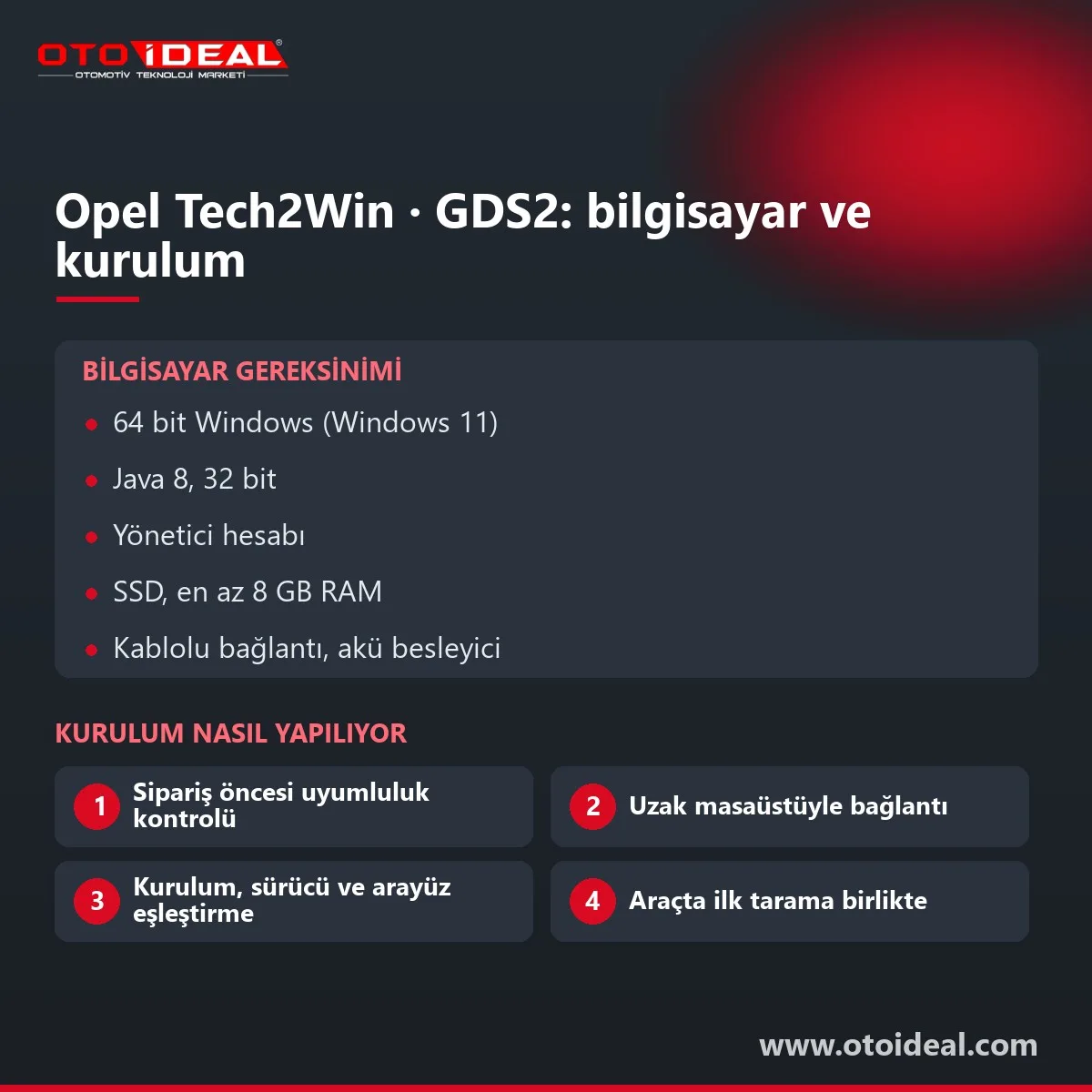
How we install Tech2Win and GDS2
- Pre-order check. You send the models you service, a few VINs, your interface and your Windows version. We tell you which cars need Tech2Win, GDS2 or Diagbox.
- PC preparation. Pending Windows updates are finished, an administrator account is set and sleep mode is disabled. Java 8 (32-bit), browser settings and antivirus exceptions follow Opel's list.
- Installation. Tech2Win, GDS2, OV MDI Manager and the TIS2Web components go on. If you hold an Opel or GM account, we configure the login and subscription with you; the subscription itself is bought from the manufacturer.
- Driver and interface pairing. The MDI 2 is paired over USB first, then over wireless if you want it. Tech2Win and GDS2 are pointed at the same interface.
- First vehicle. We connect to your first car together and scan every module.
- Early support. We connect remotely when you get stuck on the first jobs and check cabling and battery support with you before the first SPS session.
You need a PC with a remote desktop tool (AnyDesk, for example) and admin rights, a stable internet line, your interface with its cables and, for subscriptions, an Opel or GM account.
Common Tech2Win and GDS2 installation problems
- TIS2Web's Java application will not start. A 64-bit or non-8 Java build is installed. Opel requires 32-bit Java 8 with the tis2web address in the security exceptions.
- Tech2Win opens but never reaches the car. Antivirus is blocking
emulator.exe, or no interface is selected inside Tech2Win. - OV MDI Manager cannot see the MDI. A missing USB driver, a driver replaced by a Windows update or an unfinished wireless setup.
- The application does not recognise the vehicle. Usually the wrong tool for the model year: GDS2 on an Astra J, Diagbox on a Grandland X.
- SPS stops halfway. Wireless link or a sagging battery. GM wants 12.5 V or more and a wired MDI connection.
Unable to Authenticate Userin Techline Connect (GM accounts). GM says the ID is locked in GM GlobalConnect.
What needs an Opel subscription?
For legacy Opel and Vauxhall vehicles, Opel sells the diagnostic licence (GDS2, Tech2Win and Tech 2) for one hour, one day, 30 days or one year. Writing functions are not part of that licence: module programming is a separate two-hour SPS session. Immobiliser and radio codes are sold separately, and PSA-era Opels use a per-VIN token valid for seven days.
Honest note: The licences and online services behind GDS2, Tech2Win and SPS belong to Opel, or to GM for Chevrolet; we install and configure, we do not sell subscriptions or security codes. Programming needs an online SPS session, a wired interface and a battery support unit; Opel warns that ignoring the procedure's prerequisites can damage a module beyond repair. PSA-era Opels do not open in this software.
Who is this service for?
- Independent workshops and auto electricians working on GM-era Opels: Astra H and J, Corsa D and E, Insignia, Mokka
- Chevrolet specialists servicing Cruze, Captiva, Aveo and Spark
- Shops with an MDI or MDI 2 that changed laptops or lost a working install
- Technicians moving from a Tech 2 handheld to a PC
Workshops that only see Corsa F, Mokka B or Astra L need Diagbox instead. Many shops pair GDS2 with a multi-brand car diagnostic tool for quick scans; the causes of Opel AdBlue warnings are in our Opel AdBlue article. Other manufacturer software is in the software and licence category, including Mercedes Xentry installation.
All OEM Diagnostic Software and Installation → All OEM (Original Equipment Manufacturers) Diagnostic Device →
Reviews
Write a review
Frequently asked questions about the Opel Tech2Win and GDS2 Diagnostic Software Installation
Which Opel models need Tech2Win instead of GDS2?
Opel's September 2026 list says every vehicle before model year 2015 that is not on its GDS2 list uses Tech 2 or Tech2Win. That includes Astra H, Astra J, Corsa D and Vectra C.
Does GDS2 work with a J2534 interface?
GM's SPS programming accepts J2534 pass-thru devices, but Opel lists only MDI, MDI 2 and the Opel/Vauxhall VCI for GDS2 and Tech2Win diagnostics. Diagnostic support on other J2534 devices is not guaranteed.
Can Opel SPS programming be done offline?
No. SPS fetches the calibration from the manufacturer's server, and Opel sells legacy programming as a separate two-hour SPS session.
What are the GDS2 and Tech2Win system requirements?
Tech2Win and Global TIS as we install them need Windows 7; GDS2 runs on 64-bit Windows 10 or 11 (Opel ships its own pack on Windows 11). Also 32-bit Java 8, a local administrator account, browser compatibility settings for tis2web and antivirus exceptions for the Tech2Win, GDS2 and MDI Manager executables.
Do the Corsa F and Mokka B use GDS2?
No. Opels from the Vivaro C and Zafira Life onward, including Corsa F, Mokka B and Astra L, are diagnosed with Diagbox.



OEM
$37
VAT incl.
No shipping — remote installation


Katalognet
$463
VAT incl.
No shipping — remote installation
Alientech
$346
VAT incl.
No shipping — remote installation
OEM
$298
VAT incl.
Free shipping Ships within 2-3 days
OEM
$37
VAT incl.
No shipping — remote installation
OEM
$124
VAT incl.
Free shipping Ships within 2-3 days
OEM
$124
VAT incl.
Free shipping In stock, ships the same day



OEM
$37
VAT incl.
No shipping — remote installation
OEM
Ask us for the price
No shipping — remote installation

OEM
Ask us for the price
No shipping — remote installation
OEM
Ask us for the price
No shipping — remote installation
OEM
Ask us for the price
No shipping — remote installation

OEM
Ask us for the price
No shipping — remote installation
OEM
Ask us for the price
No shipping — remote installation
Alientech
$346
VAT incl.
No shipping — remote installation
OEM
Ask us for the price
No shipping — remote installation
Articles about this product
View all
Citroën Ami, Fiat Topolino and Opel Rocks-e: the VCU3000 Now Reads Over OBD
The EVPT VCU3000 on Stellantis' small electric vehicles could only be opened by bench or boot, and both start by removing the unit. With Fle...
Read More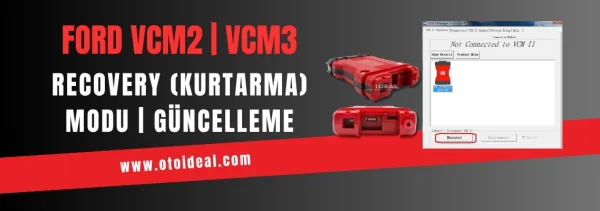
FORD VCM2 Update and Recovery Mode | Device Not Detected in IDS Program Issue
Ford VCM2 recovery and update process, fixing device detection issue in IDS software. Step-by-step guide for VCM2 recovery and update.
Read More
FORScan Download, Licence and Use: Ford and Mazda Diagnostic Software
FORScan is an independent diagnostic program for Ford and Mazda. Which version to download, Standard versus Extended licence, getting a lice...
Read More
Mercedes-Benz Hidden Feature Activation | CarPlay, Video, NTG and Coding 2024
Discover how to unlock Mercedes-Benz hidden features, CarPlay and NTG activation with Star Diagnostic, Xentry and Vediamo. Professional codi...
Read More