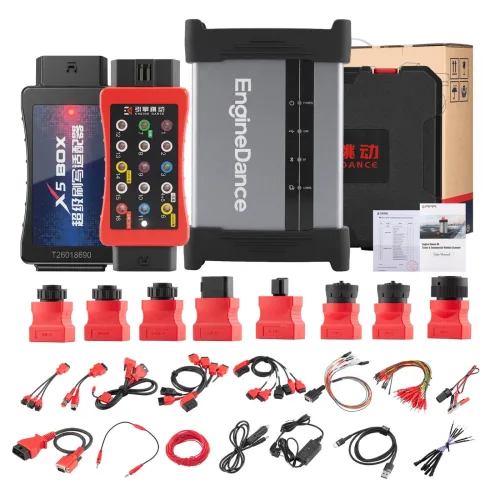
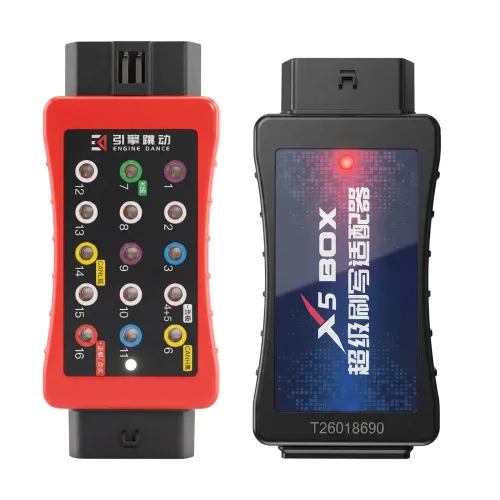
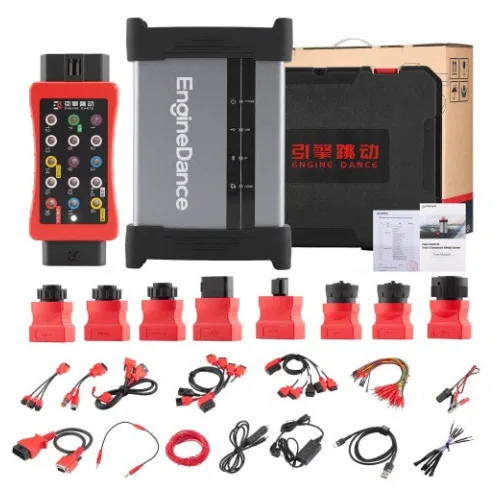
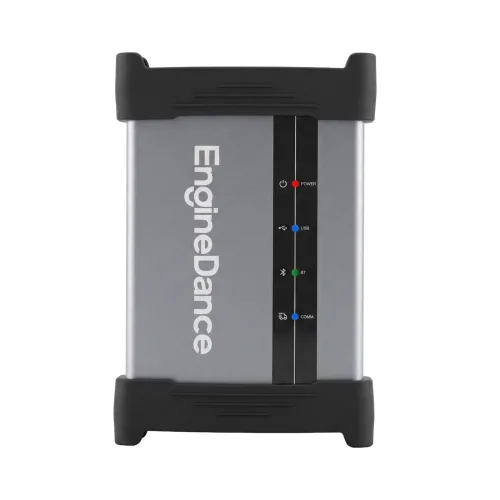
Engine Dance
Ask us for the price
1 / 3
 OEM
OEM
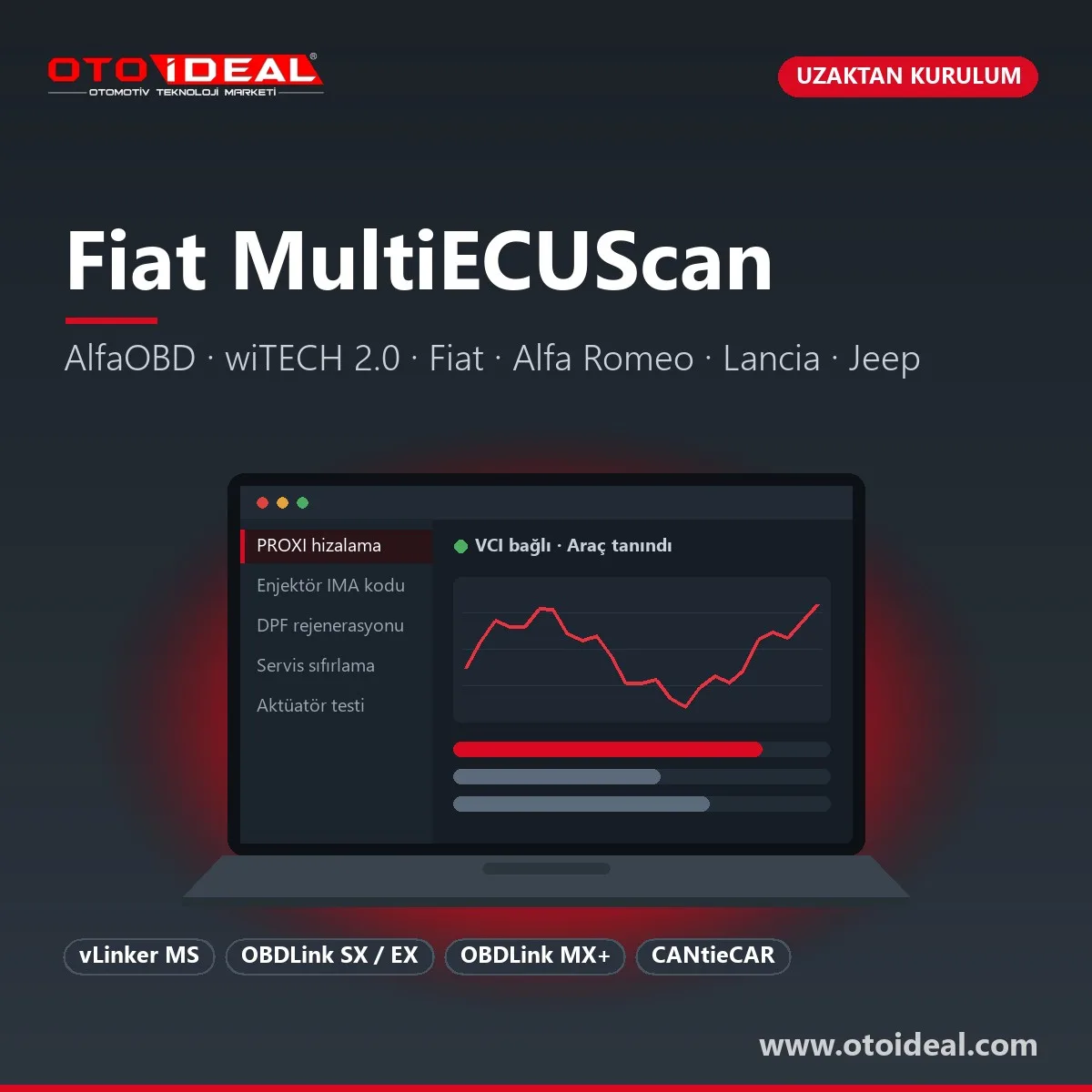
MultiECUScan (MES) is an independent Windows diagnostic and adjustment program for Fiat, Alfa Romeo, Lancia, Jeep, Chrysler and Dodge vehicles. It talks to each control unit separately, from the engine to the body computer. It is not the manufacturer's tool; Stellantis' own dealer system is wiTECH 2.0. Our service is the MultiECUScan installation: setting it up on your laptop, choosing and pairing the interface, guiding the licence registration and running the first vehicle scan with you over a remote session.
Short answer: MES runs on Windows XP to 11, with a separate Windows 11 build. A registered licence is tied to one computer, includes one year of updates and is bought from the developer. For write procedures use a USB OBDLink or, over Bluetooth, the vLinker MS. MES has no online functions: it cannot open the Security Gateway (SGW) and cannot flash control units, which needs wiTECH 2.0 subscriptions.
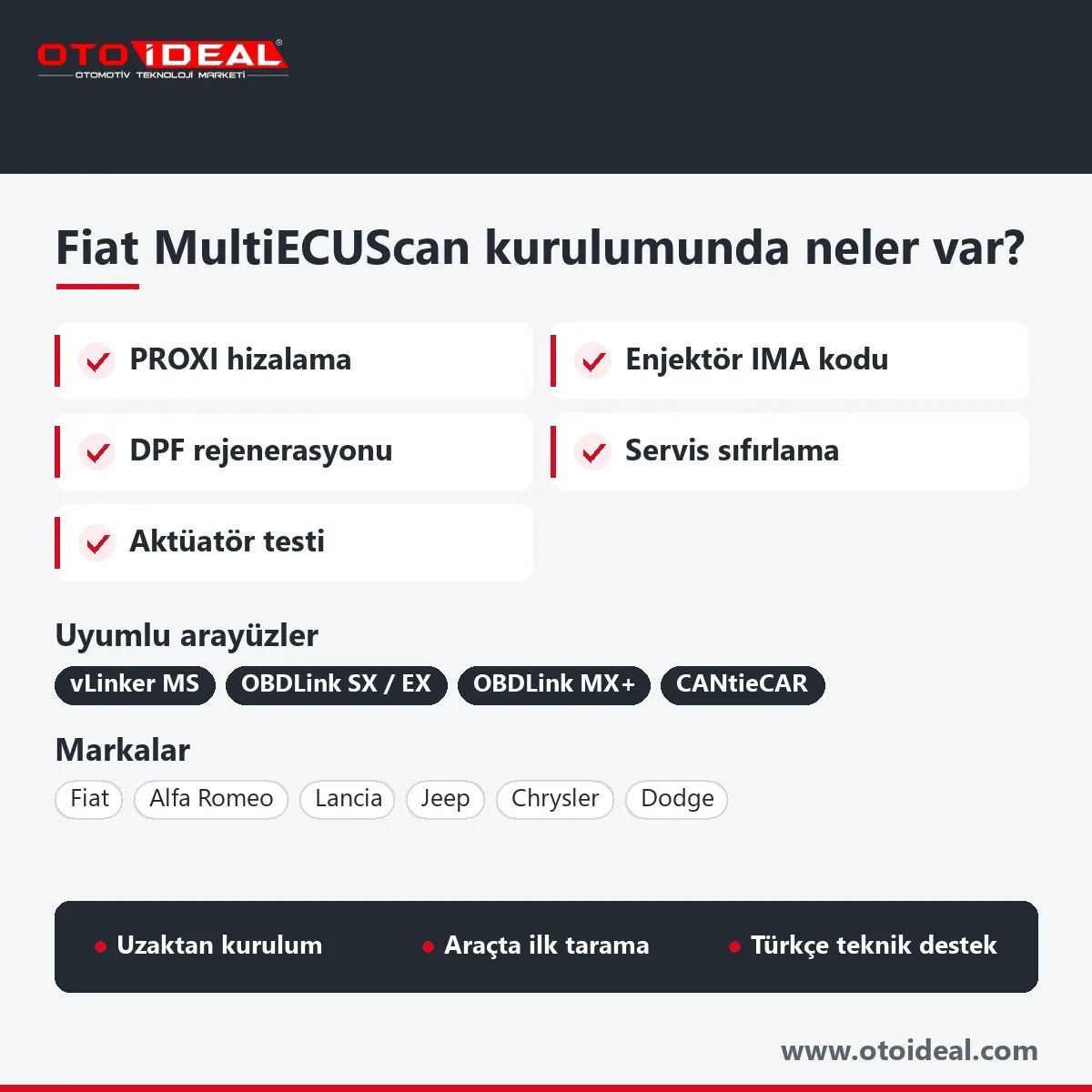
The developer's vehicle list shows, for every control unit, which functions are available and which interface or adapter cable it needs. The free version is a demo: four parameters at a time, 20-minute sessions, no CAN-module diagnostics and no reset or programming functions. With a registered licence a workshop typically uses it for:
What MES does not do: flash control unit software, run online configuration or open the SGW. Disabling the DPF, EGR or AdBlue system on a vehicle used on public roads is not legal; the work described here is diagnosis, testing and regeneration. Available procedures depend on the unit version, so before an order we open the unit in simulation mode (Ctrl+F10), which lists its adjustments without a car connected.
For the Tipo (type 356, sold in Turkey as the Egea) it covers the 1.3 Multijet (Marelli 9DF), 1.6 Multijet (Bosch EDC17C69), 1.4 16V (Bosch ME17.3.0), 1.6 16V petrol (Marelli IAW 9GF), 1.0 GSE and, since version 5.5, the 1.5 Hybrid. Doblo 263, Fiorino, Linea, Punto, 500, 500X, Jeep Renegade and Compass, Alfa Romeo Giulietta, Giulia, Stelvio and Tonale are listed too. The PSA-based Doblo from 2023, the Topolino and the 600 are not.
Most supported interfaces read fine; the difference shows in write procedures and in units wired to non-standard OBD pins.
| Interface | Fit | Note |
|---|---|---|
| Vgate vLinker MS (Bluetooth) | Full, developer's pick | The only Bluetooth interface the developer trusts for PROXI alignment and other special procedures; finds units on all CAN buses |
| OBDLink SX / EX (USB) | Supported | MES supports the OBDLink family without naming models; the special-function warning concerns Bluetooth links |
| OBDLink MX+ (Bluetooth) | Supported | Fine for reading and tests; not recommended for PROXI alignment, remote programming or IMA coding |
| ELM327 1.3+ | Limited | 1.3 or newer needed for CAN; clone version labels are unreliable |
| CANtieCAR | Full (Multiplexed bundle) | Reaches every unit without adapters, apart from the 3-pin cable on old cars |
With ELM-type interfaces some units need one of six colour-coded adapter cables (A1 green to A6 grey) or the 3-pin cable for pre-EOBD cars. On a Tipo/Egea the engine, ABS, airbag and body computer connect directly, while the Denso climate unit and Uconnect 5" radio need A5 (blue); on Doblo 263, Fiorino, Grande Punto and 500 the body computer, cluster and airbag need A3 (yellow). We do not sell these interfaces; tell us which one you have and we confirm the fit before you order.
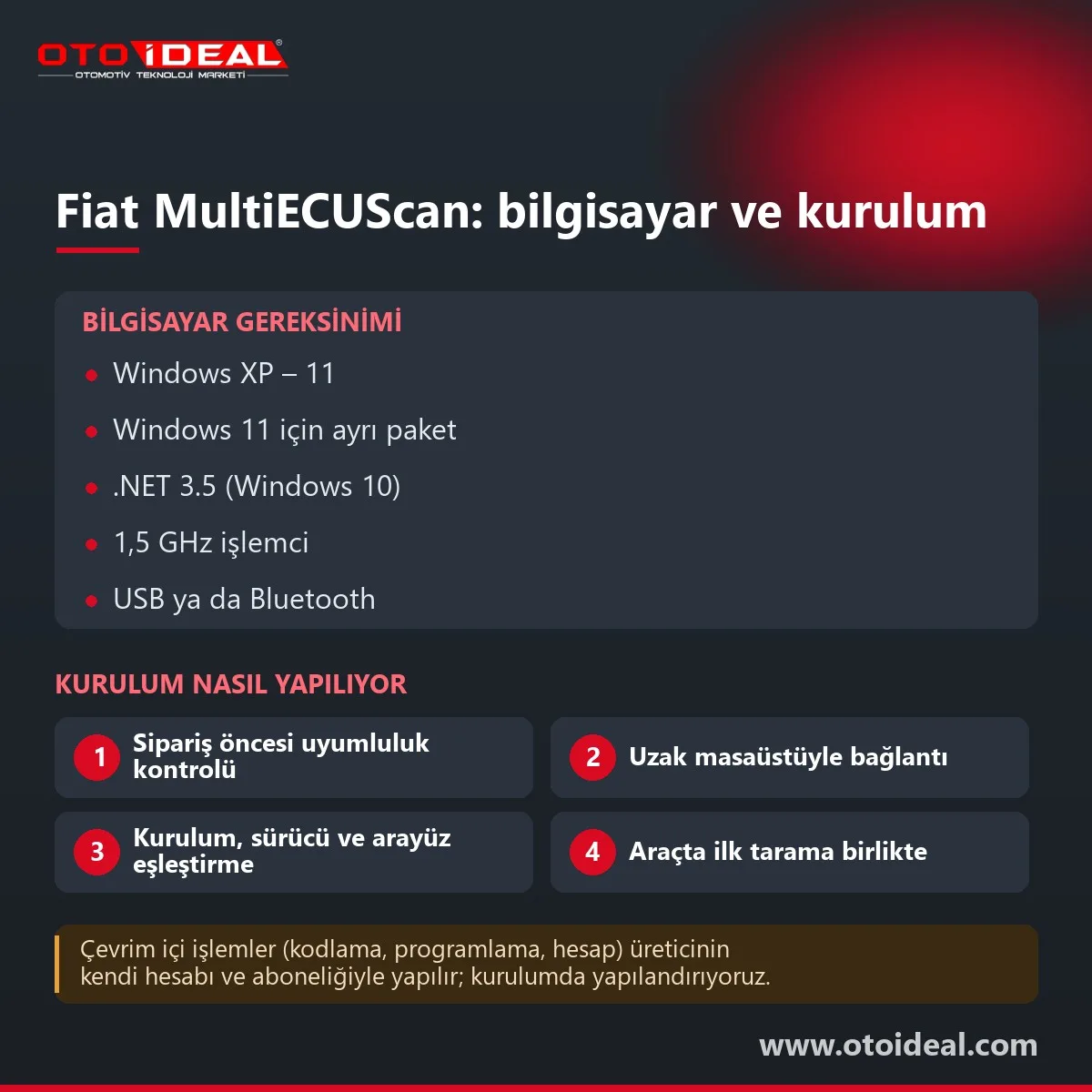
| Item | Requirement | Note |
|---|---|---|
| Operating system | Windows XP SP2, Vista, 7, 8, 8.1, 10, 11; 32 or 64-bit | Windows 11 gets the developer's separate build |
| .NET Framework | XP to 8.1: 2.0 SP1 or later; Windows 10: 3.5 | The Windows 11 build does not need .NET 2.0 |
| Processor | 1.5 GHz or faster recommended | The only hardware figure the developer gives |
| USB interfaces | FTDI or Silicon Labs VCP driver | Keep the interface on the same USB port; a new port means a new COM number |
| Bluetooth | Classic pairing in Windows (PIN such as 1234 or 0000) | BLE without pairing only on Windows 11, for vLinker and CANtieCAR v5 |
| Internet | For installation, licence activation and updates | Work at the car does not connect to a manufacturer server |
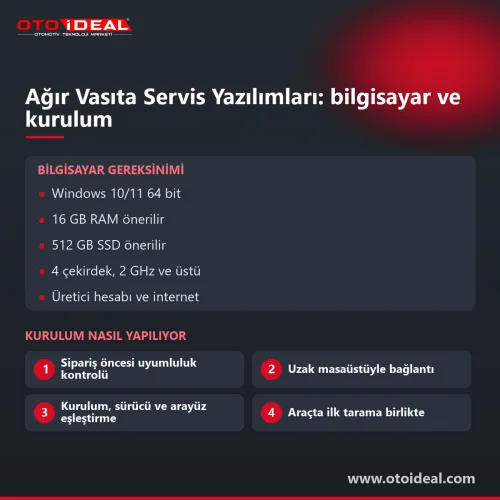
Installation runs over a remote desktop session and ends with the first scan of a real car. You prepare a Windows laptop, a remote desktop program, an internet connection, a Windows administrator account and the interface.
| Message | Cause | Fix |
|---|---|---|
COM port X does not exist | Wrong COM port, or the interface moved to another USB port | Set the correct port and keep the interface on it |
Incorrect ISO code | A different unit was selected than the one in the car | Find the right unit with SCAN |
FREE VERSION RESTRICTION | Licence not entered or not activated | Re-activate the License Key |
Test Failed | Procedure conditions not met, or the unit version does not support it | Follow the procedure description and set the conditions |
| Codes do not clear, procedures refused | SGW on a 2018-on car | Bypass device or connection behind the SGW |
The developer confirms SGW on 500X/Renegade, 500L MCA, Doblo and Giulia/Stelvio; SCAN, which runs in the free version too, shows whether your car has one.
Version 5.5 came out on 24 October 2026; 5.4 (August 2025) added the Tipo/Egea MY20 Aptiv body computer, which older versions do not list. A registered licence has no expiry for the installed version and includes one year of free updates; after that the program keeps working but does not update until another year is bought. It moves to a new computer at most once a month and ten times in total, and cannot pass to another person or company. Our current installation version is shown at the top of this page.
AlfaOBD runs on Android and Windows and covers Fiat, Alfa Romeo and Lancia from 1994 and Chrysler, Dodge, Ram and Jeep from 2005. The Android licence comes through Google Play and installs on several devices; the Windows licence activates on two PCs, and updates are included with no time limit. For the Tipo/Egea the developer recommends OBDLink MX+ or EX. There is no iPhone version, and AlfaOBD cannot bypass the SGW in software either.
wiTECH 2.0 is Stellantis' online diagnostic system for Fiat, Fiat Professional, Alfa Romeo, Lancia, Abarth and the Chrysler brands, used with MicroPOD or MDP hardware or a SAE J2534 pass-thru interface. Independent operators in Europe, the Middle East and Africa buy the subscription through Fiat's technical information portal, and flashing, vehicle reconfiguration and some unit replacements also need a TechAuthority subscription. Stellantis issues the account and subscription; the software carries these functions, the authorisation comes from the manufacturer. For workshops that hold a subscription we help with Windows preparation and the J2534 application and driver installation.
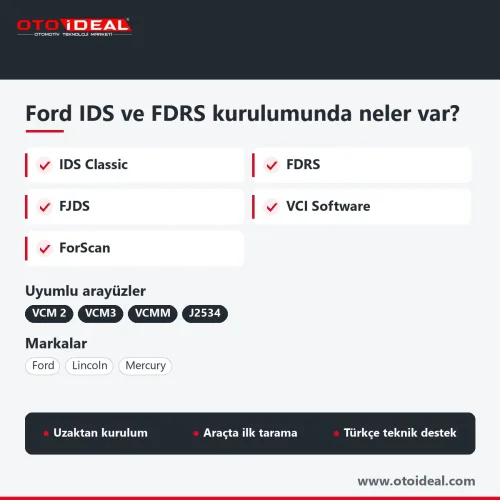
MES goes deep into the Fiat group for the price of one licence, but it is one brand group only, needs a laptop and adapter cables and cannot open the SGW. Multi-brand tablets handle much of the Fiat service work from a menu, and some tool makers sell yearly FCA SGW access. A workshop that sees many brands a day usually runs a multi-brand diagnostic device as its main tool and keeps MES for Fiat-heavy jobs. FORScan plays the same role for Ford; see Ford IDS, FDRS and FORScan installation.
Honest note. MultiECUScan is independent software and never connects to a manufacturer server, so it does not flash units, run online configuration or open the SGW; on SGW cars, write work needs a bypass that comes off when the job is done. The developer does not recommend Bluetooth ELM or Bluetooth OBDLink interfaces for PROXI, remote programming or IMA coding; write with a USB interface or the vLinker MS. The licence is tied to one computer.
Background on Fiat service counters is in Fiat Egea, Doblo and Fiorino service reset, and on warning lamps in Fiat AdBlue, DPF and EGR faults. For Peugeot and Citroën see PSA Diagbox installation; we set up Mercedes Xentry and VW group ODIS the same way. All software services are in the software and licence category.
All OEM Diagnostic Software and Installation → All OEM (Original Equipment Manufacturers) Diagnostic Device →
MultiECUScan is an independent Windows diagnostic program for Fiat, Alfa Romeo, Lancia, Jeep, Chrysler and Dodge. Beyond fault codes and live data it performs service resets, DPF regeneration, IMA injector coding and PROXI alignment, but no online or flashing functions.
The developer names the Vgate vLinker MS as the only Bluetooth interface that reliably performs PROXI alignment and other special procedures. Bluetooth ELM327 and OBDLink units are supported for reading but not recommended for those write procedures.
One. The licence key is valid only for the Hardware Key of a single computer; it can be transferred to a new computer once a month and ten times in total, but not to another person or company.
No. The developer states that the SGW cannot be unlocked with MultiECUScan; write procedures on SGW cars need a bypass device or a connection to the CAN lines behind the module.
Yes. The developer publishes a separate Windows 11 build that does not need .NET 2.0 and connects to vLinker and CANtieCAR v5 interfaces over BLE without pairing.
MultiECUScan is an offline Windows program, AlfaOBD an Android and Windows app, both from independent developers. wiTECH 2.0 is Stellantis' online dealer system; it needs a subscription and, for flashing, a TechAuthority subscription.

No shipping — remote installation
No shipping — remote installation
No shipping — remote installation
No shipping — remote installation
Free shipping Ships within 2-3 days
No shipping — remote installation
Free shipping Ships within 2-3 days
Free shipping In stock, ships the same day
No shipping — remote installation
No shipping — remote installation
No shipping — remote installation
No shipping — remote installation
No shipping — remote installation
No shipping — remote installation
No shipping — remote installation
No shipping — remote installation
No shipping — remote installation
The EVPT VCU3000 on Stellantis' small electric vehicles could only be opened by bench or boot, and both start by removing the unit. With Fle...
Read More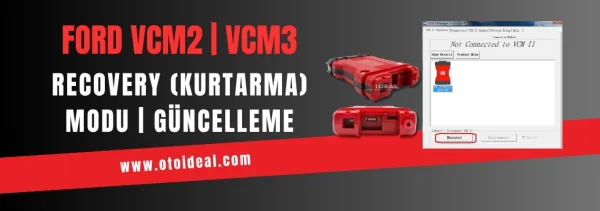
Ford VCM2 recovery and update process, fixing device detection issue in IDS software. Step-by-step guide for VCM2 recovery and update.
Read More
Discover the common oil consumption issues in Fiat Egea 1.4 petrol engines and explore practical solutions. Learn how to maintain your vehic...
Read More
Low level or system fault, which Fiat diesels have AdBlue, the 200 km countdown and the 5-litre rule, why the light stays on with a full tan...
Read MoreDouble-tap to zoom
Strictly necessary cookies keep the site working. With your permission we also keep visit statistics; you are not identified. Details