
OEM
Ask us for the price
No shipping — remote installation
1 / 4
Current installation version: 2023.12 Updated December 2023
 OEM
OEM
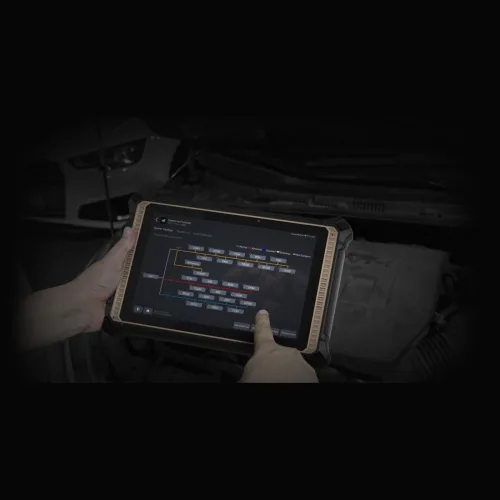
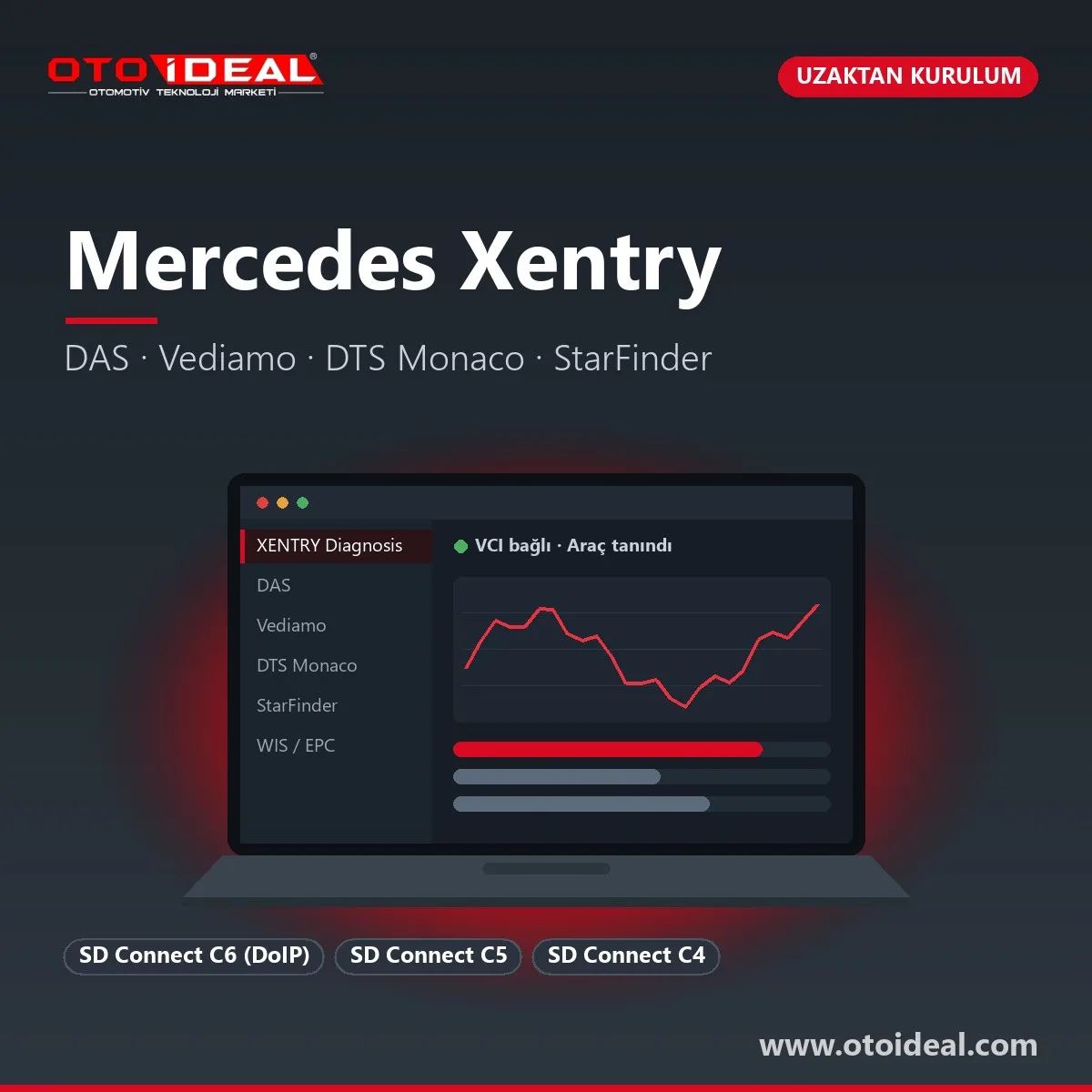
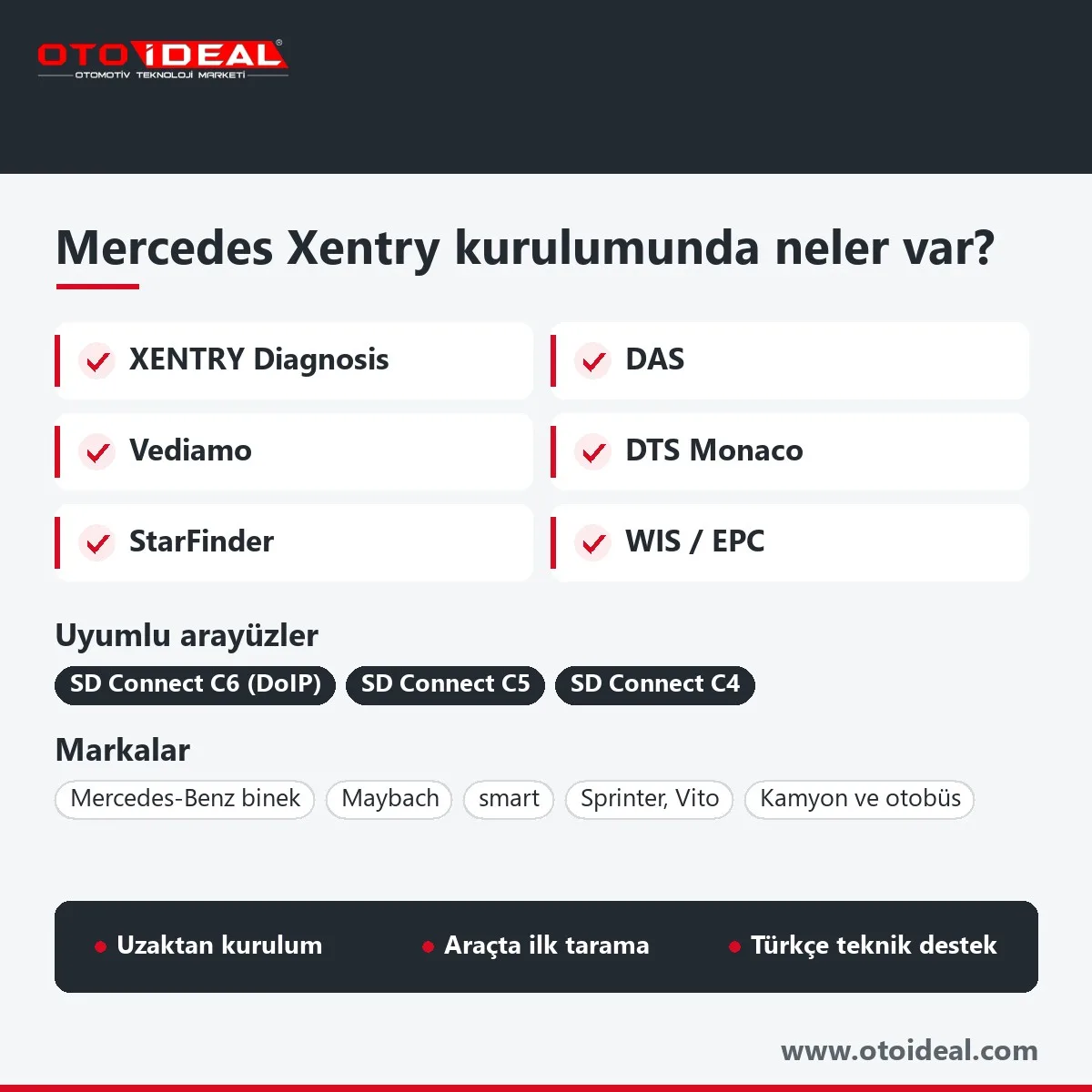
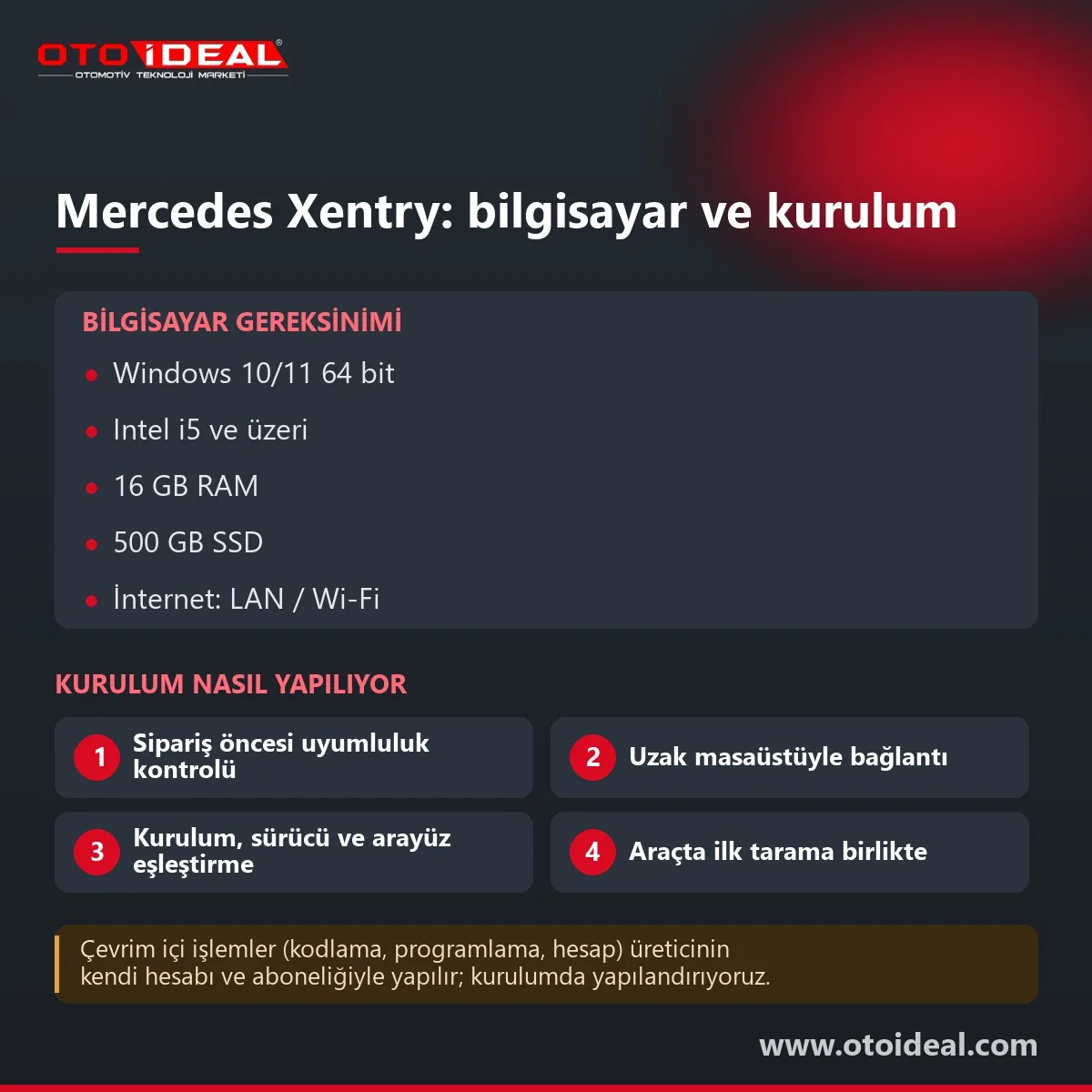
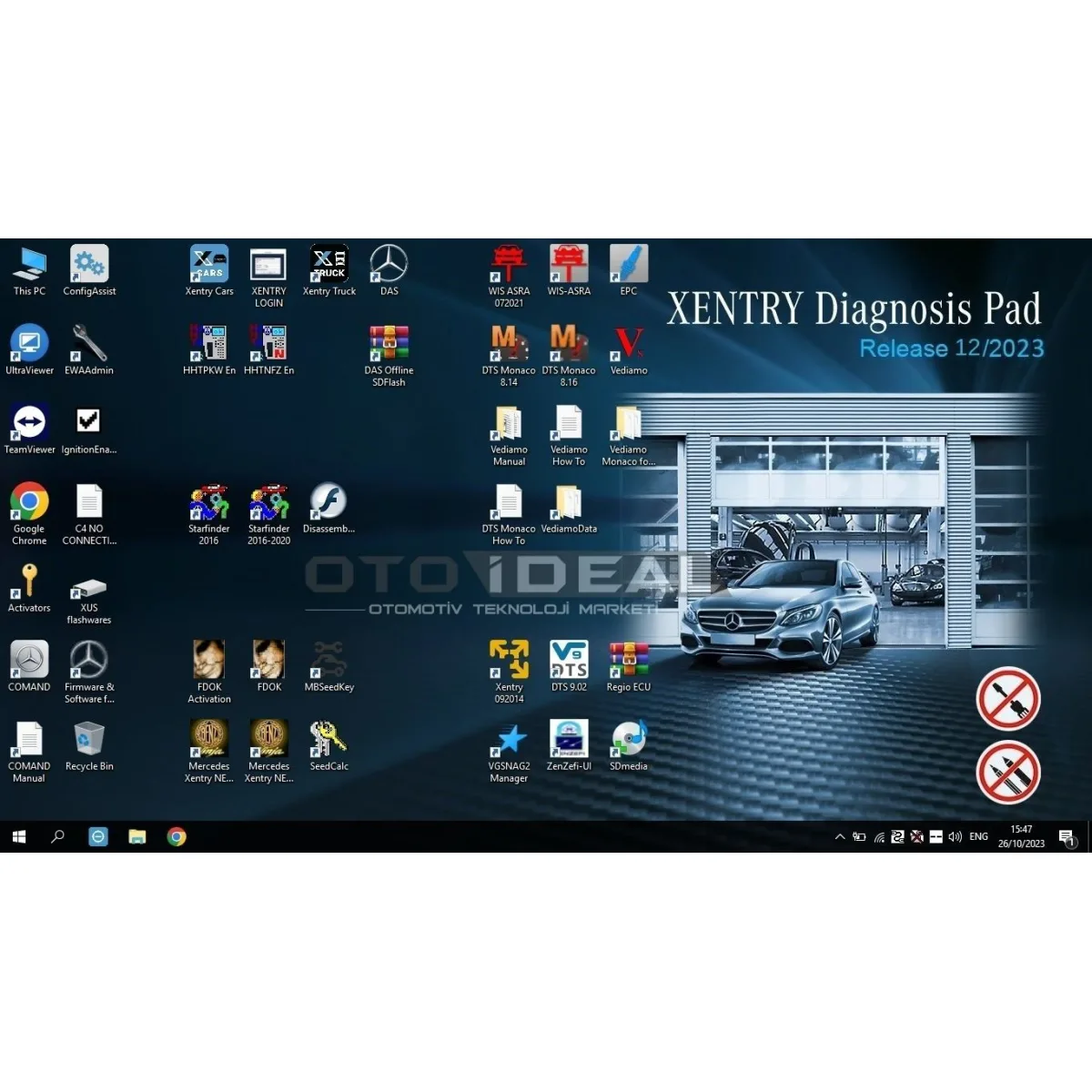
XENTRY (XENTRY Diagnosis) is the service diagnostic software Mercedes-Benz uses to diagnose, code and program its cars, vans, trucks and buses. Older model series run in DAS, which Mercedes has built into XENTRY. This product is a remote XENTRY installation service: we install XENTRY, DAS, Vediamo, DTS Monaco, StarFinder, WIS and EPC on your laptop, set up drivers and certificates, pair your interface and run the first vehicle scan with you. The vehicle interface is a separate product.
In short: the installation covers XENTRY Diagnosis, DAS, Vediamo, DTS Monaco, StarFinder, WIS/ASRA and EPC. It works with SD Connect C4, C5 or C6; the pure DoIP series that start with BR 206 and BR 223 need a DoIP interface such as the C6. Plan on Windows 10/11 64-bit, an i5, 16 GB RAM and an SSD. SCN coding and control unit flashing are online and need a Mercedes account.
XENTRY Diagnosis
Quick test of every control unit, fault memory, actual values, actuations, guided troubleshooting and control unit commissioning. Mercedes recommends starting every job with a quick test.
DAS
Diagnosis and coding for series older than BR 204. It is integrated into XENTRY and opens automatically when an older vehicle is identified.
Vediamo
A Mercedes development-side engineering tool. It reads control unit descriptions from CBF files and gives direct access to every parameter.
DTS Monaco
Softing's engineering tester: variant coding, ECU parameterisation and flash programming on ODX data, with DoIP traffic recording.
StarFinder
Wiring diagrams plus component and connector locations, for tracing harness faults.
WIS/ASRA and EPC
Repair instructions, maintenance schedules and diagrams; the parts catalogue by VIN with exploded views.
Yes. Mercedes now delivers its workshop information as XENTRY WIS and its parts catalogue as XENTRY Parts Information, both web-based and opened with a B2B Connect login and multi-factor authentication. The WIS, EPC and StarFinder copies in our installation run offline on the laptop, so their data stays at the level of the installed release. For the newest series, the current source is the Mercedes online service; if you have an account, we configure that side too.
XENTRY only shows the parameters released for that vehicle and that software level. Vediamo and DTS Monaco open the full control unit description, which is what workshops use for variant coding and for unit parameters that do not need SCN coding. Comfort settings such as ambient lighting, comfort closing and mirror folding sit in this class; what can be enabled depends on the unit software and the hardware fitted. Examples are in our Mercedes hidden feature activation article.
Vediamo has no protection layer against invalid parameter combinations and does not check anything against the Mercedes backend. A wrongly written parameter block can lock a control unit or leave it unreachable by diagnosis. Back up the coding string first, connect a battery support unit and leave unknown parameters alone; teaching parameter use is not part of this service.
| Interface | Support | Note |
|---|---|---|
| SD Connect C6 DoIP interface | Full; DoIP and CAN | The class you need for pure DoIP series; wireless, but we recommend a cable for flashing |
| XENTRY Diagnosis VCI | Full; DoIP | The interface in Mercedes' own Kit 4 and Kit 5; powered from the vehicle at 8–28 V, connects over USB, LAN or Wi-Fi |
| SD Connect C5 | Full (CAN) | DoIP support is limited and varies by unit; do not rely on it for pure DoIP series |
| SD Connect C4 | Full (CAN) | No DoIP on a standard C4; full diagnosis on older and non-DoIP series |
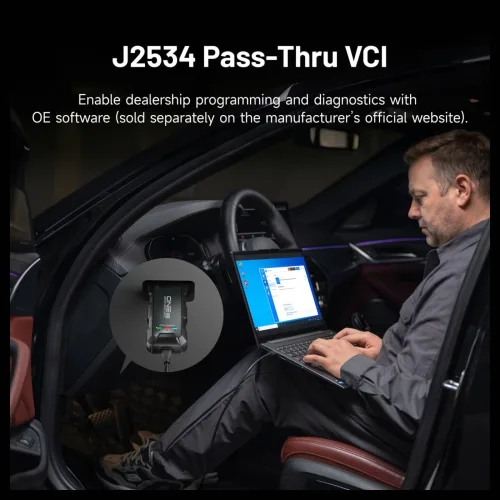
| J2534 pass-thru devices | Only with XENTRY Pass Thru EU | Mercedes' own product for standard PCs, aimed at flashing and coding Euro 5/6 series |
DoIP (Diagnostics over IP) carries diagnosis and programming over the vehicle's Ethernet line. According to the Mercedes XENTRY Pass Thru manual, the series introduced with BR 223 (S-Class, 2020) and BR 206 (C-Class, 2021) are pure DoIP. On the recent car and van series before them, a non-DoIP interface still diagnoses the car but cannot flash the head unit or the instrument cluster.
Since Release 06/2020 Mercedes has also required a personal user login for diagnosis on the 2020 facelifted 213 and on the 223, extended to all series in 2021; control unit commissioning needs a separate XENTRY Flash role. Send us your interface model and the series you work on, and we will tell you before you order which vehicles you can reach.
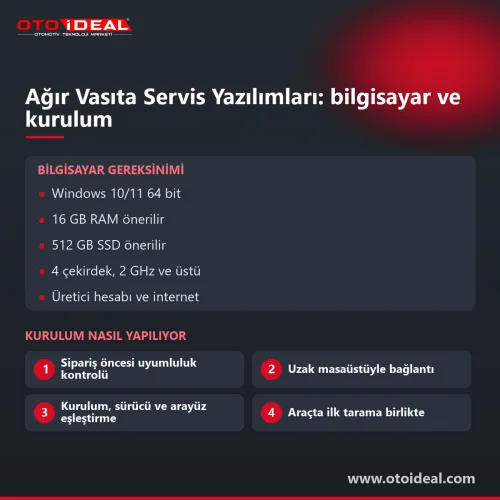
| Item | Mercedes minimum | What we recommend |
|---|---|---|
| Operating system | Windows 10 or 11, 64-bit; administrator rights | Windows 10/11 Pro 64-bit, ideally a clean install |
| Processor | Intel i5 or comparable | 8th-generation i5 or newer |
| Memory | 8 GB minimum, 16 GB recommended | 16 GB |
| Storage | 150 GB free, SSD recommended | 500 GB SSD or more with WIS, EPC and StarFinder |
| Network | Broadband over LAN or Wi-Fi; Mercedes addresses open in the firewall | Wired internet for flashing and SCN coding |
| Software | Edge browser, .NET 4.0 or later | No other diagnostic software running alongside XENTRY |
Mercedes states that it has not tested XENTRY running in parallel with other software and accepts no liability for flashing or coding in that situation. For reference, its own Pad 2 tablet runs an i5-8265U with 16 GB RAM and a 1 TB SSD.
With Mercedes' official products, the workshop installs the software itself. XENTRY Diagnosis Lite and XENTRY Pass Thru EU need administrator rights and a StartKey bound to the PC's hardware ID, and every user needs a personal login with the diagnosis role. Mercedes sells both only to businesses in the EU and a few other European countries. If your workshop holds a Mercedes account and subscription, we help configure the account and the installation; the subscription and the online rights come from Mercedes.
| Message | Cause | What we do |
|---|---|---|
No access authorization for XENTRY found (2221-45) | XENTRY cannot find its access authorisation (StartKey): not started as administrator, missing or expired access definition, or a new PC with a different hardware ID | Check the access definition, user rights and hardware ID remotely |
2221-47 server not reachable | The access check server cannot be reached: internet, firewall or proxy | Find the blocked addresses |
| Interface not found | Missing driver, broken USB or Wi-Fi setting, firmware mismatch | Reinstall the driver and interface configuration |
| New series not recognised | The installed release predates that series | Plan a release upgrade |
Mercedes names releases by month and year, for example Release 06/2020 or 09/2021; the market writes the same release as 2023.12. Updates come four times a year, and a release only knows the series published before it. The release we currently install is shown in the version badge at the top of this page.
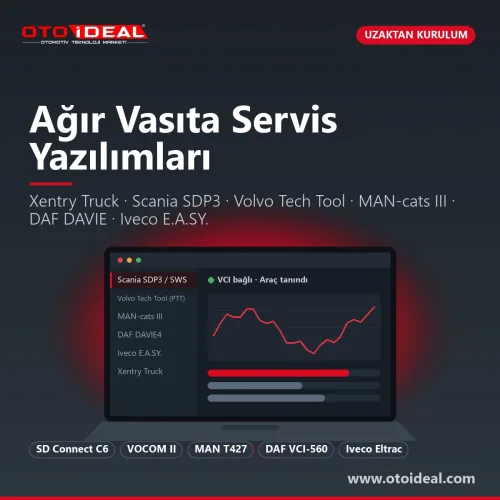
Trucks and buses are now handled by Daimler Truck, with Daimler Truck Diagnostics and the XENTRY Truck applications on their own release calendar. Since January 2024 a system runs on either a Mercedes-Benz or a Daimler Truck StartKey, not both, and Daimler Truck states that an official VCI flashed with truck firmware can no longer diagnose cars or vans. Truck software for Mercedes and other brands is covered by our heavy-duty OEM software installation.
Honest note. The XENTRY licence and online services belong to Mercedes-Benz, and to Daimler Truck on the truck side; Oto İdeal does not sell manufacturer licences, it sells installation and configuration. SCN coding, XENTRY Flash and key work need online authorisation from Mercedes, and a non-DoIP interface will not connect to pure DoIP series. The installation also depends on a laptop that meets the requirements above.
Notes on the previous release are in our XENTRY 2023 installation article, and the interface is described on the Mercedes SD Connect C6 page. Workshops using a multi-brand diagnostic device often add XENTRY once their Mercedes work grows. Installations for other brands, such as ODIS for VW and Audi and BMW ISTA, are listed with all software products under Software and Licences.
All OEM Diagnostic Software and Installation → All OEM (Original Equipment Manufacturers) Diagnostic Device →
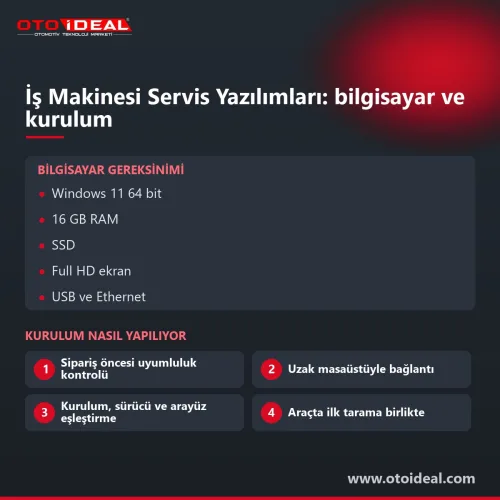
Mercedes specifies Windows 10 or 11, 64-bit, for its standard-PC products and now ships its own kits with Windows 11. We install on Windows 10/11 Pro 64-bit with 16 GB RAM and at least a 500 GB SSD.
XENTRY runs with SD Connect C4, C5 or C6. The pure DoIP series that start with BR 206 and BR 223 need a DoIP interface such as the C6; on earlier recent series a non-DoIP interface diagnoses the car but cannot flash the head unit or instrument cluster.
No. The SCN is calculated on the Mercedes server from the VIN and the software ID of the new control unit, so it needs a Mercedes account and online authorisation.
XENTRY Diagnosis covers the series from the BR 204 C-Class (2008) onwards; older series open in DAS. DAS is built into XENTRY and starts automatically when an older vehicle is identified.
XENTRY checks its access authorisation (StartKey) at start-up and shows this message, code 2221-45 in the Mercedes manual, when it cannot find it. Typical causes are not starting XENTRY as administrator, a missing or expired access definition, or a new PC with a different hardware ID.
Remotely, over a remote desktop session. We install the software, set up drivers, certificates and the interface, then run the first quick test on your vehicle with you.
No shipping — remote installation
No shipping — remote installation
In stock, ships the same day
No shipping — remote installation
Free shipping Ships within 2-3 days

No shipping — remote installation
Free shipping Ships within 2-3 days

Free shipping In stock, ships the same day
No shipping — remote installation
No shipping — remote installation
No shipping — remote installation
No shipping — remote installation
No shipping — remote installation
No shipping — remote installation
No shipping — remote installation
No shipping — remote installation
No shipping — remote installation

How to fix AdBlue, DPF, and EGR issues in Mercedes C-Class, E-Class, GLE, GLC, GLS, and other models? AdBlue light on? Warning not clearing?...
Read More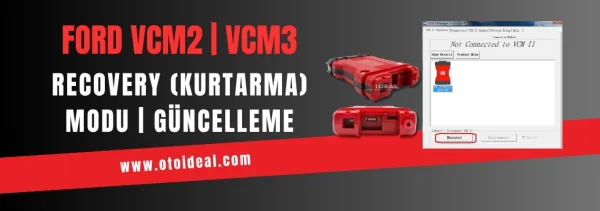
Ford VCM2 recovery and update process, fixing device detection issue in IDS software. Step-by-step guide for VCM2 recovery and update.
Read More
Discover how to unlock Mercedes-Benz hidden features, CarPlay and NTG activation with Star Diagnostic, Xentry and Vediamo. Professional codi...
Read More
At this point, as a service provider, we are committed to building environmental awareness and supporting electric vehicle usage by installi...
Read MoreDouble-tap to zoom
Strictly necessary cookies keep the site working. With your permission we also keep visit statistics; you are not identified. Details