

OEM
$37
VAT incl.
No shipping — remote installation
1 / 3
 OEM
OEM
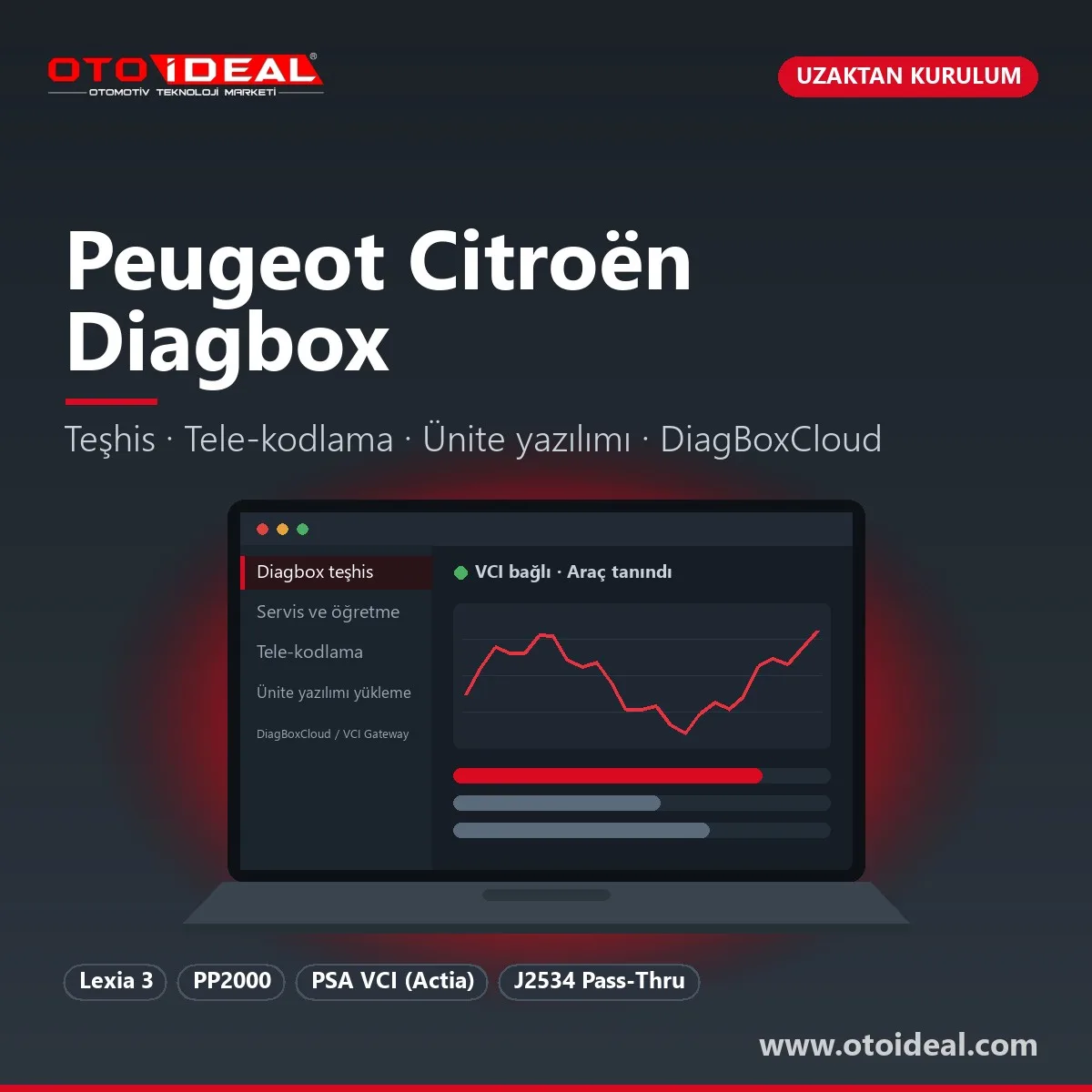
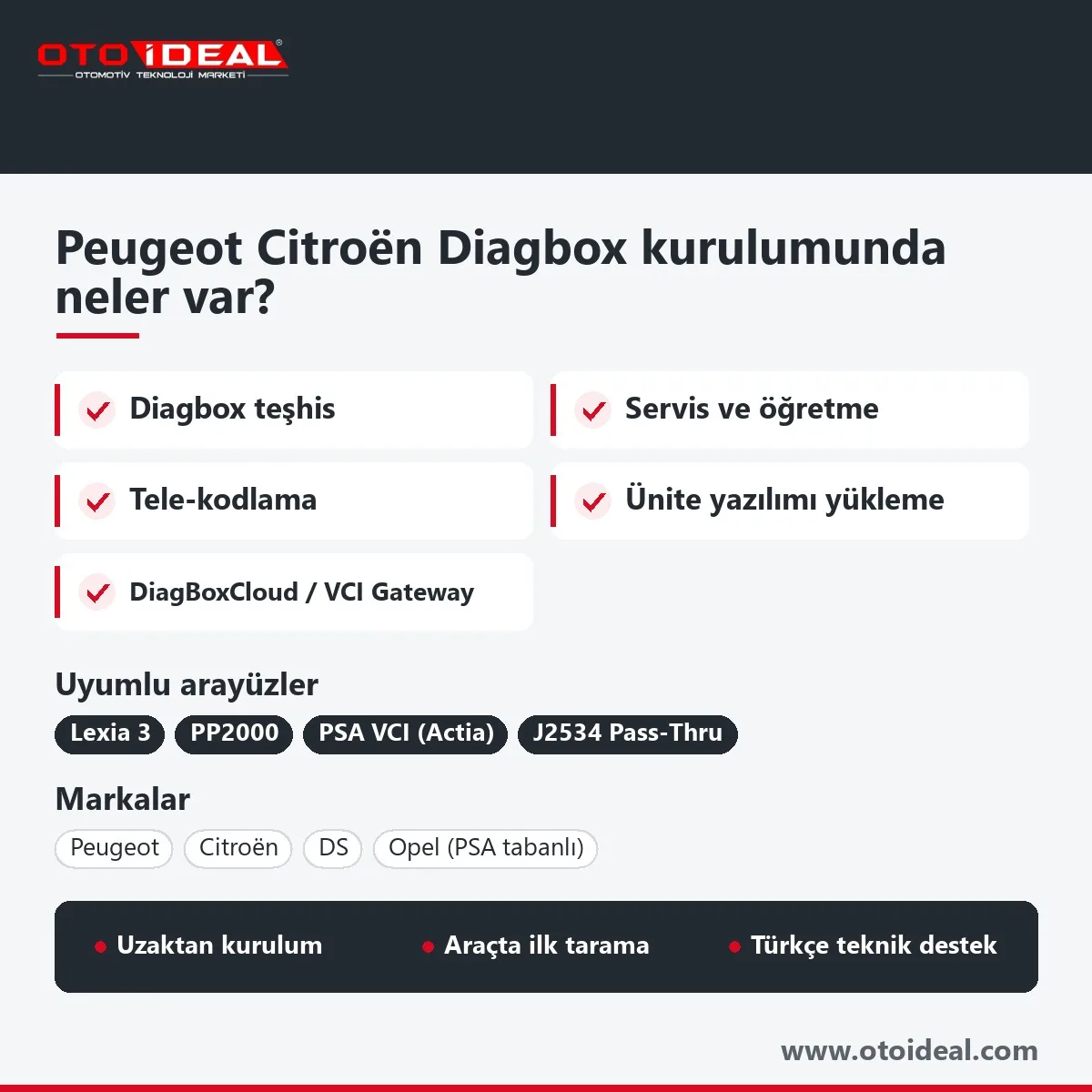
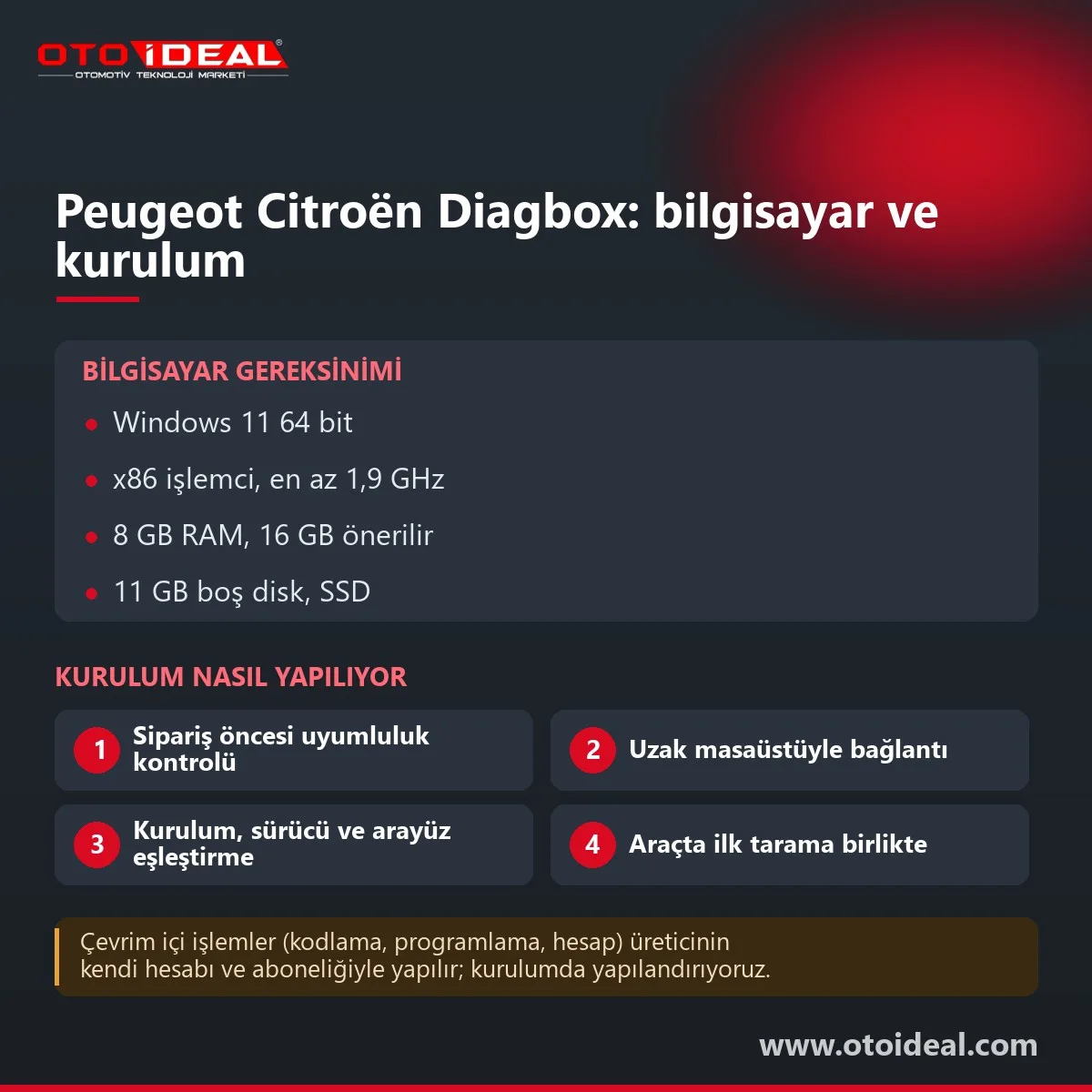
Diagbox is the service diagnostic and programming software Stellantis uses for Peugeot, Citroën, DS and PSA-based Opel and Vauxhall models. It replaced the older Lexia (Citroën) and PP2000 (Peugeot Planet 2000) station software and put both brands' factory diagnostics behind one screen. What we offer here is the Diagbox installation itself: we install and configure the software on your PC and pair it with your Lexia 3 / PP2000 interface. The interface is a separate product; the work is done over remote desktop, and we run the first vehicle scan with you.
Short answer: a Diagbox installation covers the software, the interface driver, Lexia 3 / PP2000 pairing, antivirus and firewall exceptions and a test on a real car. For 2026 Stellantis specifies Windows 11 64-bit, 8 GB RAM (16 GB recommended) and 11 GB of free disk. Reading faults, live data and actuator tests run at the car; telecoding, ECU flashing and pairing need Stellantis approval.
Diagbox looks like one application, but several components run behind it. Stellantis's 2026 document for independent repairers lists them: DDC (PsaAgent.exe and an ECU reader), eDiag, SIM, the ACTIA-DiagBox diagnostic engine and a Firebird database server. If antivirus software blocks any of these, Diagbox opens but will not talk to the car. Getting those exceptions right takes more time than the installer itself.
Diagnostics
VIN reading, a global scan of every ECU, fault codes, measured parameters and actuator tests.
Service and learning
Post-repair learning, injector coding, forced DPF regeneration, additive tank learning, service reset, ABS bleeding.
Telecoding and flashing
ECU configuration (télécodage) and calibration loading (téléchargement). Write operations that need Stellantis approval.
DiagBoxCloud
Browser-based version; the interface connects through the VCI Gateway installed on a Windows PC.
Flashing and telecoding carry the same risk as any engineering tool. Stellantis warns that an ECU can be damaged beyond repair if the prerequisites shown in the procedure are not followed. Keep a battery support unit connected and the laptop on mains power.
Lexia 3 and PP2000 are two names for the same interface class: the Citroën side called it Lexia, the Peugeot side PP2000. Stellantis's 2026 document gives two routes. With a PSA interface, the software offers all of its functions; with an SAE J2534 Pass-Thru card, only reading functions are guaranteed.
| Interface | Diagbox support | Note |
|---|---|---|
| Lexia 3 / PP2000 | Diagnostics, measurements, tests, service functions | Hardware revision and firmware decide which Diagbox version fits; we check the label before you order |
| PSA interface (made by Actia; sold as XS Evolution) | All functions | Supplied with Stellantis's full-solution contract; we do not sell it |
| Actia PassThru+ XS 2G, Drew MongoosePro MFC2-BT, Bosch Opel/Vauxhall VCI, Mopar MDP | J2534, certified by Stellantis | Reading functions guaranteed |
| Other J2534 cards | Not certified | Correct operation not guaranteed by Stellantis |
| Opel MDI 2 | Listed by Opel for PSA-based Opel models | Runs GDS2 on older Opel models |
These figures come from Stellantis's September 2026 document for independent repairers, which it describes as valid for 2026 and subject to change.
| Item | Stellantis recommendation |
|---|---|
| Operating system | Windows 11 64-bit only; Diagbox must run with administrative privileges |
| Processor | x86, at least 1.9 GHz (ARM-based Windows laptops do not fit this) |
| Memory | 8 GB minimum, 16 GB recommended |
| Disk | 11 GB free minimum; we recommend an SSD |
| Display and ports | 1024x768 minimum; two free USB ports |
| Network | Internet via Wi-Fi 802.11 b/g/n or Ethernet; for DiagBoxCloud, wired 5 Mb/s minimum and latency under 60 ms |
| Browser | Chrome or Edge; remove Firefox if Diagbox and DiagBoxCloud share the laptop |
| Antivirus and firewall | Do not block Diagbox processes; do not scan the APP and AWRoot folders; keep HTTP 80, HTTPS 443, SFTP 22 and the component ports open |
Our older blog post on Diagbox 9.143 and the Lexia interface lists the language options of that release. For a new PC, use the 2026 figures above.
Opel's September 2026 table answers this per model. Opel and Vauxhall vehicles from Vivaro / Zafira Life (K0) onwards are diagnosed and configured with Opel Diagbox. Crossland X, Grandland X and Combo E sit on PSA platforms but are listed under GDS2, MDI / MDI 2 and SPS. For facelifted Crossland and Grandland we confirm the software from the VIN; the GDS2 side is covered on our Tech2Win and GDS2 installation page.
| On screen | Likely cause | Fix |
|---|---|---|
VCI is not connected | USB driver missing, cable or port, firmware not matching the version | Reinstall the driver, check Device Manager, start Diagbox with the interface plugged in |
No dialogue on ECUs | Wrong ECU variant selected, USB pass-through in a virtual machine, OBD socket or lead | Select the ECU variant manually; install on bare Windows, not a VM |
Error 4: Unknown DiagBox customer code | Identifier code (AC… / AP…) confused with the point-of-sale code | Reactivate with the correct code |
| Update pack will not install | Installation not updated for months | Install a newer release from scratch |
Stellantis names releases as major.minor; the installer is called DiagBox_setup_Vxx.yy.exe. Minor updates arrive as packs inside Diagbox, while a major release is a fresh installation. An older release does not know models launched after it, and Stellantis does not publish a cut-off year per version; access is granted by VIN. Our current installation version is shown at the top of this page.
Honest note. Telecoding, ECU flashing, key and ECU pairing need approval from Stellantis's servers; the software carries out these operations, Stellantis grants the right, and Oto İdeal does not sell manufacturer licences, accounts or tokens. Stellantis's token route covers a single VIN for 7 calendar days, and its installation guide names Turkey among the countries the token route serves. With J2534 cards, only reading is guaranteed.
Telecoding is also how comfort settings are changed; see our Peugeot hidden features post. For AdBlue warnings, read Peugeot AdBlue faults and Citroën AdBlue faults; disabling emission systems on road vehicles is illegal, so use Diagbox for diagnosis, repair and regeneration. Workshops pairing Diagbox with a multi-brand diagnostic device scan daily with the tablet and keep Diagbox for PSA-specific jobs. More OEM software is in software and licences, including MultiECUScan installation for Fiat.
All OEM Diagnostic Software and Installation → All OEM (Original Equipment Manufacturers) Diagnostic Device →
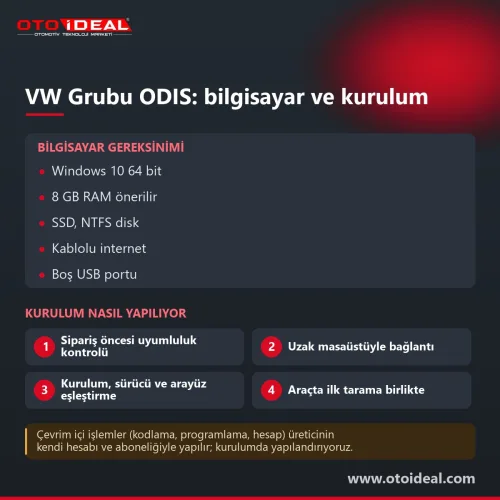
We install it remotely: Diagbox and its components, the Lexia 3 / PP2000 driver, antivirus and firewall exceptions, then a test on a car. You provide a Windows 11 64-bit PC with an administrator account, a remote desktop tool and an internet connection.
For 2026 Stellantis specifies Windows 11 64-bit only, an x86 processor of at least 1.9 GHz, 8 GB RAM (16 GB recommended), 11 GB of free disk, two USB ports and an internet connection. Diagbox must run with administrative privileges.
A Lexia 3 / PP2000 interface or Stellantis's own PSA interface. With certified J2534 Pass-Thru cards, Stellantis guarantees only reading functions.
No. Telecoding, ECU flashing and pairing are write operations that need approval from Stellantis's servers, through a VIN-based token or a Stellantis full-solution contract.
Opel's 2026 table puts models from Vivaro / Zafira Life (K0) onwards, including the Corsa F, on Opel Diagbox. Crossland X, Grandland X and Combo E stay on GDS2 with MDI / MDI 2.
No shipping — remote installation
No shipping — remote installation
No shipping — remote installation
No shipping — remote installation
Free shipping Ships within 2-3 days
No shipping — remote installation
Free shipping Ships within 2-3 days
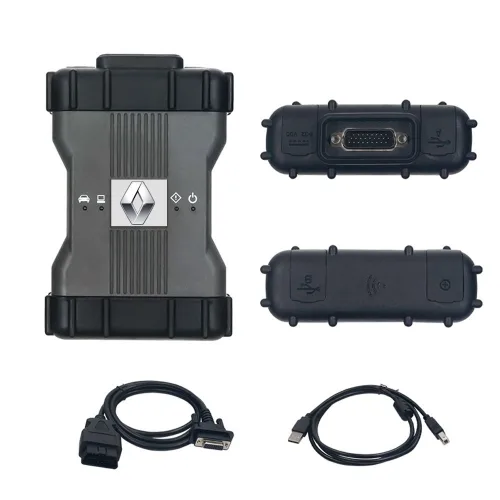

Free shipping In stock, ships the same day
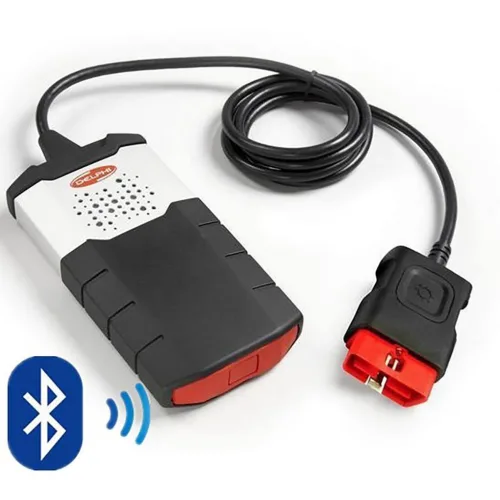
No shipping — remote installation
No shipping — remote installation
No shipping — remote installation
No shipping — remote installation
No shipping — remote installation
No shipping — remote installation
No shipping — remote installation
No shipping — remote installation
No shipping — remote installation
The EVPT VCU3000 on Stellantis' small electric vehicles could only be opened by bench or boot, and both start by removing the unit. With Fle...
Read More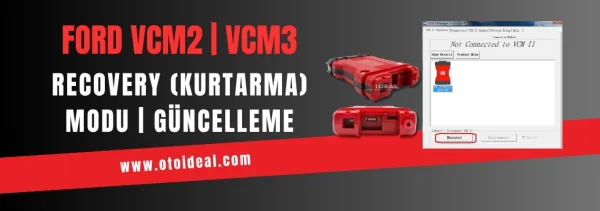
Ford VCM2 recovery and update process, fixing device detection issue in IDS software. Step-by-step guide for VCM2 recovery and update.
Read More
50+ Hidden Features in Your Peugeot! Automatic parking, driver fatigue detection, enhanced audio, and much more... Unlock them all with PP20...
Read More
Recognize common issues with AdBlue, DPF, and EGR systems in Peugeot vehicles and learn professional solutions. A comprehensive guide to emi...
Read MoreDouble-tap to zoom
Strictly necessary cookies keep the site working. With your permission we also keep visit statistics; you are not identified. Details