
VNCI
$433
VAT incl.
Free shipping Ships within 2-3 days

1 / 4
Current installation version: V234
 OEM
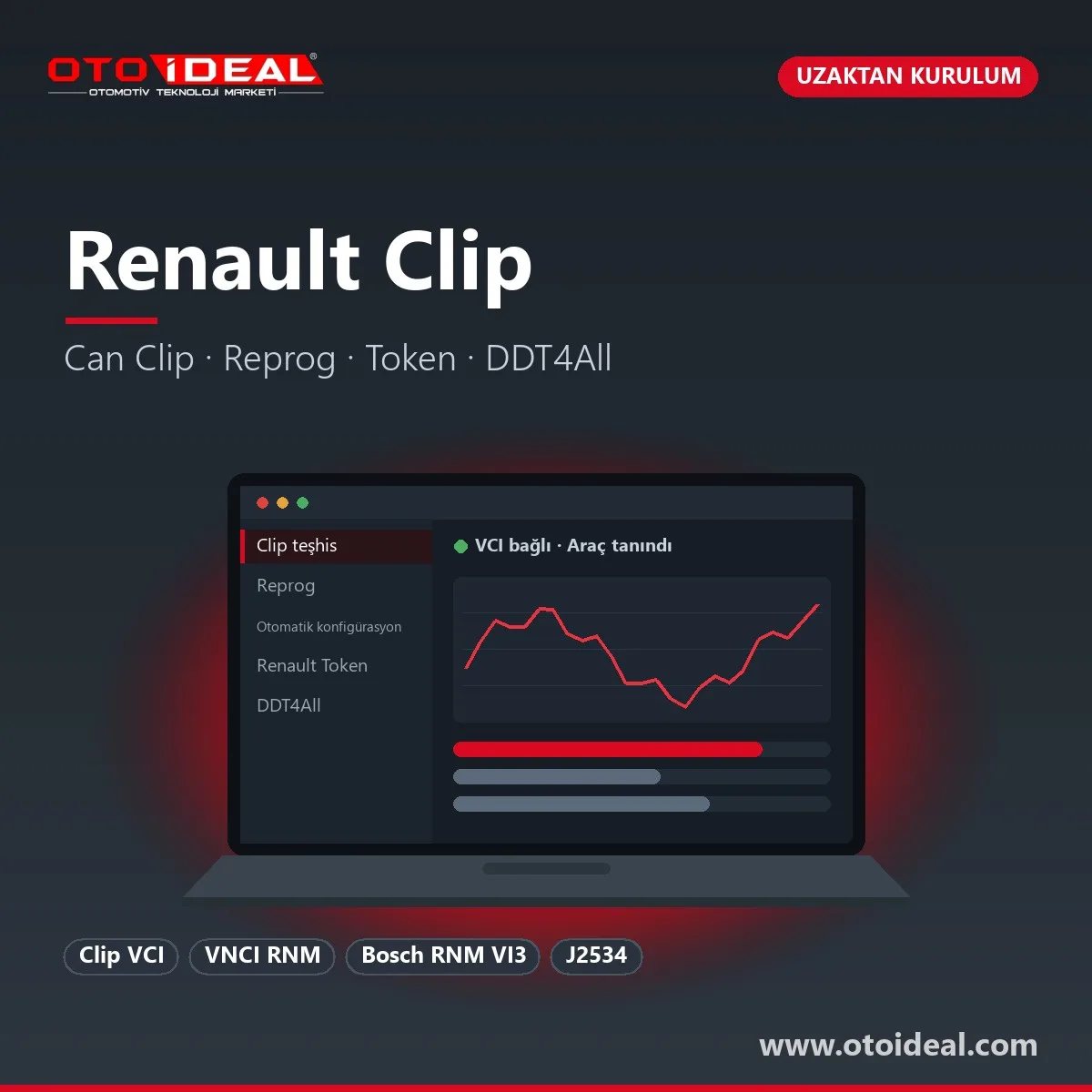
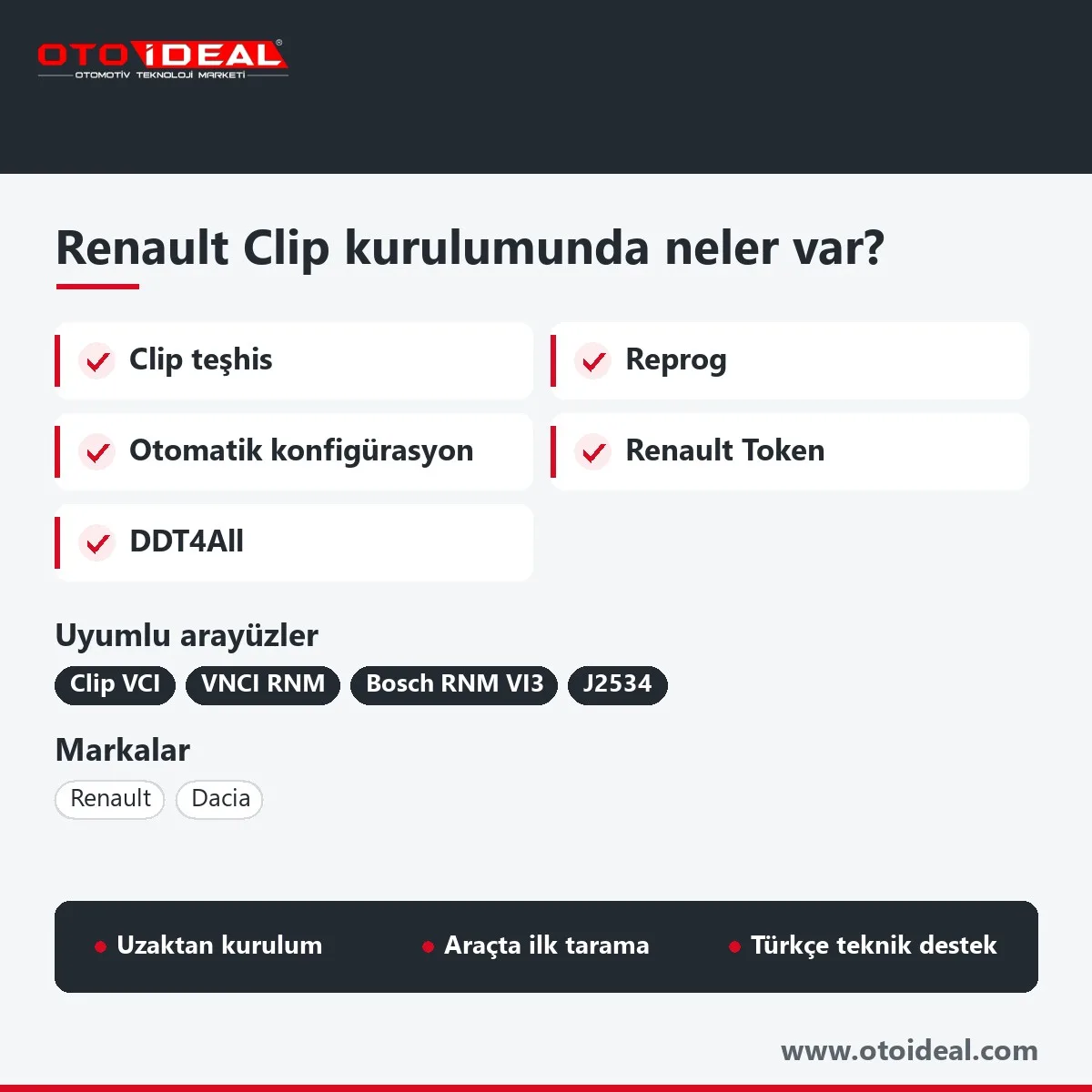
Renault CLIP (often called Can Clip in workshops) is the diagnostic, adaptation and programming application Renault uses in its after-sales network for Renault and Dacia vehicles. This listing is an installation and configuration service: we install CLIP on your Windows computer over a remote desktop session, pair it with your vehicle interface and run the first scan with you. The interface itself, such as the Renault Clip VCI, is a separate product.
Short answer: the installation covers CLIP (Turkish or another language), the interface driver and VCI Manager, interface pairing and a first whole-vehicle scan. CLIP runs on 64-bit Windows 10 with a Clip VCI, VNCI RNM or Bosch RNM VI3. Diagnostics, adaptations and service resets work offline. Reprog, automatic configuration and gateway unlocking on 2019-onward cars need Renault's own online authorisation: a physical token and a Renault account.
Renault's independent-operator portal, ASOS, describes CLIP and ADT as "the Renault After Sales diagnostic applications". There are two generations: CLIP for older vehicles and ADT (Alliance Diagnosis Tool) for newer ones. ADT was developed with Bosch and has been used in Renault workshops since May 2021, starting with the new-architecture Trafic and Kangoo. According to ASOS, models manufactured from 2022 onward, beginning with the Mégane E-Tech, are ADT territory.
So before you install anything, check which generation your typical car belongs to. A workshop working mostly on older models such as the Clio 4, Mégane 3 or Master 3 lives in CLIP. A workshop seeing mainly 2022-onward models needs ADT, a J2534 interface and a Renault subscription.
| Job | Mode | Note |
|---|---|---|
| Whole-vehicle scan, read and clear faults, live data | Offline | On gateway-equipped cars reading is open; clearing and writing need authorisation. |
| Actuator and component tests | Offline | Drive fans, pumps, valves and relays without removing parts. |
| Post-replacement learning, injector codes, service reset, forced DPF regeneration | Offline | Menus vary by model. |
| Reprog (ECU software update) | Online | Physical token and Renault account; in Renault's independent offer one reprogramming uses one credit. |
| Automatic configuration | Online | Writes the vehicle's characteristics to a replaced ECU; Renault limits it to certain Euro 5 and Euro 6 cars (Laguna 3, Mégane 3, Master 3 and others). |
| Gateway unlock | Online | Needed for jobs such as front camera and ADAS calibration on certain Euro 5 and Euro 6 cars. |
Emission work is diagnosis, repair and regeneration only; disabling emission systems on a road-going vehicle is not permitted under inspection rules. Common Renault AdBlue, DPF and EGR faults are covered in our Renault AdBlue and DPF article, and comfort settings in Renault hidden features.
| Interface | CLIP support | Note |
|---|---|---|
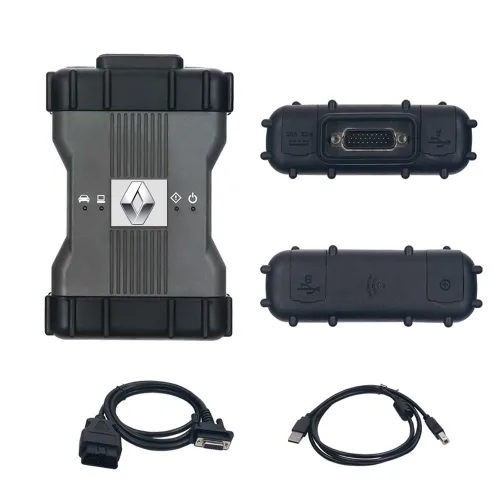
| Renault Clip VCI | Complete | CLIP's own interface for Renault and Dacia; set up through the VCI Manager. |
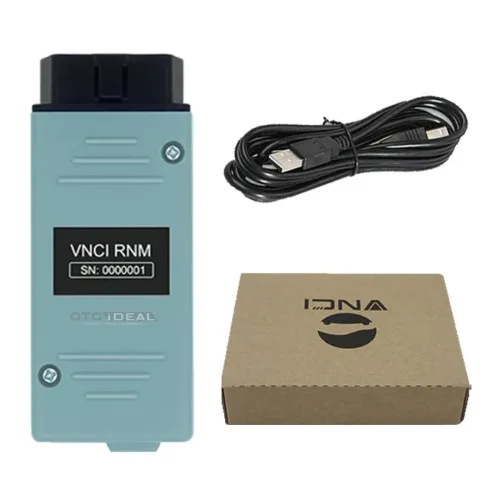
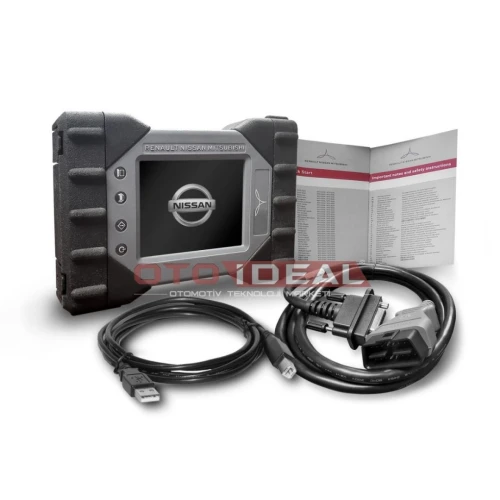
| VNCI RNM | Complete (CLIP and ADT) | Renault, Nissan and Mitsubishi; DoIP and CAN FD according to its product page. |
| Bosch RNM VI3 | Complete | Original Alliance interface; USB, Wi-Fi and Bluetooth. |
| Generic SAE J2534 devices | Device-dependent | Renault requires J2534 for its reprogramming module and ADT; we do not promise CLIP diagnostics on a J2534 device we have not tested. |
| ELM327, VLinker, OBDLink | No | These adapters are for independent tools such as DDT4All. |
CLIP is not written for Nissan or Mitsubishi; those brands use Consult and MUT-III, which is why the RNM interfaces run all three. For Renault-based Nissan and Mitsubishi models we decide by VIN, because we found no public manufacturer statement on which software applies.
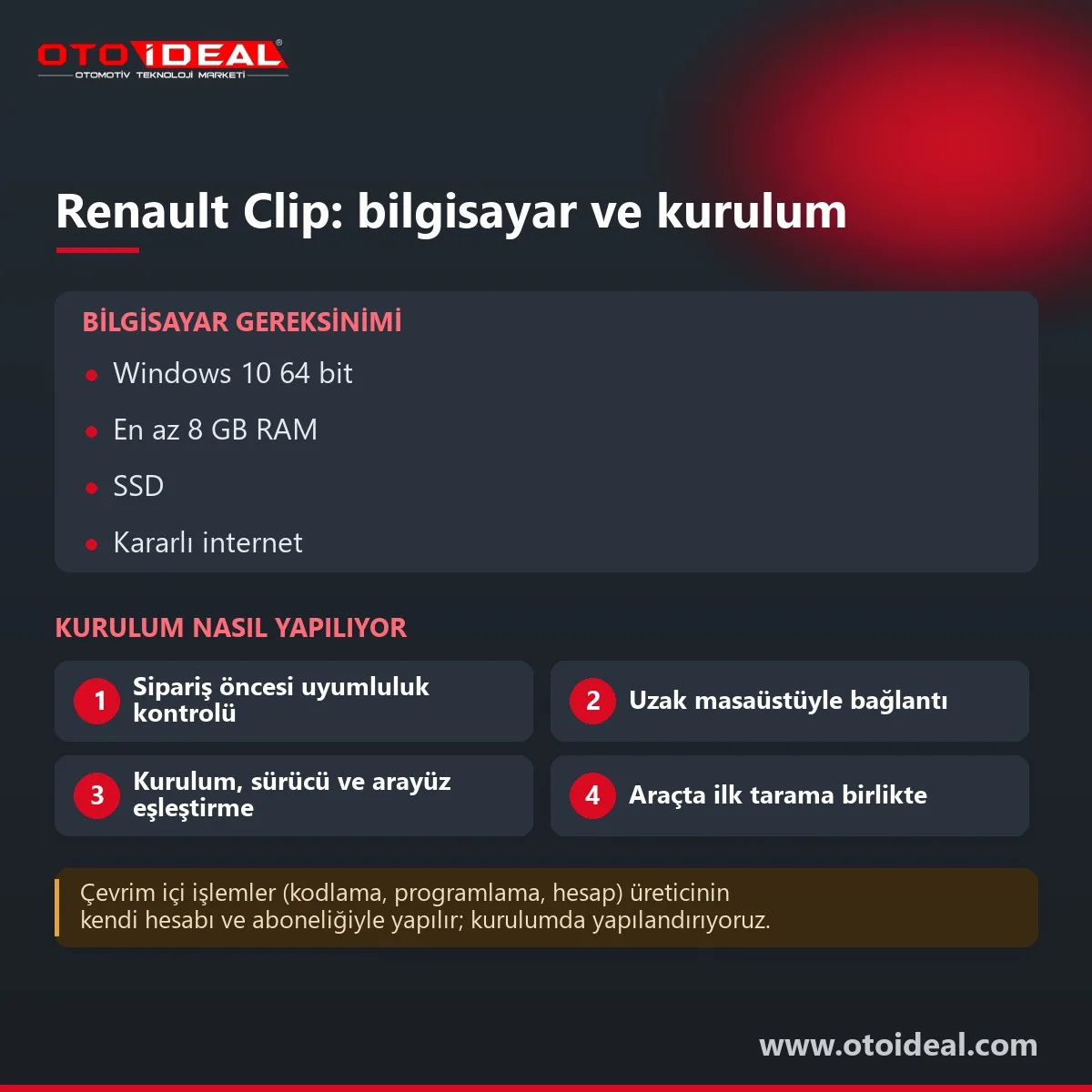
Renault publishes a separate hardware and network requirements document on ASOS and asks users to check it before any procedure. For an independent workshop laptop, this is the setup we install on:
| Item | Recommendation | Note |
|---|---|---|
| Operating system | Windows 10, 64-bit | We check Windows 11 machines remotely before installing. CLIP does not run on macOS without Windows. |
| Memory | 8 GB RAM or more recommended | Noticeable with CLIP and New Dialogys open together. |
| Storage | SSD | Leave room for version upgrades. |
| Connection | USB; stable, preferably wired internet | A dropped connection can interrupt an online job. |
| Power settings | On mains, sleep and screen lock off | Renault's programming note asks for the screen lock to be disabled or set to at least 60 minutes. |
| Security software | Exceptions may be needed | Antivirus or firewall rules can block the interface driver or online traffic. |
| Vehicle battery | Approved charger | CLIP stops with a "BATTERY VOLTAGE TOO LOW" or "TOO HIGH" warning outside its range. |
You need a 64-bit Windows 10 computer with an administrator account, a remote desktop tool such as AnyDesk or TeamViewer, stable internet, your interface and a car with a healthy battery.
CLIP versions carry a three-digit number; the "234" in this product's former name was version V234. Each version recognises models released up to its date, and Renault's programming note requires the latest CLIP update before reprogramming. Our current installation version is shown at the top of this page. Renault has moved its independent CLIP offer to a subscription model, and new subscriptions work only with the new CLIP release.
According to ASOS, diagnostics require three things from Renault: a physical token for authentication, a software module (CLIP or ADT) and a subscription. Reprogramming adds a J2534 interface and credits. CLIP carries these operations; Renault grants the authorisation.
ASOS limits its reprogramming and documentation offers to EU member states and refers other countries to the local Renault after-sales network. The physical token product page and the Renault token article cover the token side.
DDT4All is a GPL-3.0 open-source diagnostic tool for CAN networks; it is not a Renault product. The project calls itself independent and unofficial, and not a replacement for factory tools. It works with ELM327, VLinker and OBDLink-class adapters and shows ECU screens at parameter level.
It cannot write to gateway-locked Renault and Dacia cars, because it has no Renault account to obtain online authorisation, and expert mode can leave an ECU inoperative if misused. We install CLIP only; DDT4All installation and support are not part of this service.
It does not suit workshops focused on 2022-onward models (they need ADT), users with only an ELM327 adapter, or anyone expecting online programming without a Renault account.
Honest note: the CLIP licence and online services belong to Renault. Oto İdeal does not sell Renault licences; we provide installation and configuration only. Reprog, automatic configuration and gateway unlocking depend on Renault's authorisation. Other brand software we install is listed under software and licences, and multi-brand scan tools under diagnostic devices.
All OEM Diagnostic Software and Installation → All OEM (Original Equipment Manufacturers) Diagnostic Device →
We install CLIP on 64-bit Windows 10 with at least 8 GB RAM recommended, an SSD, a USB port and stable internet. Renault publishes a separate hardware and network requirements document on its ASOS portal and asks users to check it before any procedure.
A Renault Clip VCI, VNCI RNM or Bosch RNM VI3. Generic J2534 devices vary; ELM327-type adapters do not run CLIP and are meant for tools such as DDT4All.
No. Reprog, automatic configuration and gateway unlocking need Renault's online authorisation: a physical token, a Renault account and, for reprogramming, credits. CLIP carries these operations but does not grant them.
Renault's ASOS portal points models manufactured from 2022 onward, starting with the Mégane E-Tech, to ADT rather than CLIP. We check the VIN before installation.
No. DDT4All is an open-source, unofficial tool that the project itself says does not replace factory tools, and it cannot write to gateway-locked Renault and Dacia cars.
Free shipping Ships within 2-3 days
No shipping — remote installation
No shipping — remote installation
No shipping — remote installation
Free shipping Ships within 2-3 days
No shipping — remote installation
Free shipping Ships within 2-3 days
Free shipping Ships within 2-3 days
Free shipping In stock, ships the same day
Free shipping Ships within 2-3 days
No shipping — remote installation
No shipping — remote installation
No shipping — remote installation
No shipping — remote installation
No shipping — remote installation
No shipping — remote installation
No shipping — remote installation
No shipping — remote installation
No shipping — remote installation
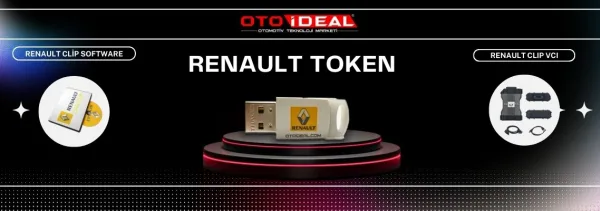
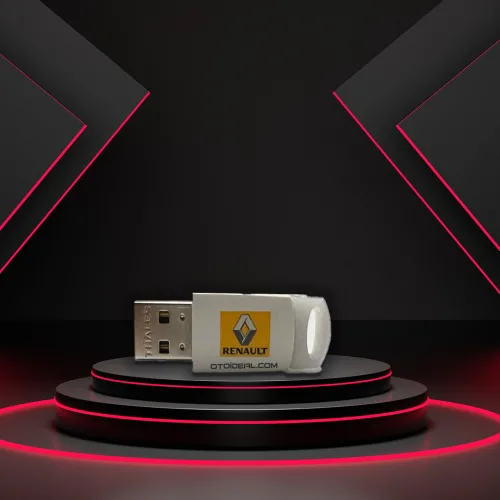
The Renault physical token is the key to online programming, coding and adaptation on Renault and Dacia vehicles. Here is how it works and w...
Read More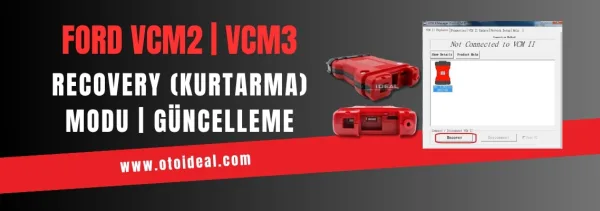
Ford VCM2 recovery and update process, fixing device detection issue in IDS software. Step-by-step guide for VCM2 recovery and update.
Read More
FORScan is an independent diagnostic program for Ford and Mazda. Which version to download, Standard versus Extended licence, getting a lice...
Read More
Discover how to unlock Mercedes-Benz hidden features, CarPlay and NTG activation with Star Diagnostic, Xentry and Vediamo. Professional codi...
Read MoreDouble-tap to zoom
Strictly necessary cookies keep the site working. With your permission we also keep visit statistics; you are not identified. Details