OEM
Ask us for the price
No shipping — remote installation
1 / 3
 OEM
OEM
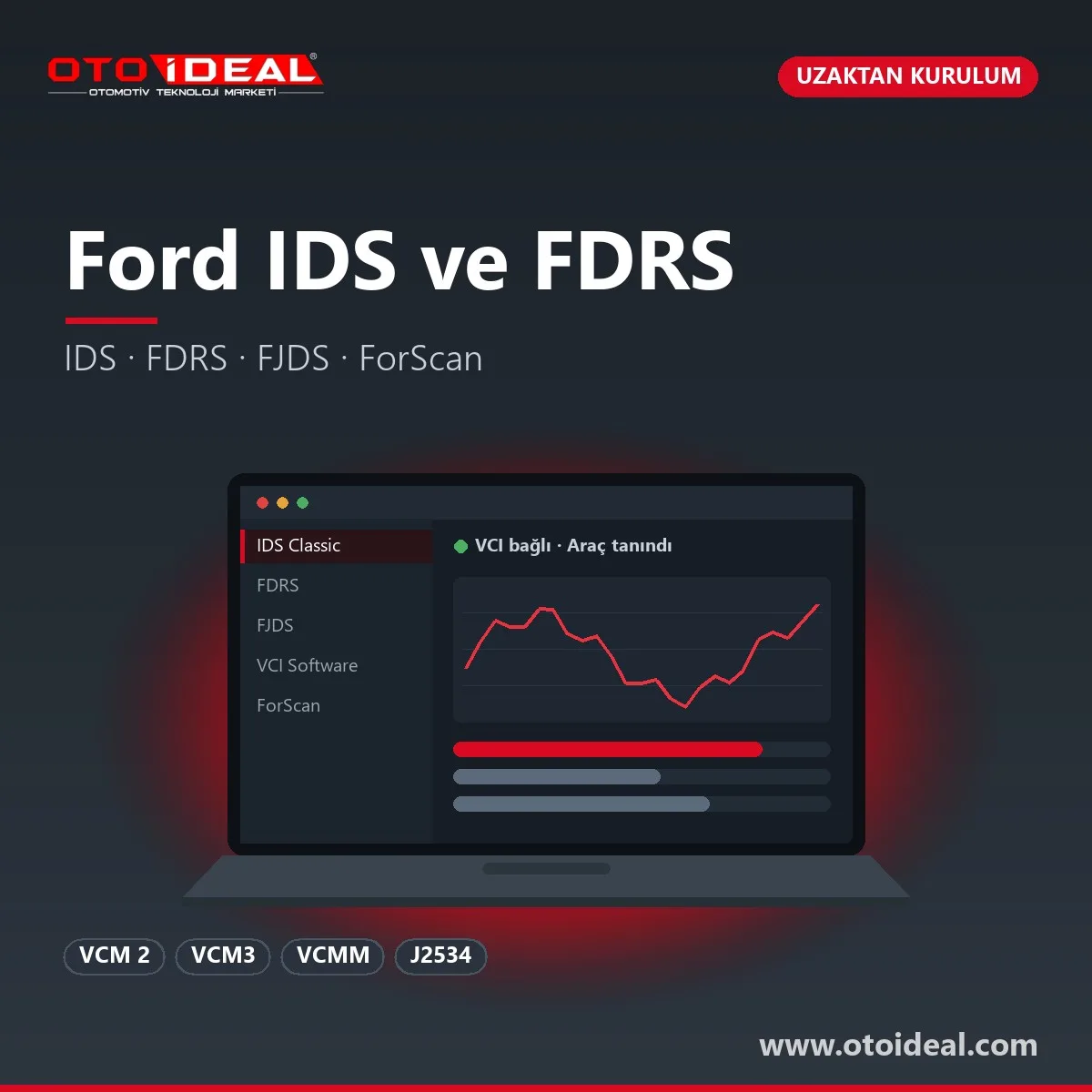
Ford IDS (Integrated Diagnostic System) is the dealer-level diagnostic and module programming software Ford uses for Ford, Lincoln and Mercury vehicles from 1996 up to select 2018 models. FDRS (Ford Diagnostic and Repair System) is its cloud-connected successor for 2018 and later models. What we sell here is the Ford IDS installation and FDRS installation service: we set up the software on your PC, pair your VCM 2 and run the first vehicle with you over a remote session. The interface is a separate product, and the subscription comes from Ford, not from us.
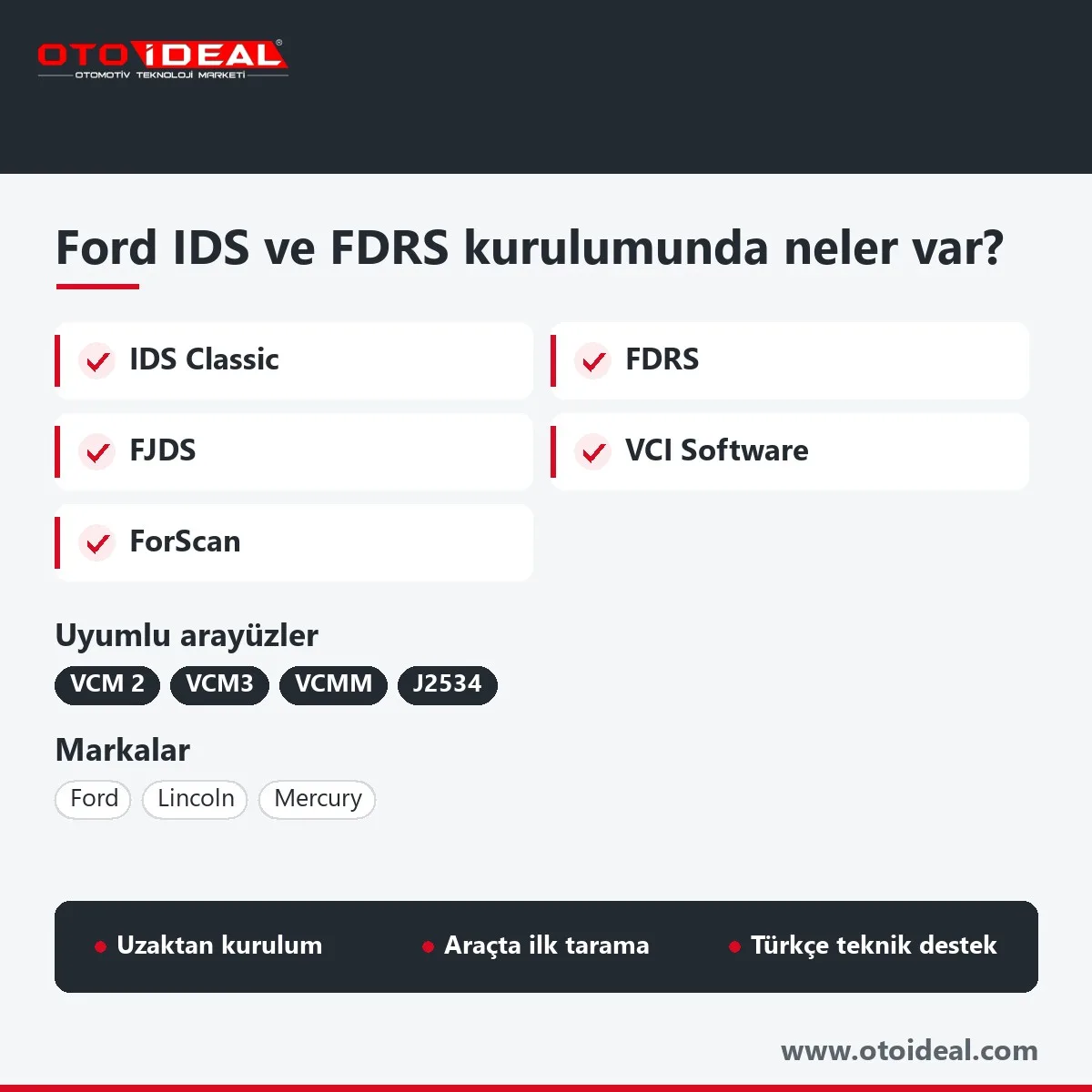
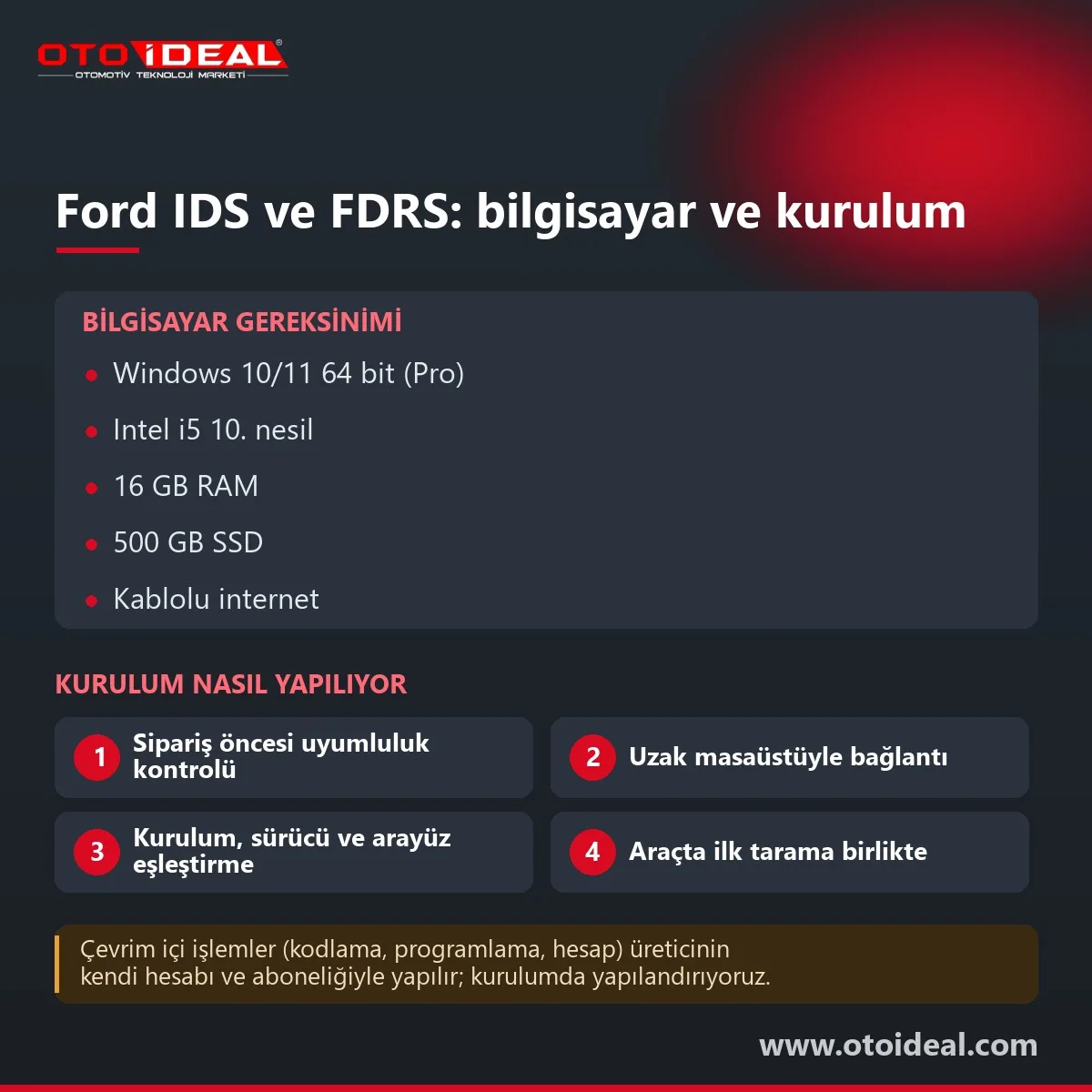
Short answer: We install IDS or FJDS, FDRS and Ford VCI Software on 64-bit Windows 10 or 11, pair the VCM 2 over USB (then wireless if wanted) and test on a car. Ford recommends a 10th-gen Core i5, 16 GB RAM and a 500 GB SSD. FDRS logs in with your Ford account and needs the internet for most jobs. You buy the subscription directly from Ford.
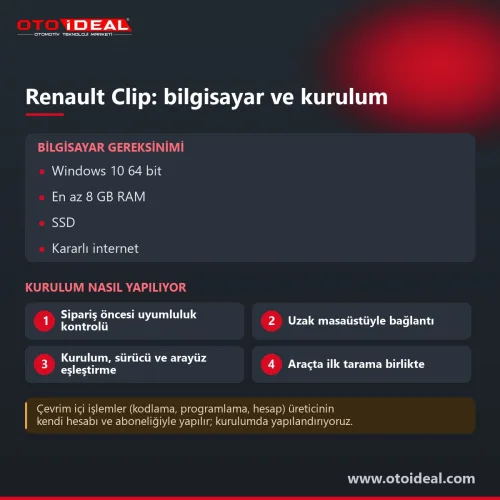
On your side you need a Windows administrator account, a solid internet connection (wired is better), a remote desktop tool, your Ford account details and the VCM 2 next to a vehicle.
IDS
Locally installed software for 1996 to select 2018 vehicles. Requires Ford hardware: VCM 2, VCM3 or VCMM. Sold in Europe as "IDS Classic" inside the FDRS licence.
FDRS
For 2018-on models. Pulls VIN-specific tools from Ford's servers at every session. Works with VCM 2, VCM3, VCMM and J2534 pass-thru devices.
FJDS
In Ford's words, IDS Classic with J2534 compliance built in. For shops without a Ford VCM. Cannot run alongside IDS on the same PC.
ForScan
Third-party software for diagnosis, service functions, configuration and PATS. The usual tool for enabling hidden features on Fords.
Ford's rule: IDS covers 1996 to select 2018 vehicles, FDRS covers some 2018-and-later ones. Ford publishes its FDRS vehicle list for North America only. There, FDRS starts at EcoSport 2018, Ranger and Transit Connect 2019, Transit and Escape (Kuga) 2020, and F-150 2021; everything else stays on IDS or FJDS. For European-only models such as Transit Custom, Transit Courier, Puma and the later Fiesta and Focus generations, we install both programs, since one subscription opens both, and use whichever recognises the VIN.
| Interface | IDS | FDRS / FJDS | Notes |
|---|---|---|---|
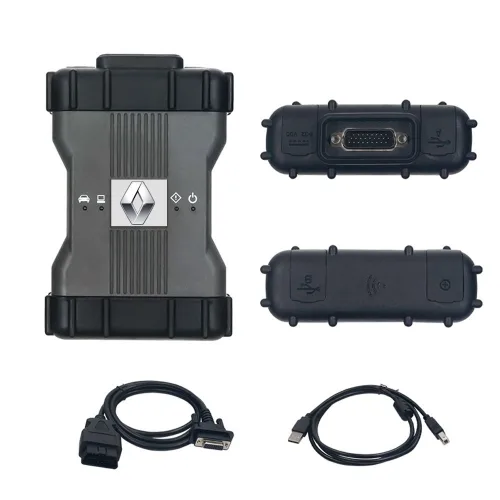
| Ford VCM 2 interface | Yes | Yes | Discontinued, but Ford states it still performs full dealer-level diagnostics on 1996-to-present vehicles. USB, optional wireless, J2534 programming voltage output. No CAN FD in its spec. |
| VCM3 | Yes | Yes, recommended | Faster module programming on CAN FD vehicles; J1708 and J1939 for medium-duty trucks |
| VCMM | Yes | Yes | VCM plus scope, multimeter and vibration analysis; needs VMS software and DirectX 11 |
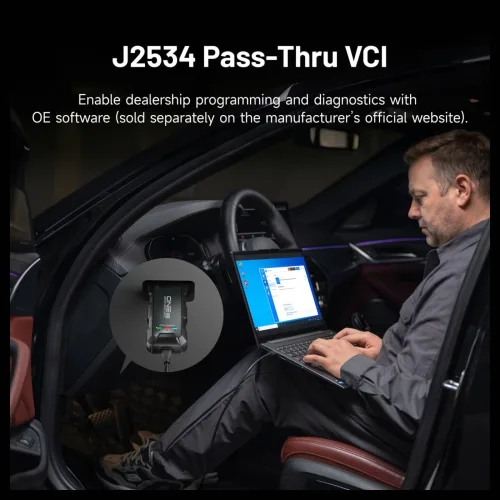
| J2534 pass-thru | No | Yes | Officially supported by FDRS and FJDS |
| "VCM-compatible" units (VNCI and similar) | Varies | As J2534 | Not on Ford's list; we check IDS behaviour per model before installing |
| ELM327 readers | No | No | ForScan only, and ForScan itself no longer recommends ELM327 |
VCM 2 talks CAN (high and medium speed), ISO 9141 K-Line, SCP (J1850 PWM), J1850 VPW and Ford's own UBP. That is why one VCM 2 covers IDS, FDRS and ForScan. For the newest CAN FD vehicles Ford recommends VCM3 for programming speed; for diagnostics VCM 2 is enough.
| Item | Ford minimum recommendation | What we check |
|---|---|---|
| OS | Windows 10 or later, Professional recommended | 64-bit only; major Windows updates finished before we start |
| CPU | Intel Core i5 10th gen or equivalent | No ARM laptops; ForScan does not support ARM either |
| RAM | 16 GB | We warn you before installing on less |
| Storage | 500 GB SSD | The IDS full installer alone is over 1.1 GB; FDRS and VCI Software add about 900 MB |
| USB | 2 × USB 3.1 | First pairing is always over USB |
| Display | 1600 × 900 minimum | Text clipping in VCI Manager on low resolutions was fixed in 1.0.1.21 |
| Network | Wired gigabit Ethernet preferred; 802.11ac/ax wireless | FDRS connects to Ford at every session; weak workshop Wi-Fi slows it down |
| Security | Installation needs administrator rights | Firewall prompts allowed for Ford components, antivirus exclusions set |
The setting most shops miss is the power plan. If the laptop sleeps or cuts USB power during programming, the session drops and the module can be left half-flashed. We turn off sleep and USB power saving and ask you to run on mains power.
| Symptom | Cause | Fix |
|---|---|---|
Error 0 or authentication failed | No active subscription, or a broken IDS install | Confirm the subscription is assigned; uninstall, reboot, run Cleanup Utility, reboot, reinstall |
| VCM not found | VCI Software missing or outdated; VCM 2 stuck in recovery mode after an interrupted update | Update VCI Software; reload firmware via VCM2 recovery mode |
| Wireless VCM 2 not listed | VCM 2 not powered from the vehicle | Connect it to the car through the DLC cable and rescan |
| Wireless drops after a Windows 11 update | Security update KB5072033 broke P2P connections | Update to VCI Software 1.0.1.21 (July 2026) |
| FJDS programming timeout | FJDS session timeout | Run Ford's FJDS Timeout Reset Utility as administrator |
We never bypass licence checks; a missing subscription or account assignment gets fixed on Ford's side. More connection issues are covered in our Ford FDRS vs IDS article.
IDS and FJDS releases are numbered "R" plus a number: R133.01 shipped in June 2026 and the R133.02 update in September 2026. A full installer carries the main release, and point releases install on top. The FDRS client has its own number (50.5.2 at the time of writing), but its vehicle tools come from Ford's cloud at every login. Our current installation version is shown at the top of this page, and we upgrade existing installs remotely when Ford publishes a new release.
ForScan is independent software, licensed from forscan.org. The Standard licence is free and covers diagnosis, live data, tests and service functions. Configuration and programming, PATS key programming and Powershift (6DCT250) adaptive learning need the Extended licence: a free two-month trial, or a paid one-year licence for one PC that starts on the purchase date. ForScan supports 1996–2024 model-year Fords, with only "best-effort" support from 2025.
We install it, help choose the adapter (ForScan recommends OBDLink EX; J2534 devices and VCM 2 also work) and enter the licence. Usage details are in our ForScan article, and feature lists by model in Ford hidden feature unlocking.
Honest note. We do not sell Ford subscriptions. Ford states that its own portal is the only legitimate source of FDRS software and licences, that there are no licensed resellers, and that accounts using software from other sources are suspended. FDRS programming, configuration and key functions run through Ford's servers; key programming in Europe also needs Ford's separate security accreditation, granted for FDRS on full Euro 5 and later vehicles. VCM 2 is fine for diagnostics, while Ford recommends VCM3 for programming speed on CAN FD vehicles.
Need the hardware first? See the Ford VCM 2 page. Subscription terms and the IDS versus FDRS split are explained in our FDRS and IDS article, Ford AdBlue warnings in Ford AdBlue system issues, and other makers' service software in the software and licence category.
All OEM Diagnostic Software and Installation → All OEM (Original Equipment Manufacturers) Diagnostic Device →
If the PC is ready, installation, VCM 2 pairing and the first vehicle test usually fit into one remote session. Connection speed is the main factor, since the IDS, FDRS and VCI Software installers add up to more than 2 GB.
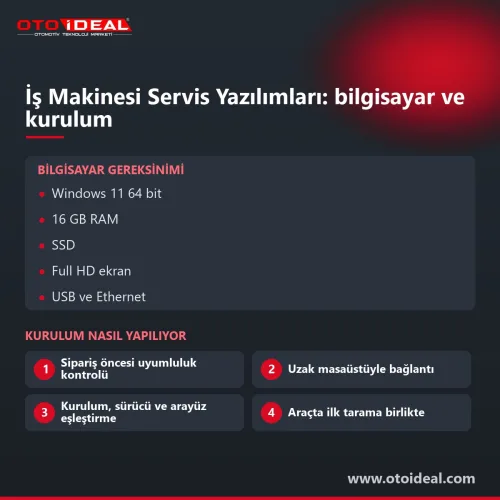
Ford's minimum recommendation is Windows 10 or later (Professional preferred), a 10th-gen Intel Core i5 or equivalent, 16 GB RAM, a 500 GB SSD, two USB 3.1 ports and a wired network connection where possible.
Yes. Ford states the discontinued VCM II still performs full service-level diagnostics on 1996-to-present vehicles with IDS and FDRS. For faster programming on new CAN FD vehicles Ford recommends VCM3.
No. Ford's own portal is the only legitimate source of FDRS software and subscriptions. You buy the subscription from Ford; we install the software and pair your VCM 2.
No. IDS needs Ford hardware such as VCM 2, VCM3 or VCMM. With a J2534 device you use FJDS for older vehicles and FDRS for newer ones.
The ForScan Standard licence is free. Configuration, programming and PATS functions need the Extended licence, available as a free two-month trial or a paid one-year licence for one PC from forscan.org.
No shipping — remote installation

No shipping — remote installation
Free shipping
No shipping — remote installation
No shipping — remote installation
Free shipping Ships within 2-3 days
No shipping — remote installation
Free shipping Ships within 2-3 days

Free shipping In stock, ships the same day
No shipping — remote installation
No shipping — remote installation
No shipping — remote installation
No shipping — remote installation
No shipping — remote installation
No shipping — remote installation
No shipping — remote installation
No shipping — remote installation
No shipping — remote installation
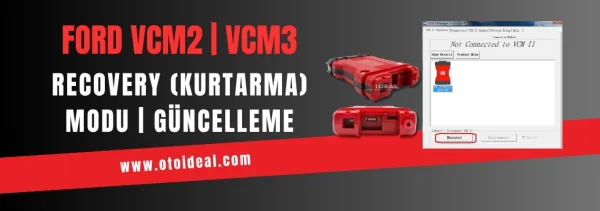
Ford VCM2 recovery and update process, fixing device detection issue in IDS software. Step-by-step guide for VCM2 recovery and update.
Read More
FORScan is an independent diagnostic program for Ford and Mazda. Which version to download, Standard versus Extended licence, getting a lice...
Read More
It includes the activation of hidden features in Ford vehicles, which features can be activated, and a detailed examination of the devices u...
Read More
Ford Transit, Kuga, Focus, Courier, and other models: AdBlue, DPF, EGR issues and solutions. Is your AdBlue light on? Find out how to reset...
Read MoreDouble-tap to zoom
Strictly necessary cookies keep the site working. With your permission we also keep visit statistics; you are not identified. Details