

OEM
Ask us for the price
No shipping — remote installation


1 / 3
Current installation version: 26
 OEM
OEM
ODIS (Offboard Diagnostic Information System) is the service software Volkswagen Group uses to diagnose, code and update control units on Volkswagen, Audi, SEAT, CUPRA, Skoda and Volkswagen Commercial Vehicles; the same platform also covers Bentley and Lamborghini. What we offer here is ODIS installation for the VAS 6154, VAS 6154A and VNCI 6154A: we connect to your laptop remotely, install ODIS Service 26 and ODIS Engineering 19, pair your interface and run the first vehicle scan with you. A VAS 5054A runs different releases; see VAS 5054A ODIS installation. The vehicle interface is a separate product. Licences and online services belong to the manufacturer.
Short answer: ODIS Service covers guided fault finding, service functions and SVM software updates; ODIS Engineering adds control-unit-level long coding, adaptation, flashing and datasets, and we install both. The interface is a VAS 6154, VAS 6154A or VNCI 6154A. A VAS 5054A does not run these releases; its installation, with ODIS Service 7.2.1, ODIS Engineering 12 and VAS PC, is a separate product. The laptop runs Windows 10 64-bit. GeKo, SVM and SFD unlocking are online: the software carries them, the manufacturer grants the access.
ODIS Service opens a session by VIN, interrogates every control unit and proposes test plans based on the fault memory. That guided path is called GFF (Guided Fault Finding). ODIS Engineering skips the guided path: you pick a control unit and work directly on its coding string, adaptation channels and flash process. The product the manufacturer sells to independent operators through its erWin portal is ODIS Service; ODIS Engineering is the Group's development and engineering tool. We install both.
| Topic | ODIS Service | ODIS Engineering |
|---|---|---|
| Workflow | VIN-based session, GFF and test plans | Direct access per control unit, no test plans |
| Coding | Manufacturer-defined routines; online coding for new units | Long coding and adaptation channels by hand |
| Software update | SVM code; file and approval come from the server | The user selects the flash container and dataset |
| Safeguards | Checks vehicle conditions and refuses an update that does not apply | Matching file to control unit is the user's responsibility |
| Online functions | GeKo, SVM, SFD unlock; needs a manufacturer account | Writing to an SFD-protected unit still needs online authorisation |
From model year 2020, SFD can lock coding, adaptation, basic settings and some output tests until the unit is unlocked online. The unlock is per control unit and time-limited; neither ODIS nor any aftermarket tool removes it permanently.
| Interface | Status | Note |
|---|---|---|
| VAS 6154A | On the manufacturer's current list | Wi-Fi, LAN and USB; Windows 10 |
| VAS 6154 | On the manufacturer's current list | Wi-Fi and USB; wireless use needs a WPA2-encrypted network |
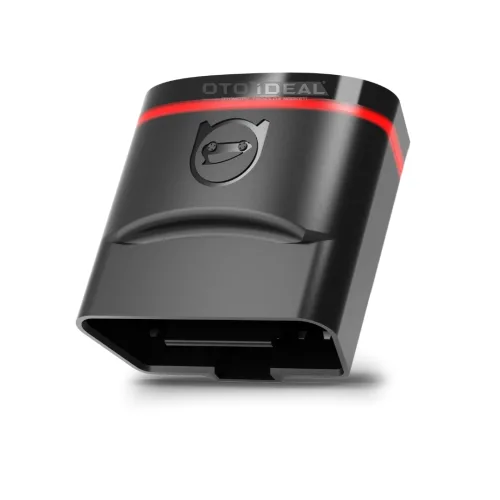
| VNCI 6154A interface | ODIS Service 26 and ODIS Engineering 19 | CAN FD and DoIP, Wi-Fi and USB. Not VAS hardware; the manufacturer's software support is tied to VAS hardware |
| VAS 5054A interface | Last releases: ODIS Service 7.2.1 and ODIS Engineering 12 | Bluetooth and USB, K-Line and CAN generation, no DoIP; no longer on the current list. Installed with VAS PC on the VAS 5054A ODIS installation page |
| SAE J2534 pass-thru | Supported by ODIS Service | The device must be validated for ODIS; support is not guaranteed for unvalidated devices |
Model year matters more than platform name. SFD arrived with model year 2020, which covers MQB evo cars such as the Golf 8, Octavia 4, Leon 4 and A3 8Y, and the MEB electric range. MEB cars from 2022 and most Group models from 2023 carry an Ethernet line (DoIP) in the OBD socket. For these vehicles you need a current ODIS release and a 6154-family interface.
| Item | Manufacturer's figure | Our advice |
|---|---|---|
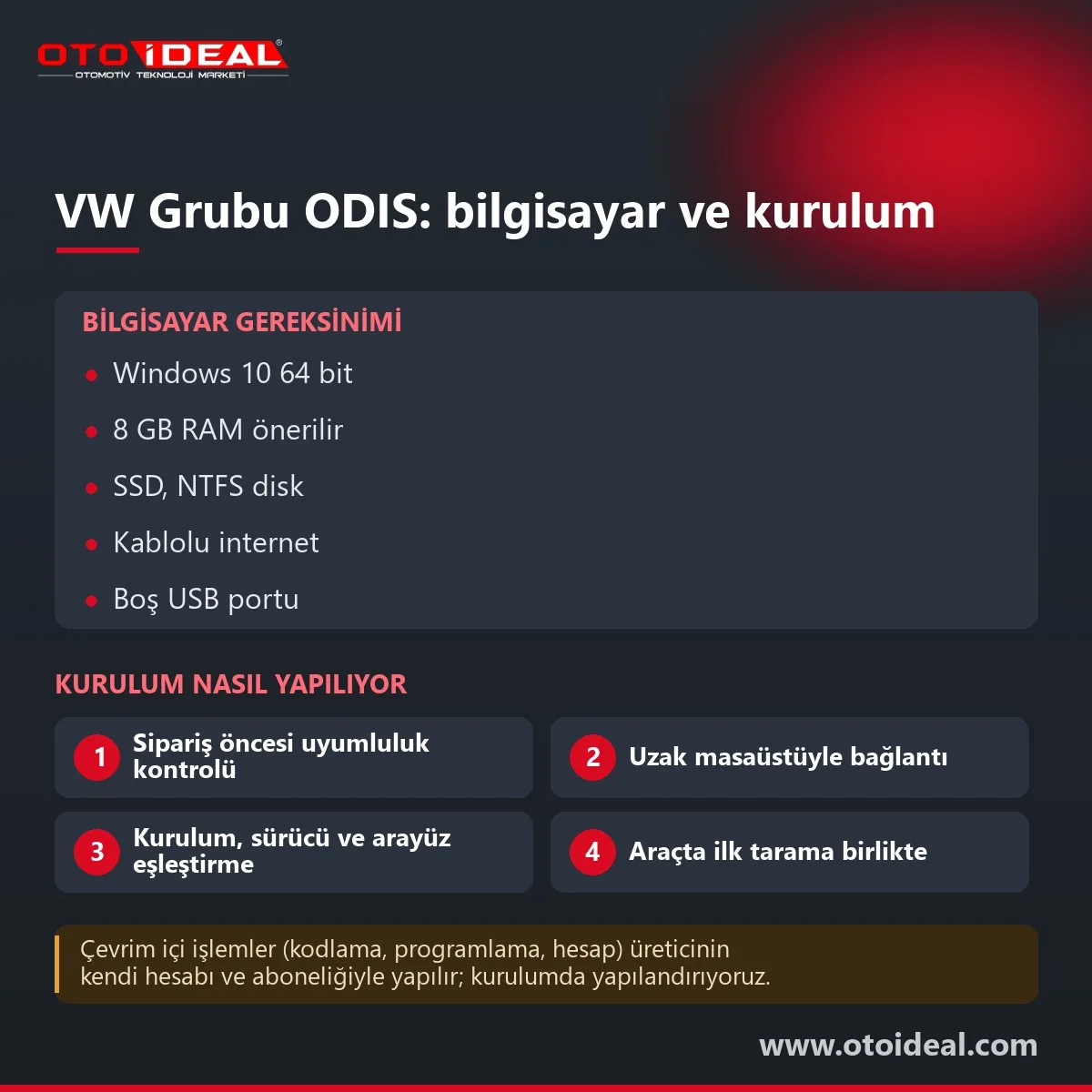
| Operating system | Windows 10, 64-bit | Windows 10 Pro 64-bit; Windows 11 is not on the manufacturer's list |
| Processor | 1 GHz minimum; 2 GHz dual core recommended | A current multi-core laptop CPU |
| RAM | 2 GB minimum; 4 GB recommended with virtual memory enabled | 8 GB or more, especially with ODIS Engineering on the same machine |
| Disk | 15 GB free on NTFS; about 4 GB per brand plus 1 GB per language | SSD with generous free space for flash files and session logs |
| Display | 800×600 minimum; 1024×768 recommended | Full HD for readable test plans |
| Ports and network | One free USB port; online connection | Wired internet; USB cable to the interface when flashing |
| Software | Microsoft Edge or Firefox; Visual Studio 2010 libraries; admin rights to install; up-to-date antivirus | Sleep and power saving disabled during flashing |
| Account (erWin users) | GRP user account and two-factor authentication | We help set it up |
Microsoft ended Windows 10 support on 14 October 2025, yet the ODIS requirement still names Windows 10. Keep ODIS on a laptop reserved for diagnostics.
ODIS carries two numbers: the application version and the brand diagnostic content version. In July 2020, for example, the application was 6.1.0 and the diagnostic content 2.40.7. Both appear under Info > Versions. With the VAS 6154 family we currently install ODIS Service 26 and ODIS Engineering 19; the last releases the VAS 5054A runs are ODIS Service 7.2.1 and ODIS Engineering 12. New models and new control unit software arrive with diagnostic content, so an old installation may not recognise a newer car; our current installation release is shown at the top of this page.
GeKo adapts immobiliser parts and keys and handles component protection; SVM updates control unit software against the target version on the server; SFD unlocks write access per unit. All three are granted by the manufacturer to a named person. For independent operators, the route is erWin: business registration, a GRP account, two-factor authentication and a time-based usage right from one hour to one year.
In the EU, security-related work such as keys and immobiliser also needs SERMI certification for the business and each user. erWin is currently open in the EU, Norway, Switzerland and the UK. We do not provide these rights: the software carries the functions, the manufacturer grants access.
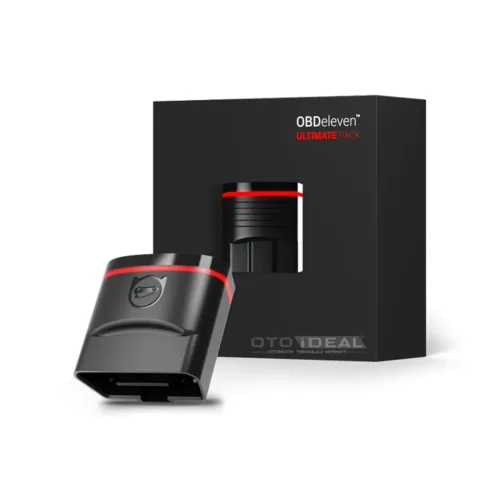
VCDS from Ross-Tech runs on Windows with a HEX-V2 or HEX-NET interface; it is quick for coding, adaptation and measured values, unlocks SFD through its own online process, and only the HEX-NET supports DoIP. OBDeleven 3 works from a mobile app and suits everyday coding, with SFD unlocking on the Pro and Ultimate plans, but it does not load control unit software and does not yet support SFD2 on 2024-on vehicles. Neither carries the manufacturer's test plans, SVM updates or GeKo functions; that is ODIS territory, so many Group specialists pair one of them, often the OBDeleven Ultimate package, with ODIS.
It does not suit a driver tweaking one car, or anyone planning to flash without a battery charger and a cable.
Honest note. ODIS licences and online services belong to Volkswagen Group; we install, configure and support, and we do not sell manufacturer licences or accounts. The VAS 5054A does not run ODIS Service after 7.2.1, has no DoIP and is off the current list; this installation is for the 6154 family, which 2022-on models also need, and the laptop must meet the requirements above. ODIS Engineering can brick a control unit with a wrong file or an interrupted write.
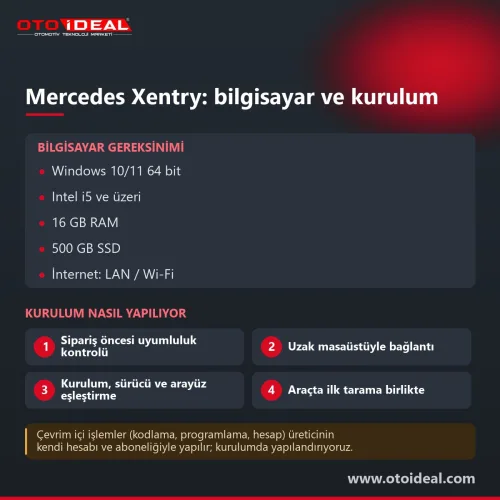
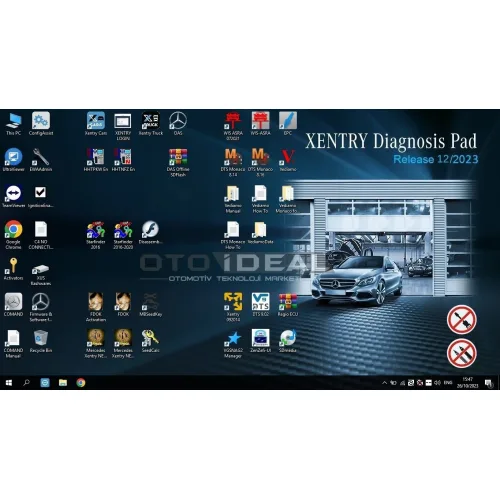
Interfaces: VNCI 6154A and VAS 5054A. Other OEM software installations include Mercedes Xentry and BMW ISTA; the full range is in software and licences.
All OEM Diagnostic Software and Installation → All OEM (Original Equipment Manufacturers) Diagnostic Device →
The manufacturer lists Windows 10 64-bit, at least 15 GB free NTFS space, 2 GB RAM minimum with 4 GB recommended, one free USB port, an online connection and admin rights for installation. We recommend 8 GB RAM and an SSD.
The manufacturer's current list names the VAS 6154 and VAS 6154A, plus validated J2534 pass-thru devices; this installation is for the VAS 6154, 6154A and VNCI 6154A. A VAS 5054A runs nothing after ODIS Service 7.2.1 and ODIS Engineering 12 and has no DoIP; its installation, with VAS PC, is a separate product.
ODIS Service is the guided workshop tool with test plans and online SVM, GeKo and SFD functions. ODIS Engineering works directly on single control units for long coding, adaptation, flashing and datasets, without the guided safeguards.
According to the manufacturer, it appears when the online update fails during a move to a new application version. The fix is to uninstall and reinstall ODIS Service.
Windows 11 is not on the manufacturer's requirement list, which names Windows 10 64-bit only. We discuss the laptop before installation.
With the VAS 6154, 6154A and VNCI 6154A we install the current ODIS Service release, shown in the badge at the top of this page, and ODIS Engineering 19. The VAS 5054A stops at ODIS Service 7.2.1 and ODIS Engineering 12; its installation, with VAS PC, is a separate product.
No shipping — remote installation

No shipping — remote installation

Free shipping Ships within 2-3 days
Free shipping Ships within 2-3 days

No shipping — remote installation

Free shipping Ships within 2-3 days

Free shipping In stock, ships the same day

No shipping — remote installation
No shipping — remote installation
No shipping — remote installation
No shipping — remote installation
No shipping — remote installation
No shipping — remote installation
No shipping — remote installation

No shipping — remote installation
No shipping — remote installation
Ford VCM2 recovery and update process, fixing device detection issue in IDS software. Step-by-step guide for VCM2 recovery and update.
Read More
Enhance your vehicle's performance with DSG transmission calibration. This process resolves chronic issues, improves gear shifts, and boosts...
Read More
At this point, as a service provider, we are committed to building environmental awareness and supporting electric vehicle usage by installi...
Read More
We are proud to announce that our team has successfully installed the 2023.6 Xentry software for Mercedes SD Connect C4, C5, and C6 (Doip) d...
Read MoreDouble-tap to zoom
Strictly necessary cookies keep the site working. With your permission we also keep visit statistics; you are not identified. Details